
Give it a memorable character
A ghost afraid of the dark or a skeleton who loses the beat gives a song a story. Name what happens and how it feels. For instrumental music, describe the place and the change in tension instead.
The AI Halloween Music Generator starts with your scene. Describe it, choose the mood, then listen for the version that belongs in your project.

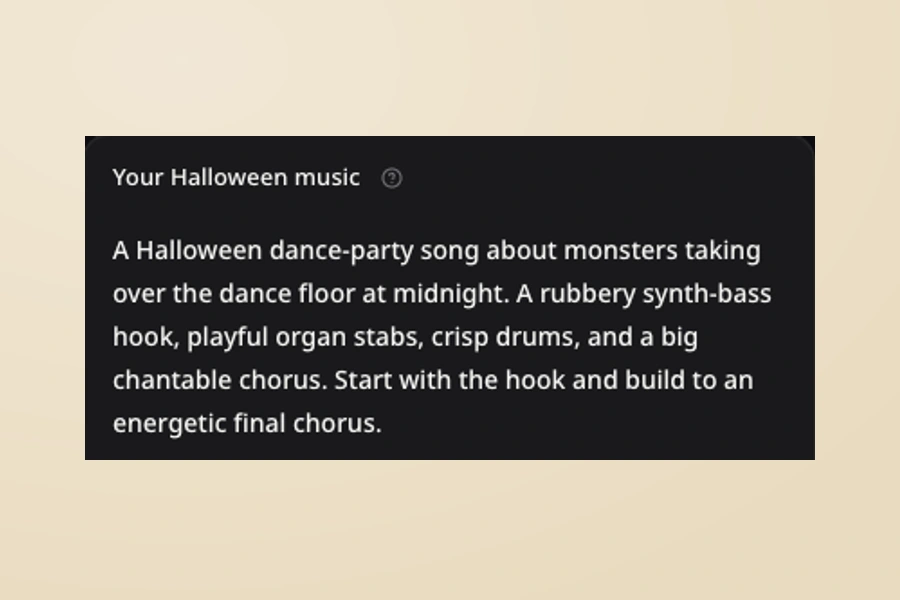
Tell the AI Halloween Music Generator what the music is for and who will hear it. A classroom parade, a costume party, and a narrated ghost story need different energy. Add one memorable detail: a shy pumpkin, a werewolf in socks, or footsteps behind a locked door. Start from a Halloween idea chip if the blank page feels difficult. Keep your most important request near the start of the description.

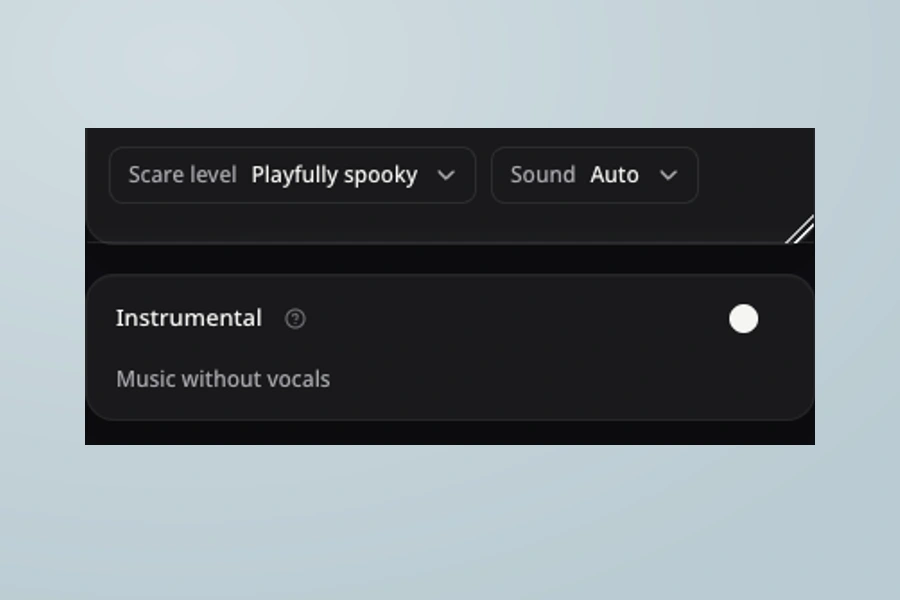
Scare level sets the atmosphere; Sound suggests the musical foundation. Choose Friendly for a playful direction, or Eerie for suspense. Turn on Instrumental for music without vocals. Otherwise, leave Lyrics empty for words based on your idea, or expand it to add your own. The AI Halloween Music Generator keeps these choices in one form. Switching Instrumental off restores lyrics held in the current form.

Check the displayed credit cost, generate, and compare the returned versions. Hear the opening, the main hook, and the ending. A party song needs a different kind of attention from a quiet soundtrack. Use the three real examples above to explore a starting direction before spending credits. The AI Halloween Music Generator shows your results in the existing song list. Listen in the actual setting before choosing the version to keep.
Choose a scene that sounds like your project. Each direction gives you a different reason to create, and a different way to judge the result.
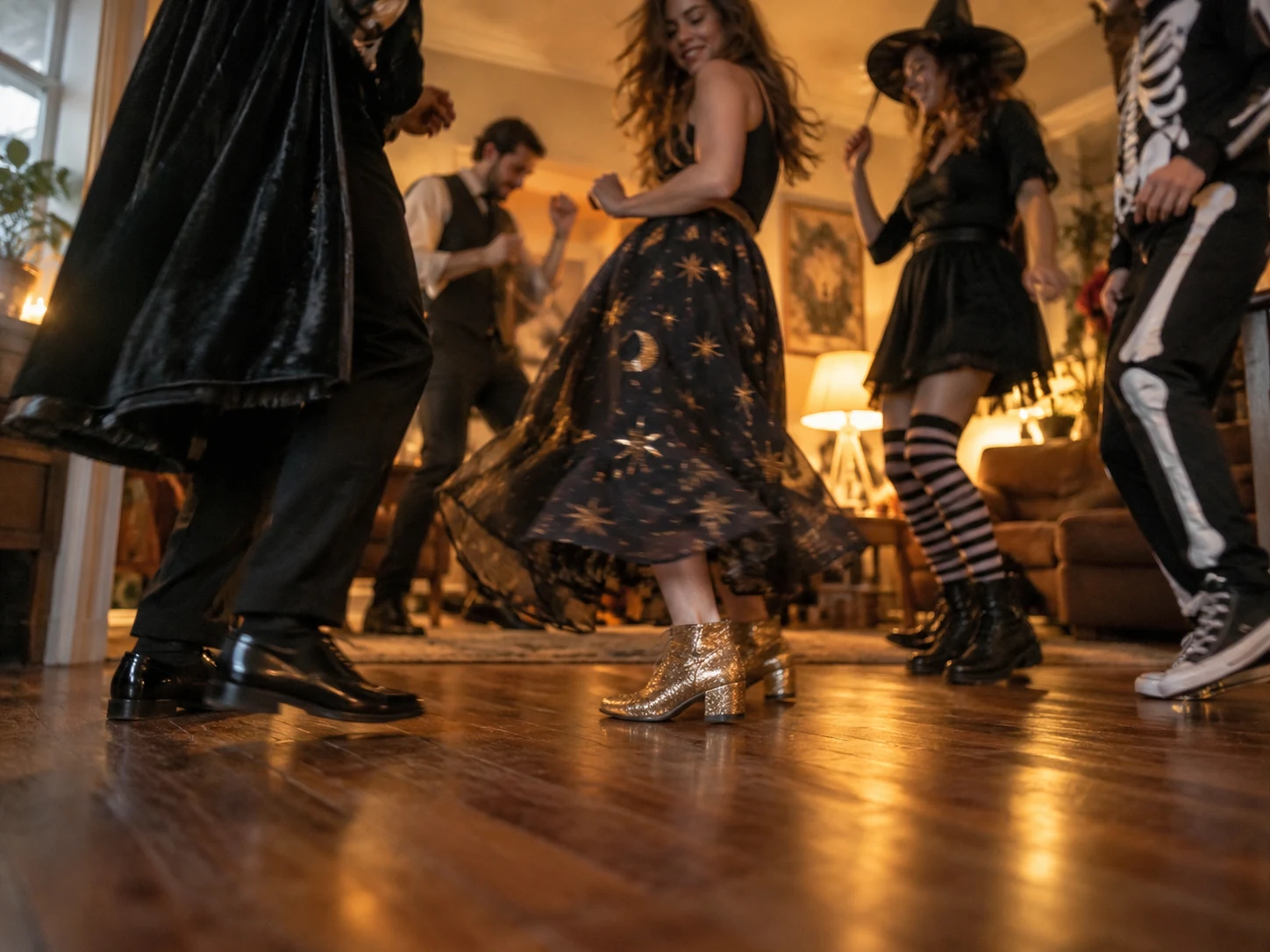
Use the AI Halloween Music Generator for a costume parade, pumpkin activity, or family celebration. Request friendly characters, clear words, and a short call-and-response chorus. Give the song something personal, such as your parade route or a pumpkin who keeps forgetting the magic word.

A few specific details help the AI Halloween Music Generator follow your idea. Put these choices into the description when they matter.
A ghost afraid of the dark or a skeleton who loses the beat gives a song a story. Name what happens and how it feels. For instrumental music, describe the place and the change in tension instead.
Try music-box notes for uneasy innocence, organ for theatrical mischief, or low strings for patient suspense. Give the AI Halloween Music Generator a clear combination. A small set of musical cues is easier to judge than a crowded list.

For a narrated video, ask for sparse phrases and restrained percussion. For dancing, ask for a clear pulse and an early hook. Match the arrangement to what the audience is doing; eerie music can be slow, lively, or nearly beatless.

A children’s song might finish with a cheerful repeated line; a suspense cue might fade on an unresolved chord. Describe the ending in the AI Halloween Music Generator, then hear how the returned version actually resolves.
Your first result gives you something concrete to react to. Return to the AI Halloween Music Generator with one clear change in mind.
Play the hook for a party, the full words for a family song, or a scene with narration over the soundtrack. Choose the version that supports the moment.
Select one of your generated songs before using its continuation actions.Compare the opening, word clarity, energy, and ending. Favorite the version you want to revisit.
Use Remix → Regenerate on your song, then change one direction. Each new generation shows its credit cost.
Use Projects and Favorites to find the song again. Check your current download access and commercial-use eligibility before publishing.
Practical answers about inputs, free credits, results, and using your music.
Yes. New accounts receive 30 signup credits, valid for 30 days. A standard music generation costs 12 credits, with the cost shown before submission. Sign in to use your account balance. You can hear the three public examples without generating a song. Free creation credits do not include unlimited generation, paid downloads, or an automatic commercial-use grant.
Check plans and creditsYes. Turn on Instrumental above Lyrics to request music without vocals. The lyrics field is hidden and its text is excluded from that request. Switch back off to restore the lyrics held in the current form. For a haunted scene, try Eerie and Cinematic, then describe the pace, instruments, and space needed for narration. The AI Halloween Music Generator treats these details as creative direction.
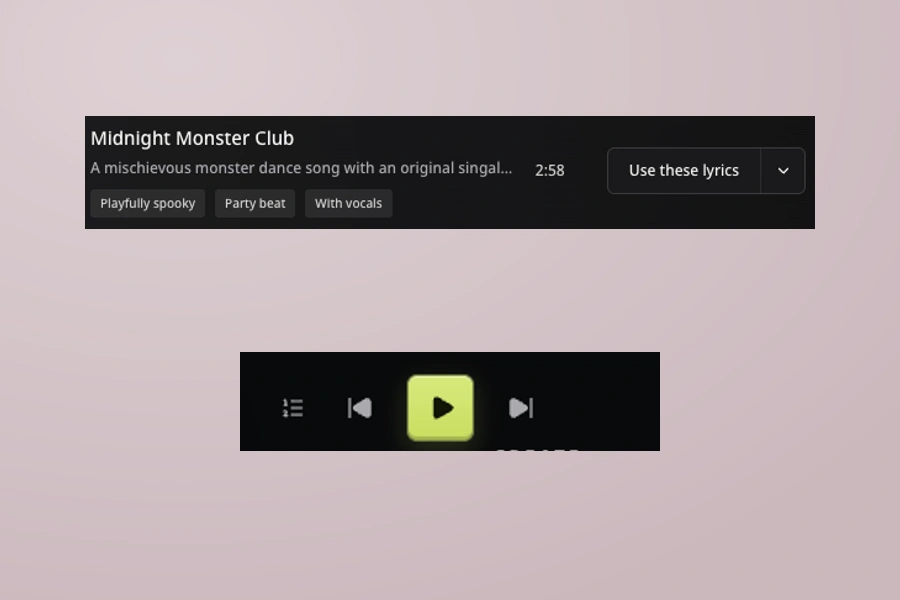
Yes. Expand the optional Lyrics field and paste your own words. Keep the main description focused on how the song should sound, including its audience and mood. If Lyrics is empty and Instrumental is off, words are created from your idea. Read your sections and repeated hook before submission, then check the sung result. You can try the original words from Midnight Monster Club using its lyrics action.
Explore Lyrics to SongChoose Friendly and describe the intended age group, a gentle story, clear words, and a playful ending. Ask for friendly surprises rather than screams or sudden loud hits. A short call-and-response phrase can help a group join in. The AI Halloween Music Generator guides the mood but does not certify age suitability. Listen to the entire result and review the lyrics before playing it to children.
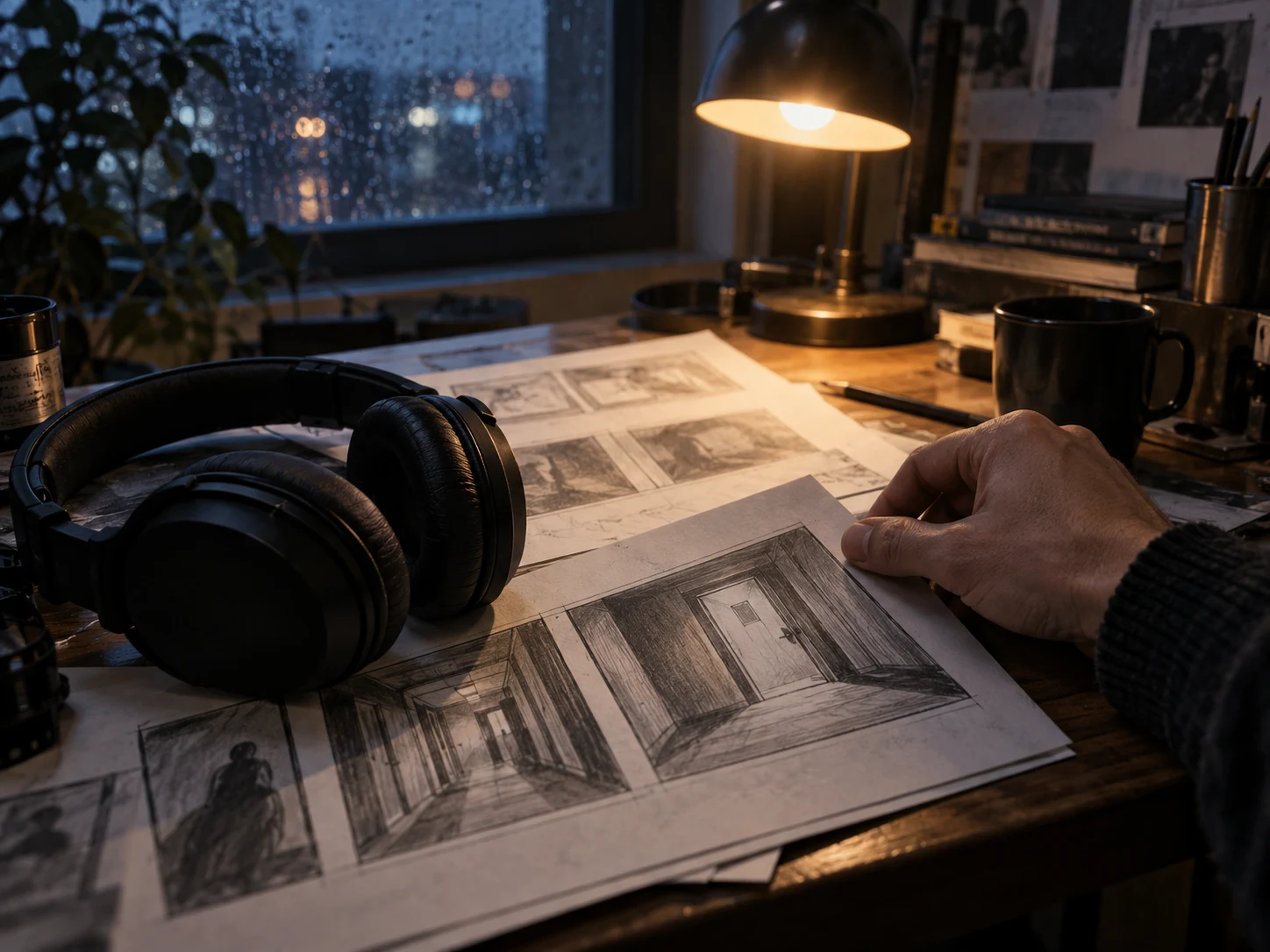
Choose Eerie or Terrifying, then describe the kind of tension you want. Sparse detuned piano, low strings, and patient pauses suggest a different scene from a bright monster chorus. For example: “A slow, empty hallway soundtrack with distant wooden knocks and room for narration.” Keep only the details that matter to the scene, then judge the actual result. Scare level changes the requested atmosphere, not an exact speed or loudness.
You can describe steady ambience and an understated ending, but this form does not provide exact-duration or seamless-loop controls. A prompt asks for a direction; it does not guarantee matching start and end points. If the music will repeat in an attraction, listen across the join and prepare the loop in your editing software. For a longer piece, explore the available continuation actions on a selected song.
Explore Music ExtenderThere is no blanket copyright-free guarantee. Commercial permission and copyright status are different. Qualifying paid access grants commercial rights to eligible generated songs under our Terms, including eligible songs previously created on Free. Rights granted to songs created before a paid subscription expires remain after expiry. Third-party lyrics, recordings, and other inputs still need appropriate rights. We do not guarantee copyright registration, uniqueness, non-infringement, or freedom from platform claims.
Read commercial-use termsFind your generated songs in their Project and use Favorites to mark a version you want to return to. Downloads require qualifying paid access; available MP3 and WAV actions follow your current entitlements. Preparing a file and having permission to use it commercially are separate decisions. Before adding music to a video or event, check the song, the applicable Terms, and any rights in material you supplied.
Review download accessChoose the result you want to build on and use Remix → Regenerate to reuse its direction. Change one thing: make the mood friendlier, request a shorter intro, or leave more room for speech. Keep the useful parts of the brief so you can hear what changed. The AI Halloween Music Generator creates another interpretation, with the normal generation cost shown before you submit.
YOUR NEXT SONG STARTS HERE
Start in our Free AI Song Maker with a prompt, your lyrics or audio of your own. Use your free credits to get versions from the AI Music Generator, then compare, choose and keep building.Start with a prompt, your lyrics or your own audio. Turn your idea into a song with free credits.