How to Make Your First Song with AISongsMaker
Turn a simple idea into your first song. Follow the steps to write a prompt, generate music, compare versions, and keep your favorite.

Your home for AI music articles, creative ideas, and practical guides.
Turn a simple idea into your first song. Follow the steps to write a prompt, generate music, compare versions, and keep your favorite.
Use the claim timestamps and what your video needs to keep to choose Replace song, Erase song, or Trim out segment in YouTube Studio.
Decide when to use Suno Bridge in Ableton Live, what it uploads, how to budget credits, and when a regular audio file is enough.
Compare three real phonk tracks and choose a short excerpt that fits the main cut, leaves room for speech, and ends cleanly.
Use the claim timestamps and what your video needs to keep to choose Replace song, Erase song, or Trim out segment in YouTube Studio.
Decide when to use Suno Bridge in Ableton Live, what it uploads, how to budget credits, and when a regular audio file is enough.
Compare three real phonk tracks and choose a short excerpt that fits the main cut, leaves room for speech, and ends cleanly.
Turn a brand name and one clear line into a sung jingle. Prepare the words, choose a target length, and review pronunciation, timing, and the ending.
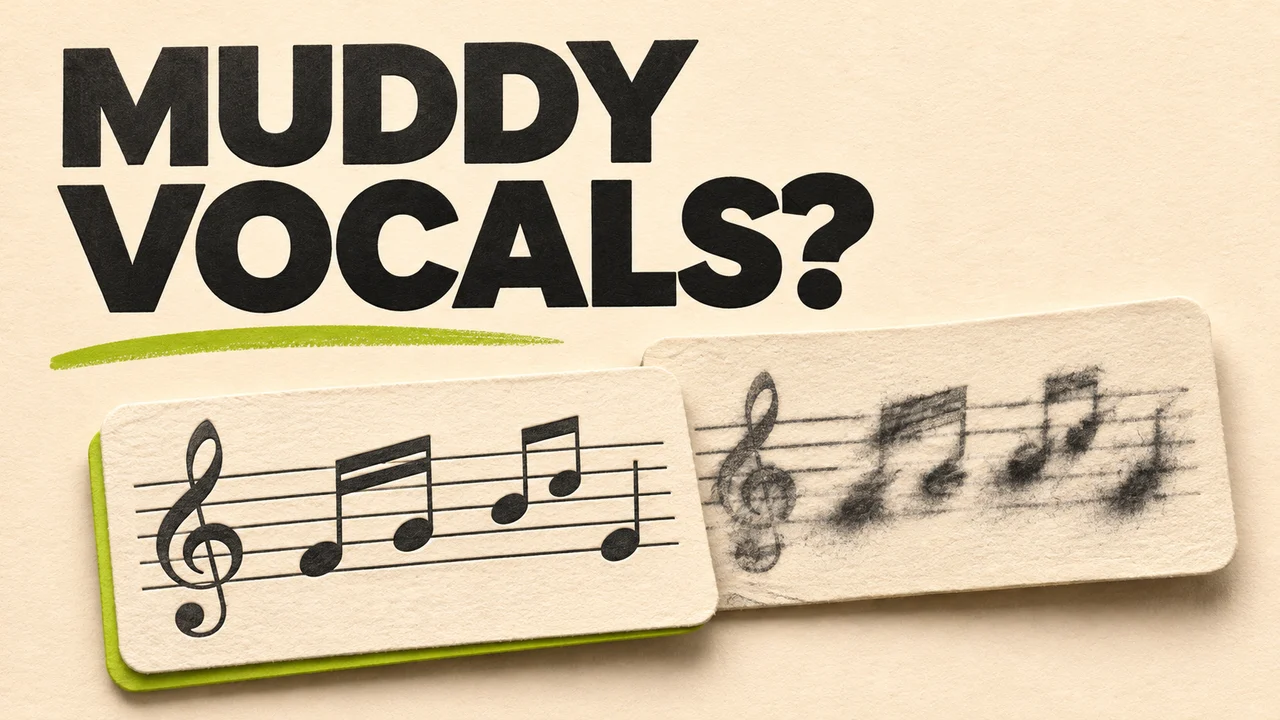
Find out where your Suno track loses clarity, compare a subtle Remaster at matched loudness, and decide when to revise only the ending.
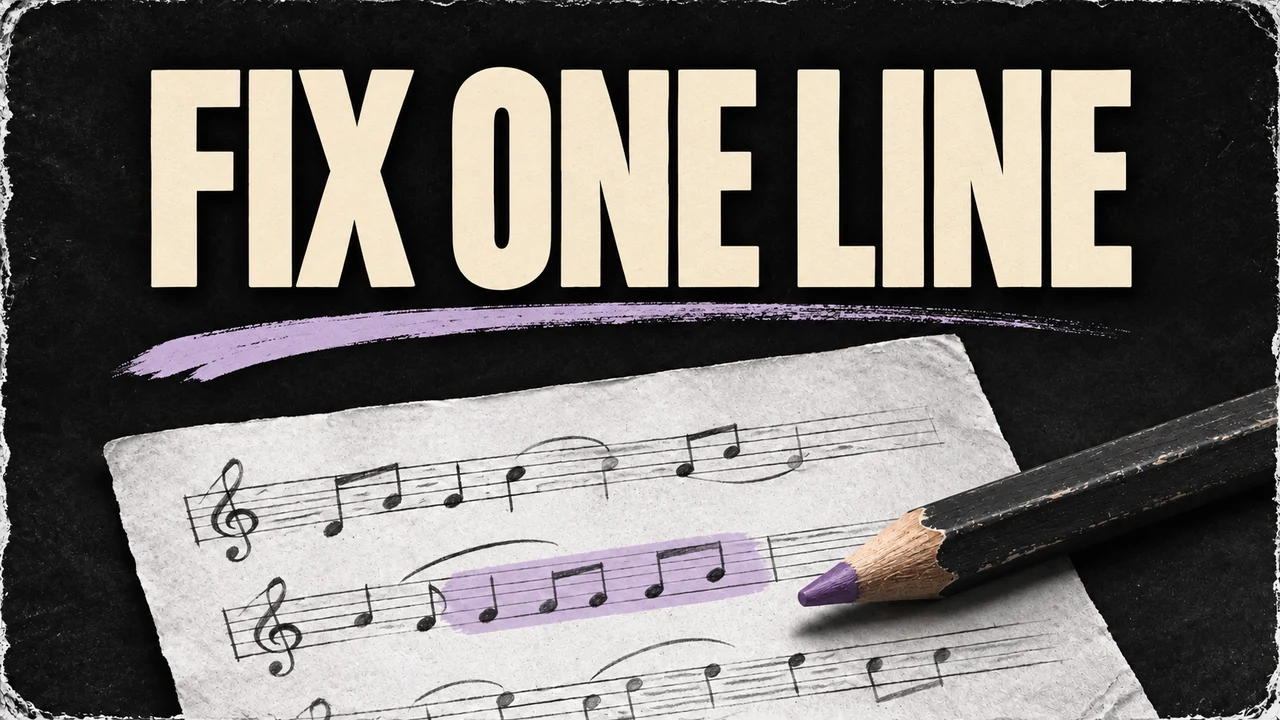
Use Suno’s Replace Section to revise a sung line, compare both takes, and check the transition before keeping a new full song.
Choose a lyric-writing tool around your next task: find a line, revise a chorus, collaborate on a draft, or take your words into song creation.
Compare Suno and Mureka for your own lyrics, song edits, downloads, and costs. Choose a workflow around the changes and files your song needs.
Compare Suno and Udio through the song you want to create, the changes you need, the files you can download, and the full cost of continuing.
Choose an AI music generator around your next song, backing track, or editable composition. Compare how you create, revise, pay, and take your music with you.
Compare tools, payment options, and downloads. Find a song workspace that helps you keep the versions you like and continue creating.
FAQ
What to read, how the examples are made, and how to judge advice before trying it.
Start with practical guides to creating, developing, and exporting songs. The AI music blog is also growing to include songwriting ideas, music basics, creator workflows, tool comparisons, and product updates. Browse the published articles by topic to find something useful for your next project.
New articles are added as topics, research, and examples are ready; there is no fixed weekly publishing schedule. Each article shows its publication or update date. For changing features, prices, and download rules, check that date and the linked current product information before following older advice.
Each article is carefully edited by the AISongsMaker team, with AI assisting research, drafting, and translation. Our team shapes the content and checks product information against documented workflows, recorded examples, and cited sources.
Tutorial audio uses saved generated tracks or identified source recordings, and product screenshots show actual interfaces. Concept illustrations are labeled as illustrations. Read the captions to distinguish an input from a result, a clip from a full song, and a product screenshot from explanatory artwork.
No. AI music generation varies, even with similar lyrics or prompts. Examples show a workflow and a particular result, rather than a guaranteed sound. Follow the input and steps, listen through your own version, and change one thing at a time before comparing results.
Learn how to compare your resultsThe blog is published by AISongsMaker, so recommendations reflect that product perspective. Judge a comparison by your task, its cited policies, and any documented tests. A product-page screenshot or a community opinion is different evidence from a listening test; none alone establishes a universal sound-quality winner.
Begin with the first-song guide if you have an idea but no production experience. Use the Tutorials category for a specific task, such as turning lyrics or a recording into a song, comparing versions, or downloading files. You can learn one step at a time.
Start with your first songYes. Published articles and embedded public examples are available without an account or blog subscription. Trying the creation steps in AISongsMaker requires signing in. Generation and editing use credits; exports and some tools depend on paid access, so check the conditions in the guide.
Email support@aisongsmaker.org with the article link and the step or claim that needs attention. For a topic suggestion, describe what you want to make and where you get stuck. Include the input you want to start with and the result you need, so the suggestion can become a useful guide.
Bring a few words, your lyrics, or your own recording. Give your idea a first version.
Start making music