Original backing · 30 seconds
Instrumental input
Follow the pulse through the first phrase. Notice the space above the accompaniment where a spoken line could sit.
Describe the scene, make an instrumental, then take it further with a vocal or a longer arrangement.
Which decision comes first in your edit? Compare a SOUNDRAW alternative built around a written scene with SOUNDRAW’s track editor and video preview.
| For your projectFrom a rough cut to delivery. | AISongsMaker Write and develop a song |  SOUNDRAW |
|---|---|---|
| Start a trackWhat you bring to the tool. | Describe your scene Start with a sentence about the picture, the instruments and the feeling. Choose Instrumental for a bed under speech. | Choose musical settingsSelect a mood, length and instruments. Adjust how the arrangement develops in the track editor. |
| Fit a picture editWhen the cut sets the timing. | Extend a chosen take Choose where a continuation starts. Check the final cue against your footage in your video editor. | Preview with videoBring your video into the preview and adjust the music while watching the picture. |
| Add a voiceWhen a cue becomes a song. | Add vocals to your musicChoose a backing track you own and supply lyrics for a vocal arrangement. Hear the paired example below. | Build on the backing trackSOUNDRAW describes adding your own vocals as one way to modify music for distribution on an Artist plan. |
| Before delivery | ||
| Use the finished trackBackground use or a standalone release. | Review paid commercial use Check the applicable song and plan terms before delivering a paid project. Bring source material you have permission to use. | Creator and Artist usesCreator covers background uses under its terms. Artist permits distribution of music you modify under the license. |
| Pay for a projectA single job or a series. | One-time credit packsChoose a pack for an occasional project or compare recurring plans below. Check the displayed cost for each creation step. | Subscription plansChoose according to your use of the music. A video soundtrack and a track sold to listeners have different licensing requirements. |
SOUNDRAW generator and license reviewed November 26, 2026. Check the terms for the project and plan you intend to use.
Listen to this SOUNDRAW alternative in practice with two 30-second excerpts from Paper wristband on the floor. These are the original backing and a vocal version made with Add Vocals on AISongsMaker. Play the backing first, then listen for the space the voice occupies.
Imagine a narrator speaking over the instrumental. Then switch to the sung take and listen for where the lead voice takes over. The scene prompt above is a separate writing example.
Follow the pulse through the first phrase. Notice the space above the accompaniment where a spoken line could sit.

Listen for the entrance of the lead vocal. The sung phrase gives you a different place to cut or introduce the end credits.
Audition six AISongsMaker recordings. Try Lamplit Pages under a desk scene, The Room Goes Quiet beneath a voice-over, or Neon Afterglow Drive across a night montage. Switch to the disco backing, podcast opener or product jingle to hear how a stronger hook changes the cut.
AISongsMaker

AISongsMaker

AISongsMaker
AISongsMaker
AISongsMaker

AISongsMaker

Try this SOUNDRAW alternative with a scene you can picture. A subject, a little acoustic space and one change in energy give you specific things to listen for when the first takes arrive.
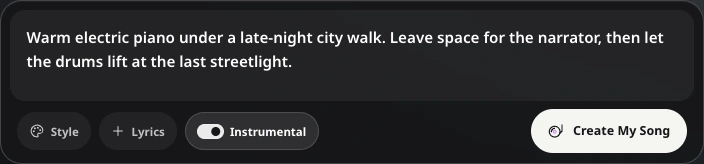
“A cyclist coasts home as the shop lights go out. Soft electric piano, brushed drums, a steady unhurried pulse.” That gives a SOUNDRAW alternative more useful direction than a list of five genres. Read the sentence aloud and keep the detail you would want a musician to remember tomorrow.
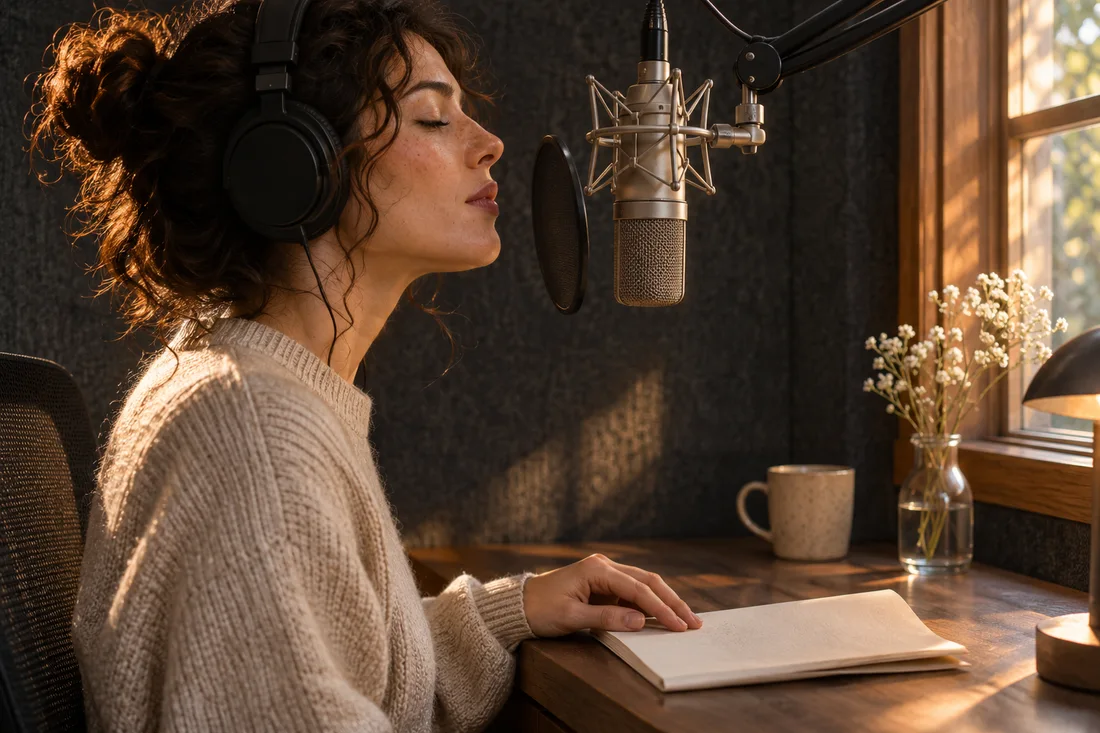
For a narrated walk, try “a repeating two-note bass figure and soft keys, with long gaps between phrases.” Play the take at a modest level while reading your opening lines. If a busy melody competes with an important word, change the brief or choose another take. Keep the instrumental for the edit even if you later make a sung version.

“Bring in the kick when the doors open, then leave the last chord ringing.” A cue like this can be judged against a picture. When you compare takes from this SOUNDRAW alternative, listen for the point where the energy turns. Move the edit or extend a phrase as needed. Exact frame alignment belongs in the editing timeline.
Choose the next step from what you heard. A short ending and a missing vocal call for different changes. Keep the original instrumental so you can return to the version that worked under the picture.
A SOUNDRAW alternative can also be useful after you have found your backing. Start from a track you own and change the part that matters to your edit.
Bring lyrics and an instrumental to Add Vocals. Listen for clear words and whether the melody leaves room around your hook.
Pick a point before the current ending and describe how the next part should feel. Compare the transition before cutting it into the video.
One payment. No auto-renewal.
Purchased credits never expire
A focused batch of credits with no subscription.
One payment. No subscription.
Sign in to continue to secure checkout.
More credits and the complete current model set.
One payment. No subscription.
Sign in to continue to secure checkout.
The largest one-time credit pack for bigger runs.
One payment. No subscription.
Sign in to continue to secure checkout.
Estimates assume all credits are used for song generation: 12 credits per generation, with two song versions per successful generation. Editing and other tools use credits too.
Paid access unlocks commercial rights for your songs, including earlier Free songs. Covered songs keep those rights after your subscription ends. Technical failures are refunded automatically when confirmed.
Decisions to make before you put the cue under a voice, deliver a client edit or release a standalone song.
Try AISongsMaker when you would like to describe a scene in words and choose between musical takes. You can keep an instrumental for a voice-over, develop a vocal version for an end title or continue a phrase into a longer edit. If you already have a locked picture and want to watch that video inside the music editor, SOUNDRAW documents a video preview for that purpose.
Tell the composer what happens in the scene and where you want a lift or a resolution. The brief guides the music. Check the duration of the actual take before placing it into your cut. For an exact hit on a logo, line up the transient and trim or fade in your editing timeline. SOUNDRAW’s documented length and arrangement controls are worth comparing when timing is your first priority.
Play the instrumental against the real narration. Listen to a quiet line, a loud line and a pause between sentences. If you lose a word, lower the music first. If a melody still pulls your attention away, try a simpler arrangement. This listening exercise is a better way to choose a SOUNDRAW alternative for a spoken series than comparing genre labels alone.
Check the license for the specific service, plan and track. SOUNDRAW distinguishes using music in the background from distributing a modified song on an Artist plan. AISongsMaker offers commercial use under eligible paid terms. Keep the project, original inputs and relevant license details with your delivery. Check your distributor’s requirements separately before submitting the release.
A one-time pack lets you buy AISongsMaker credits without starting a recurring plan. Compare the packs below the listening guide and check the current cost in the creation flow. Allow room for the number of takes you intend to try and for a later vocal or extension pass. Credit availability and the storage period for downloadable files are separate terms.
The two players document an existing AISongsMaker project. The first contains the instrumental input to Add Vocals. The second contains the corresponding generated vocal arrangement. Both excerpts last thirty seconds. The city-walk prompt in the composer gives you a separate idea to try. The recordings let you evaluate the change from backing to vocal without buying a generation.
For a quick listen, a compact MP3 is easy to send. For an editing handoff, choose WAV when available for your selected track and paid access. Agree on a file name that identifies the project, the take and whether it includes a voice. Download the approved version during its storage period so the editor can reopen the cut later.
Yes, if you make the transition deliberately. Start with the quieter instrumental under speech, then try bringing a vocal version in after the last spoken line. Listen for a natural point of entry and compare the musical pulse at the join. A SOUNDRAW alternative with a continuation workflow can help you try that second idea while preserving a separate backing for the original cut.
Start with the picture in your head. Describe it, hear the first take and decide where the music should go next.
Describe your scene