AISongsMaker
GO PROMore credits · Commercial useAccess

Main

Create MusicLibrary

Create & Transform

Text to SongLyrics to SongAI Lyrics GeneratorAI Music ExtenderAI Song CoverAdd VocalsAdd Instrumental

Audio Tools

Vocal RemoverStem Splitter

Explore

AI RapAI Halloween Music
PricingHelp & Feedback
HomeLibraryPricingCreatorCProfile
AISongsMakerCreate. Shape. Continue.support@aisongsmaker.org
MediumSubstack

Create

  • AI Lyrics Generator
  • AI Music Creator
  • AI Song Maker
  • Lyrics to Song
  • Text to Song

Music Tools

  • Free Key and BPM Finder
  • Free Pitch Detector
  • AI Song Cover
  • AI Music Genre Changer
  • Add Vocals
  • Add Instrumental
  • AI Music Extender
  • Stem Splitter
  • Vocal Remover

Music Styles

  • AI Rap Generator
  • AI Pop Music Generator
  • AI Lo-fi Music Generator
  • AI Phonk Generator

Occasions

  • AI Halloween Music Generator
  • AI Jingle Generator

Alternatives

  • Suno Alternative
  • Udio Alternative
  • Suno Black Friday
  • ElevenLabs Black Friday
  • Mureka Black Friday

Resources

  • Black Friday
  • Blog
  • Pricing
  • FAQ
© 2026 AISongsMaker. All rights reserved.
Privacy PolicyTerms of ServiceRefund Policy
AISongsMaker
AISongsMaker

Free Key and BPM Finder for Your Songs

Find your song’s key and tempo for your next recording. Try the free Key and BPM Finder with welcome credits on eligible new accounts.

·

One file. Two useful answers.

Use the free key and BPM finder to move from an audio file to notes you can take into your next session.

01 / Choose

Start with the version you want to use

Drop in an MP3 or WAV, or choose a saved song from My Music. Keep the exact version you plan to record over, so your notes refer to the same arrangement.

  • One audio file at a time
  • Up to 8 minutes and 25 MB
  • Check the filename and duration before continuing
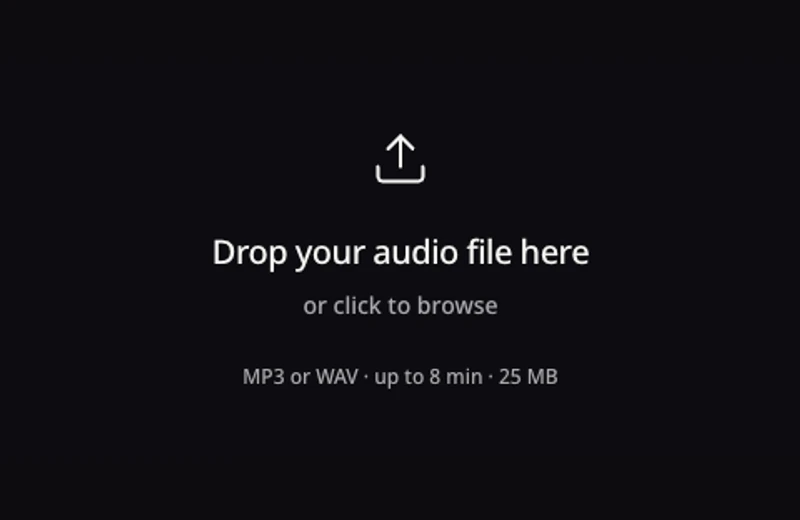
Choose your audio
The large audio upload area in the Key and BPM Finder
02 / Analyze

Review the track, then start analysis

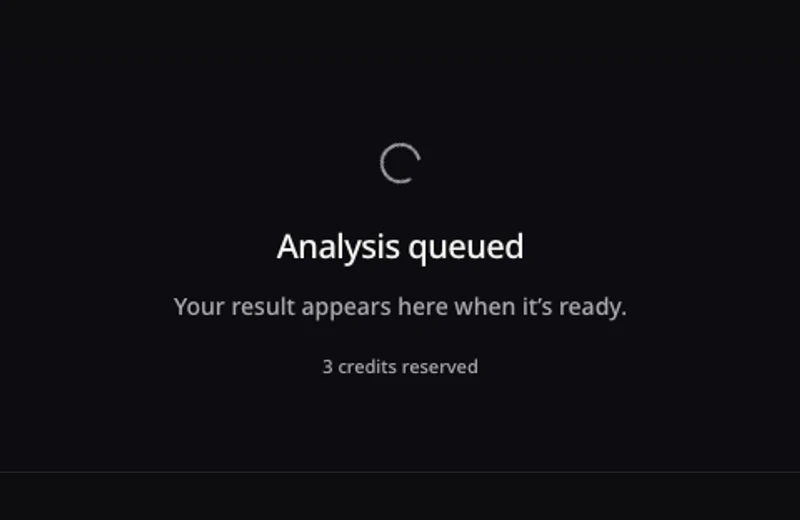
The chosen track stays in place while the analysis is queued. The submit button shows the credit cost before you continue. Eligible new accounts can use their welcome credits.

  • The selected file remains visible
  • Queue feedback stays in the same surface
  • Check the source before starting another analysis
Choose your audio
The queued analysis state of the Key and BPM Finder
03 / Keep

Take the key and tempo with you

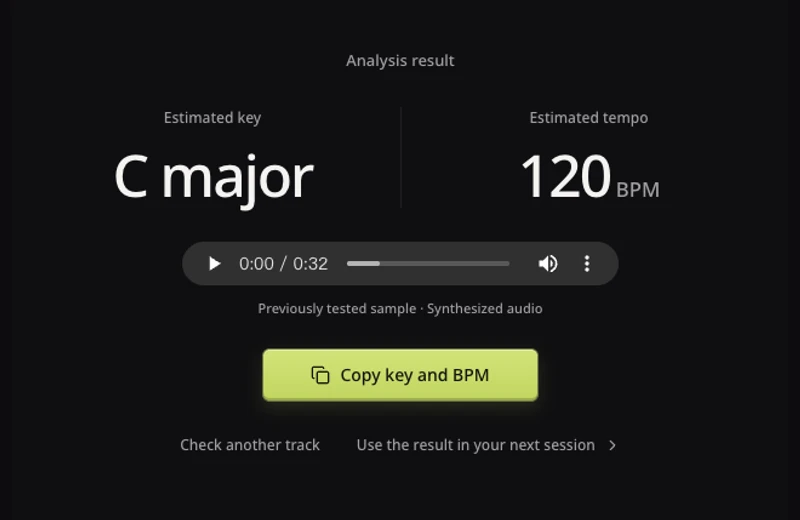
Read the two estimates together, listen back to the source, then copy the values into your session notes. The tested sample shown here returned C major and 120 BPM.

  • Copy both values in one action
  • Keep the original audio unchanged
  • A missing value stays unknown rather than becoming a guessed number
Choose your audio
Previously tested C major and 120 BPM result with a copy action

Know what the numbers mean

A useful reading helps you decide what to sing, play or edit next. Let your ears check the final fit.

Original editorial illustration of a songwriting notebook and pencil
01 / The notes

Find a starting key for your next take

The main key describes the song’s tonal center. Use it to pick a starting chord or melody, then listen against the passage you want to record. A key estimate describes the music, not your vocal range.

C major is a key name; C alone does not specify major or minor.Match a clear chord or melody before committing to a recording.A song can move to a different key in a later section.
Find your song’s key
Original atmosphere image of a microphone on a warm, quiet rehearsal stage
02 / The pulse

Set a pace you can actually play to

BPM means beats per minute. At 120 BPM, a beat falls every half-second. Set that pace in your editor or metronome and listen across several bars. If the click drifts, revisit the beat level or the passage you are using.

60 and 120 BPM can describe different beat levels of one groove.Live performances may speed up or slow down.A tempo reading does not stretch or synchronize the audio.
Find your song’s tempo

A reading that leads somewhere

Choose the task you came to finish. The free key and BPM finder gives you a reference for the next decision.

01 / Record a vocal

Get ready to sing over your track

Write the key beside the song version you want to use. Try a short phrase over a clear chord, then decide whether the part sits comfortably in your voice. Use the free key and BPM finder as a starting reference.

  • Keep the original song version in your session notes.
  • Use the tempo to set a count-in before recording.
  • Choose a comfortable melody; the detected key is not a vocal-range test.
Check your backing track
Original singer-and-lyrics editorial collage illustrating preparation for a vocal recording
02 / Prepare an edit

Bring a rough recording into your session

Check a recording before you add a new layer. Start the session at the estimated pace and listen to several bars against a click. An acoustic performance may need local timing adjustments even when the average tempo is useful.

  • Keep a copy of the original recording.
  • Check both half-time and double-time when the click feels wrong.
  • Record the key and tempo together for collaborators.
Check your recording
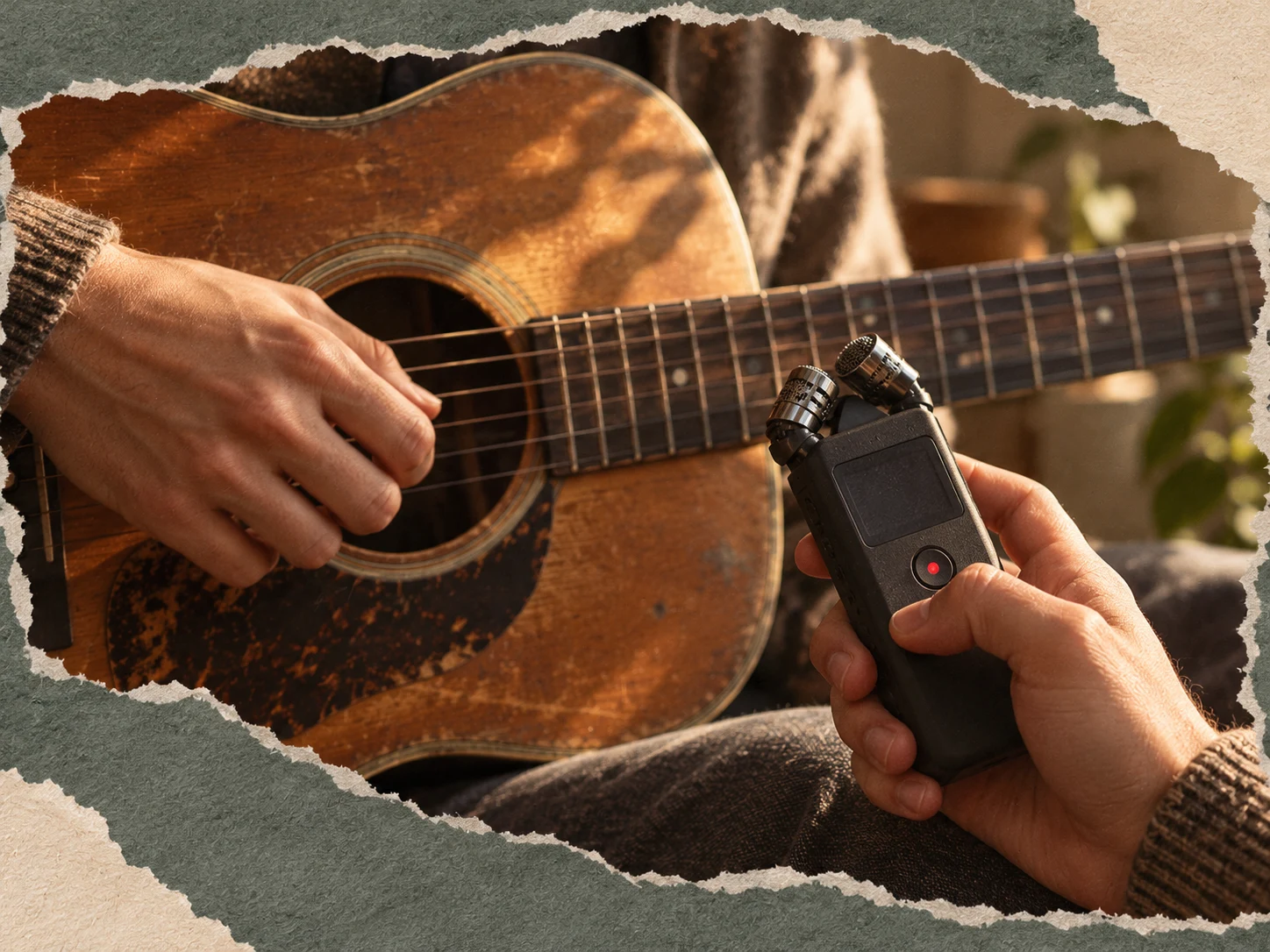
Original acoustic-guitar and handheld-recorder collage illustrating a rough recording
03 / Start a new song

Turn a pace you like into a clearer brief

Use your reading to describe the feel you want: a relaxed half-time groove, a steady walking pace or a quicker pulse. In Text to Song, tempo is a creative reference rather than a promise of an exact generated BPM.

  • Describe the feel as well as the number.
  • Add a mood or scene that matters to your idea.
  • Listen to the generated version and choose the take that fits.
Open Text to Song
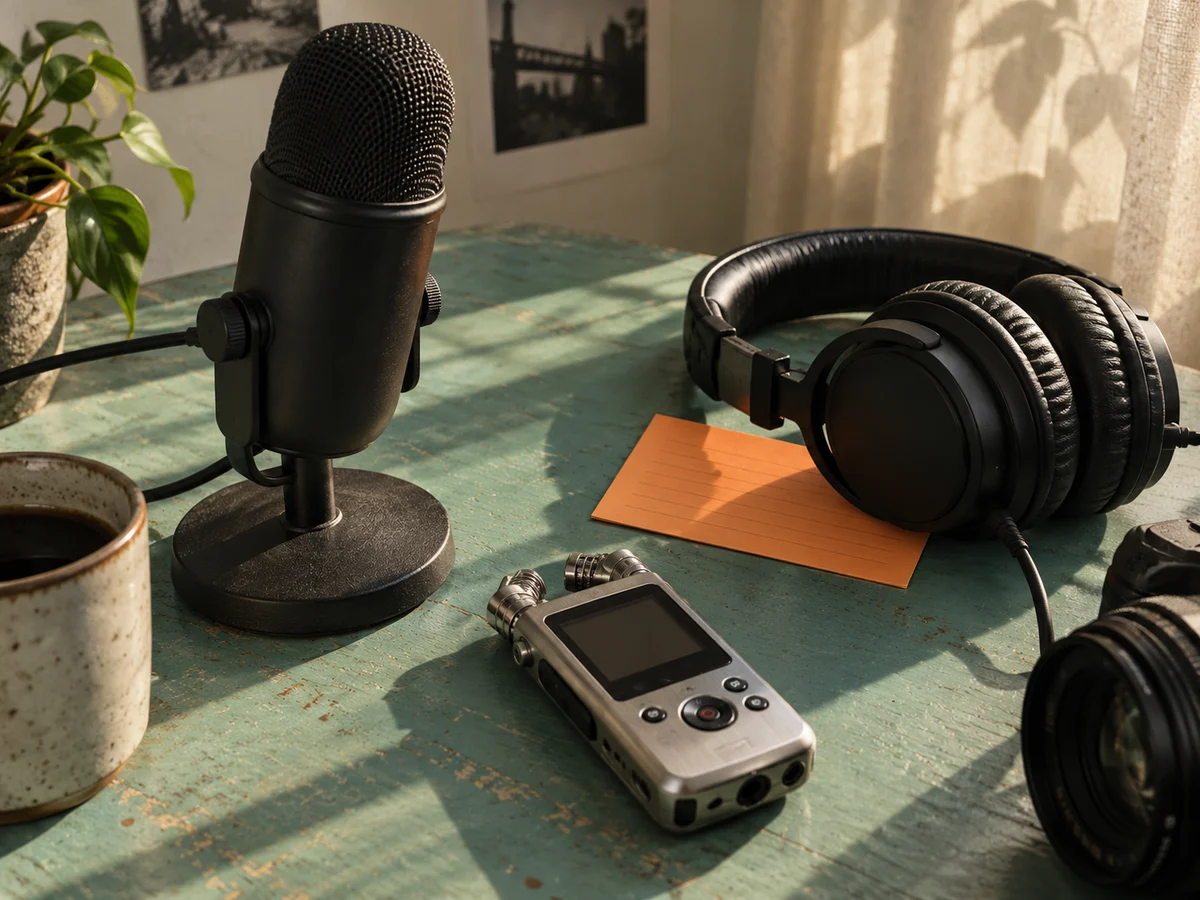
Original music-creator desk image with microphone, headphones and a portable recorder

Keep the music moving

After the free key and BPM finder, choose a tool for the work you actually want to do. Each tool has its own inputs and credit requirements.

STUDIO
Platinum-blonde musician in green and lilac Y2K clothing composing in a bright white recording studio

Text to Song

Use the measured pace as a reference when you describe a new song.

STUDIO
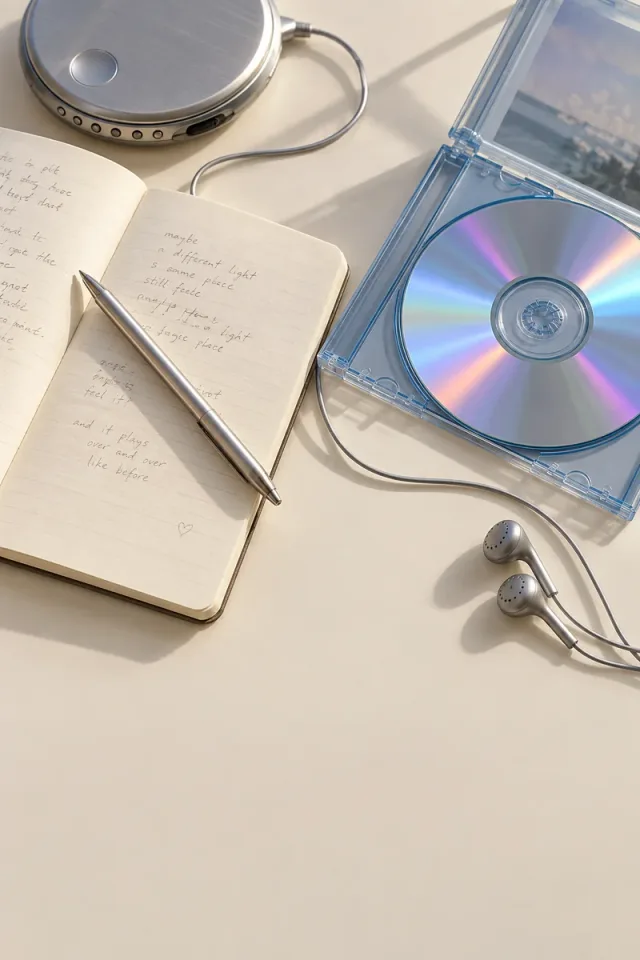
Lyric notebook beside an iridescent CD and a silver music player

Lyrics to Song

Turn your finished lyrics into a song, with the groove you want in mind.

STUDIO
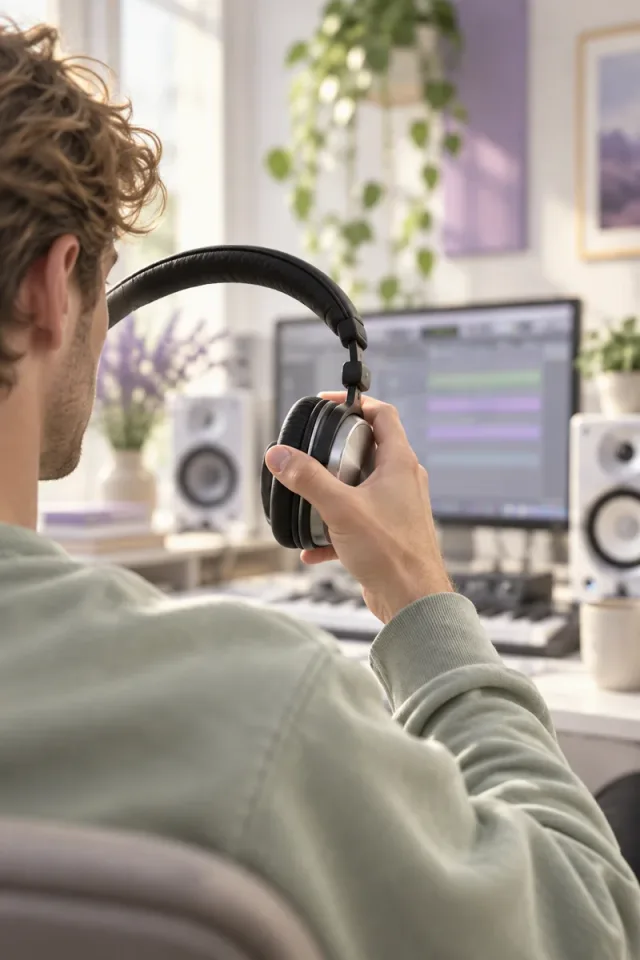
Rear view of a musician lifting headphones in a bright daylight studio

AI Music Extender

Continue a song when you need more room for an intro, verse or ending.

STUDIO
Asymmetric collage of original music cover artwork

Stem Splitter

Separate parts of an existing song for your next listening or editing session.

Free Key and BPM Finder FAQ

Straight answers about free access, your audio and the two estimates.

Eligible new accounts can try the free key and BPM finder using welcome credits. An analysis uses 3 credits for a complete key-and-tempo result, so an eligible account with enough unspent welcome credits can try it without buying a pack. You see the quote before submission. Welcome credits have the same eligibility and expiry conditions as the rest of your account. Check your available balance when you are ready to start.

Sign in to submit your own audio for analysis. You can explore the free key and BPM finder and listen to the public sample before that. Welcome credits follow the existing account eligibility rules and are shared with other music actions. An existing account does not receive another welcome grant simply by signing in again. Select the exact song version you want to measure, then check the quote before continuing.

Choose one MP3 or WAV file, up to 8 minutes and 25 MB. Both limits apply at the same time: an uncompressed WAV can reach the size limit well before 8 minutes. A readable MP3 copy can be more practical for a longer track. Use audio you own or have permission to process. A public song URL or a streaming link is not an input in this version.

The free key and BPM finder returned C major and 120 BPM for our 32-second test recording with those known values. That is one clear, synthesized sample, not a guarantee for every song. Dense mixes, ambiguous harmony, tempo changes and quiet introductions can make readings harder. Compare the result with a clear musical passage and several bars of a click before relying on it for an important edit.

Pitch describes the frequency of a sound at a moment. A song’s key describes a tonal center across its melody and harmony. Singing one sustained note can help you check pitch, but it does not by itself establish the key of an entire song. Use the free key and BPM finder for a song file. For a held vocal or instrument note, use the separate Pitch Detector.

Open Pitch Detector

Both values can describe different levels of the same pulse. At 120 BPM, you count a beat every half-second; at 60 BPM, you count every second. The free key and BPM finder gives a starting estimate. Try the returned value, half of it and twice it against several bars. Keep the count that matches the way you plan to play or edit, and listen for drift rather than matching one isolated beat.

Yes. A bridge can move to a new key, and a live performance can change pace. The main-key and BPM readout summarizes the track rather than providing a complete score or beat map. When using the free key and BPM finder, check the particular section you want to sing over. This page does not offer a key-change timeline, chord transcription, tempo automation or a confidence score.

A song does not need to be released or listed in a music database to be useful here. The free key and BPM finder is designed around the audio itself. Use the file for the version you chose, or choose the version from My Music. Keep different takes separate: a new arrangement can have a different key or pace even when it uses the same lyrics. Measuring one take does not automatically describe the others.

No. The free key and BPM finder reads the source and returns estimates. It does not transpose the melody, stretch the recording, remove vocals or rewrite file metadata. Keep the copied values in your session notes and make any musical changes in the tool you use for that job. If you create a new arrangement afterward, analyze that version separately rather than assuming the original reading still describes it.

The free key and BPM finder uses server-side analysis. Choosing a file lets you review its identity before submission; it does not mean the entire analysis runs in your browser. Submit audio you own or have permission to share for processing. If your recording contains private conversations, unreleased client work or other sensitive material, confirm that you can send it for external analysis before you continue.

You can keep an available tempo or key while the missing value stays unknown. Under the credit policy, an analysis with only one value, or an explicit failed analysis, returns the full 3 credits. An unresolved task stays in processing until its status is known. The free key and BPM finder should recover the original task when you return, rather than charging again for an automatic duplicate submission.

Copy the key and tempo into your notes, then describe the groove you want in Text to Song. A free key and BPM finder reading helps you express a direction such as a relaxed half-time pulse or a brisk, even beat. The generator may interpret that direction differently, so listen to the new take and judge the feel. This page does not promise exact BPM matching or automatically transfer your audio into a generator.

Try Text to Song

Your next session starts with a clearer reference

Bring a track to the free key and BPM finder. Check the notes, find the pulse and decide what comes next.

Find your key and BPM