Let the Light Come In
AISongsMaker

A Suno alternative with no subscription required. Unlimited downloads and high-quality MP3 + WAV exports with paid access. From $8.99. Create your first song today.
Compare this Suno alternative on payment, credit timing and downloads. Choose the service that fits how often you create.
| What mattersFor your next song. | AISongsMaker A focused song workspace |  Suno |
|---|---|---|
| Pay your wayFor a project. Or a routine. | One-time packs from $29.99No subscription. No auto-renewal. | Subscription-based top-upsAn active subscription is required. |
| Come back when you’re readyPurchased credit availability. | Pack credits never expireNo subscription needed to use them. | Top-up credits don’t expireKeep an active subscription to use them. |
| Make room for a busy monthHow annual credits arrive. | Your full year, upfrontUse annual credits across your paid year. | A monthly credit allowanceAnnual plans still refill monthly. |
| Take your songs with youDifferent songs you can download. | No monthly song-download capMP3 + WAV with eligible paid access.Pack song files: 30-day storage. | Pro 20 · Premier 60 / monthDistinct songs. Studio exports are unlimited.Extra downloads can be purchased. |
| A few more things to consider | ||
| Try before you buyFree generation allowance. | 30 signup creditsOne-time balance. Valid for 30 days. | 50 credits, replenished dailyA recurring free allowance. |
| Keep shaping the songWhat happens after generation. | Choose a take. Keep creating.Projects, Favorites, and focused editing tools. | Editing tools + Suno StudioMultitrack Studio on Premier. |
Credit values differ by service. Plan and storage terms apply.
STAFF PICKS
Six original songs. From soulful hip-hop to cinematic pop and late-night R&B. Find a direction for your next idea.
AISongsMaker
AISongsMaker

AISongsMaker

AISongsMaker
AISongsMaker

AISongsMaker

FEATURES
Start with an idea, your own lyrics, or audio you have permission to use.
Describe a scene, feeling or story. Give it a sound, then let your first listen guide the next direction.

HOW TO
Start with an idea. Shape the direction. Listen and choose a take.
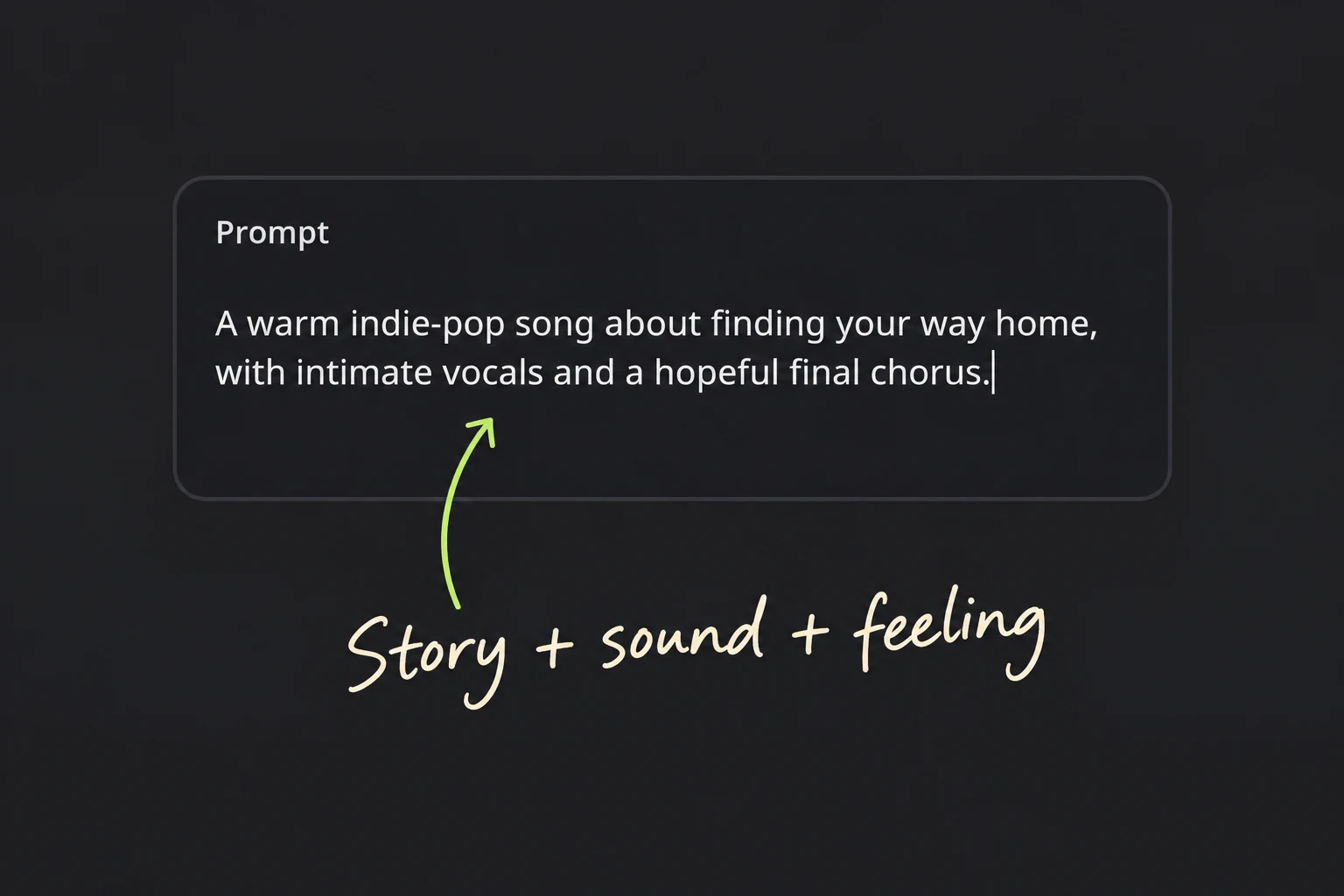
Describe the story, mood and sound. Try “warm indie-pop about finding your way home, intimate vocals, hopeful chorus.” Start with one clear idea.
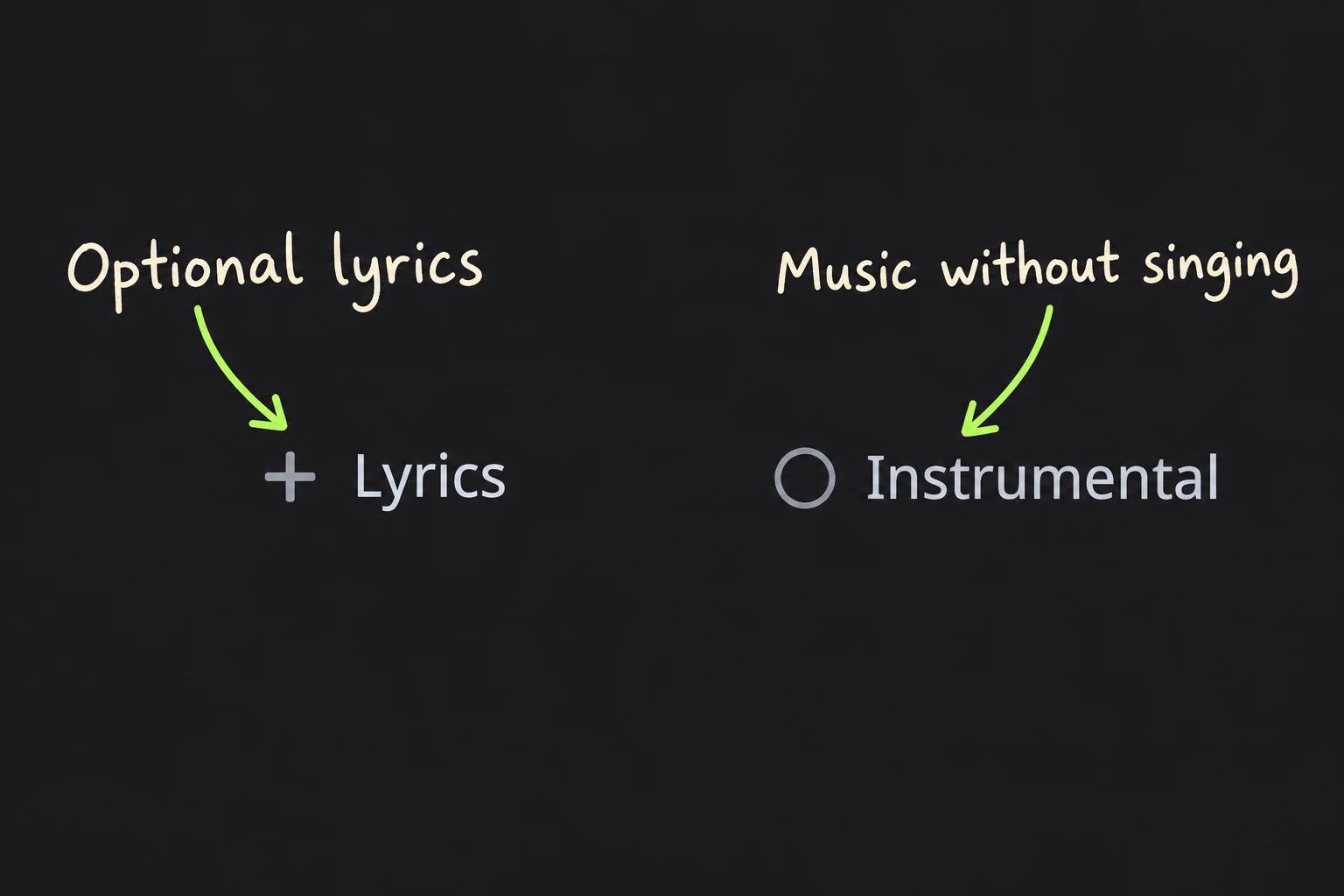
Add your own lyrics, choose Instrumental, or leave room for vocals. Use style cues to guide the sound, then check the credit cost before creating.
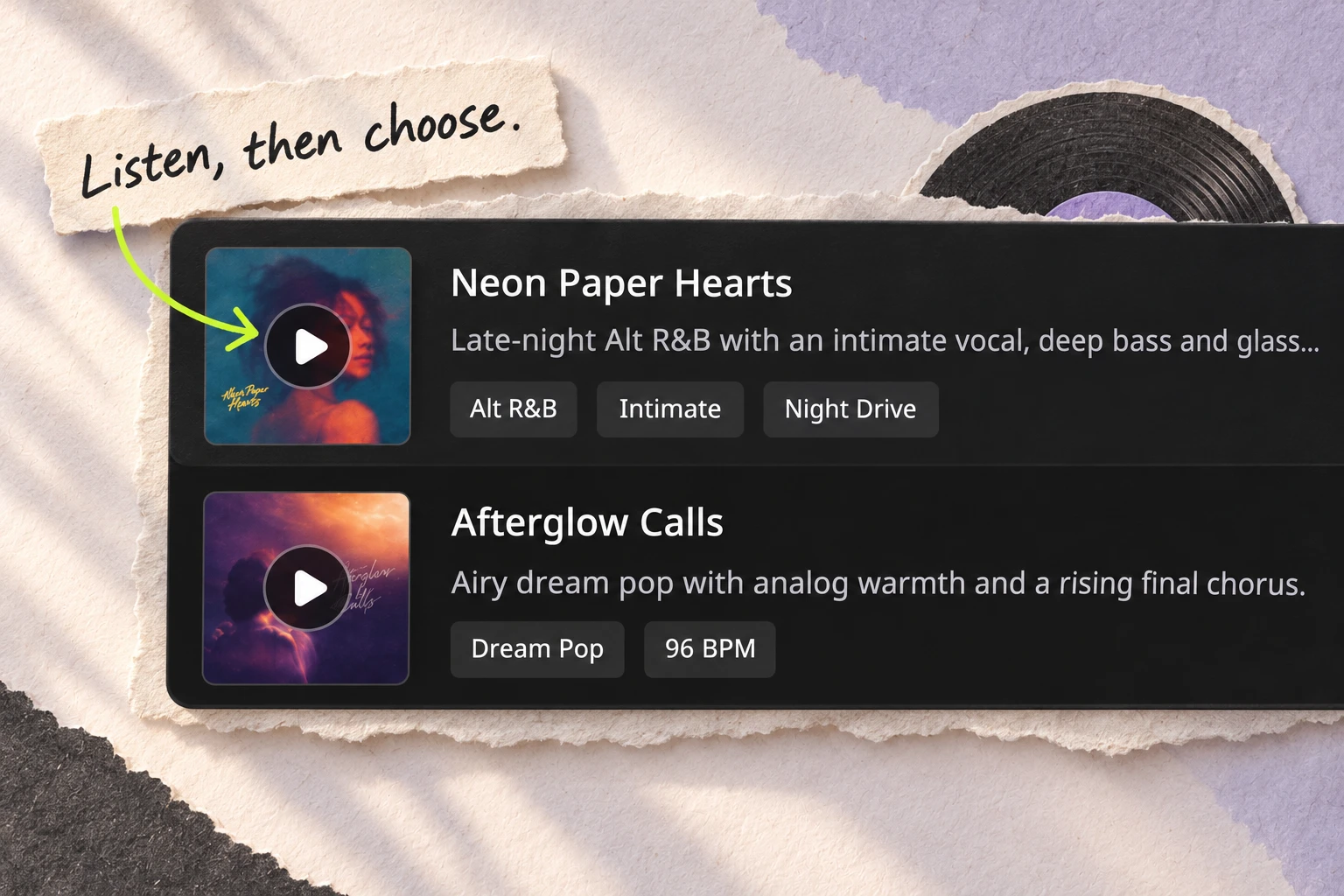
Listen through the chorus and ending. Compare the voice, hook and pacing. Favorite a take, then open its Project when you want to continue.
KEEP CREATING
Continue with a supported track, or start another idea in the same workspace.
Open the Project, listen again, and choose what the track needs: more time, another interpretation, or an export for your next creative task.
Follow-up actions show their own eligibility and credit cost.Continue a selected track when it needs more room. Give the extension a clear job, such as a final chorus or a gentler ending, then listen across the join.
Use a compatible source to try another musical interpretation. Keep the original available, and compare the new result with the part of the song you want to preserve.
Download a supported asset when the track is ready. MP3, WAV, and other options follow the current plan and eligibility shown in the product. Review usage rights before publishing.
One payment. No auto-renewal.
Purchased credits never expire
A focused batch of credits with no subscription.
One payment. No subscription.
Sign in to continue to secure checkout.
More credits and the complete current model set.
One payment. No subscription.
Sign in to continue to secure checkout.
The largest one-time credit pack for bigger runs.
One payment. No subscription.
Sign in to continue to secure checkout.
Estimates assume all credits are used for song generation: 12 credits per generation, with two song versions per successful generation. Editing and other tools use credits too.
Paid access unlocks commercial rights for your songs, including earlier Free songs. Covered songs keep those rights after your subscription ends. Technical failures are refunded automatically when confirmed.
FAQ
AISongsMaker is a Suno alternative built around a focused song workspace. Start with an idea, lyrics or supported audio, then keep a preferred version in a Project. Favorites help you find takes to revisit. Standalone packs fit occasional projects.
Yes. Buy a standalone credit pack with one payment and no auto-renewal. You can use purchased pack credits without maintaining a subscription. Monthly and annual plans are also available if you create regularly. Compare the current credit allowance and included tools in the pricing cards before choosing.
Standard registration includes 30 one-time credits, valid for 30 days. Use the allowance to try creating and listen to your results. It does not refill daily; generation and editing each have a displayed credit cost. MP3 export requires eligible paid access. Check any account-specific offer before purchasing.
For occasional projects, this Suno alternative offers packs you buy when needed. A subscription may fit regular creating. Compare credit allowances and included tools using Pay once, Monthly and Yearly. Song-count estimates assume credits are used for generation; editing also uses credits.
Purchased pack credits in this Suno alternative never expire. Pack song files are stored for 30 days, so download the files you want to keep within that window. Credit availability and file storage are separate. Annual credits arrive upfront for use across the paid year; the signup allowance has its own 30-day validity. Review the terms for your selected plan.
Yes. Add a verse, hook or complete lyric in Lyrics, then describe the sound in Style. Start with a clear vocal mood and a few musical cues. Listen for phrasing and whether the chorus carries your words well. Choose Instrumental for music without singing.
Use compatible audio in the Cover or Extend workflow to try another interpretation or continue a track. Bring a demo, voice memo or song you have permission to use. Check upload requirements and credit cost in the tool; results may differ from your source recording.
Use the same original brief or lyrics in both services. Listen to the complete results, including the chorus and ending. Compare the versions you would keep and the cost of getting there. The six songs here are AISongsMaker examples, rather than cross-service test results.
Look for a clear path from first result to a usable version. Projects and Favorites help you return to selected takes. Supported continuation actions offer more length or another performance, with eligibility and cost shown per task. Keep relevant versions together for your episode, video or campaign.
Eligible paid access to this Suno alternative includes MP3 and WAV export and commercial-use coverage under the applicable plan and song terms. Download your chosen files while they remain available. Use lyrics and source recordings you have rights to, and review the license before publishing. Commercial-use permission does not guarantee copyright protection.
Choose a Suno alternative by the songs you would keep, the next actions you need and the payment arrangement that fits your work. Suno offers a recurring daily free allowance and Studio on Premier. AISongsMaker offers standalone packs, Projects, Favorites and focused continuation tools. Try a realistic brief before deciding; a larger credit number alone does not establish better value or sound.

Bring an idea, your lyrics or a recording you own. Start creating, listen to the possibilities, and choose where the song goes next.
Start with your idea