Turn a tagline into a sung hook
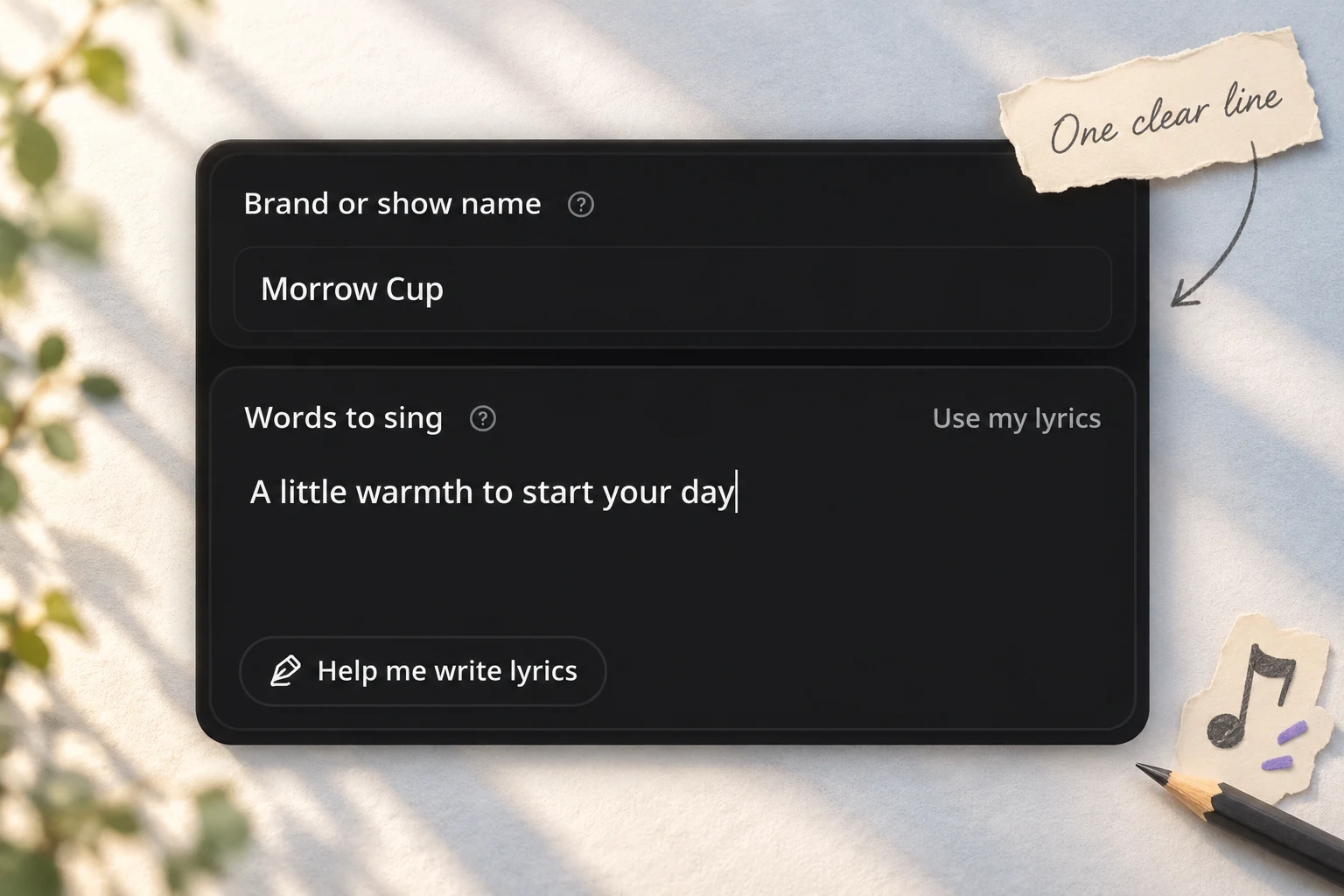
Enter your brand or show name and a line you want people to remember. “A little warmth to start your day” gives a coffee brand a clear message without listing every product it sells.

Start the AI Jingle Generator with a brand name and one clear message. Keep the writing simple, or bring a complete lyric draft.
Enter your brand or show name and a line you want people to remember. “A little warmth to start your day” gives a coffee brand a clear message without listing every product it sells.
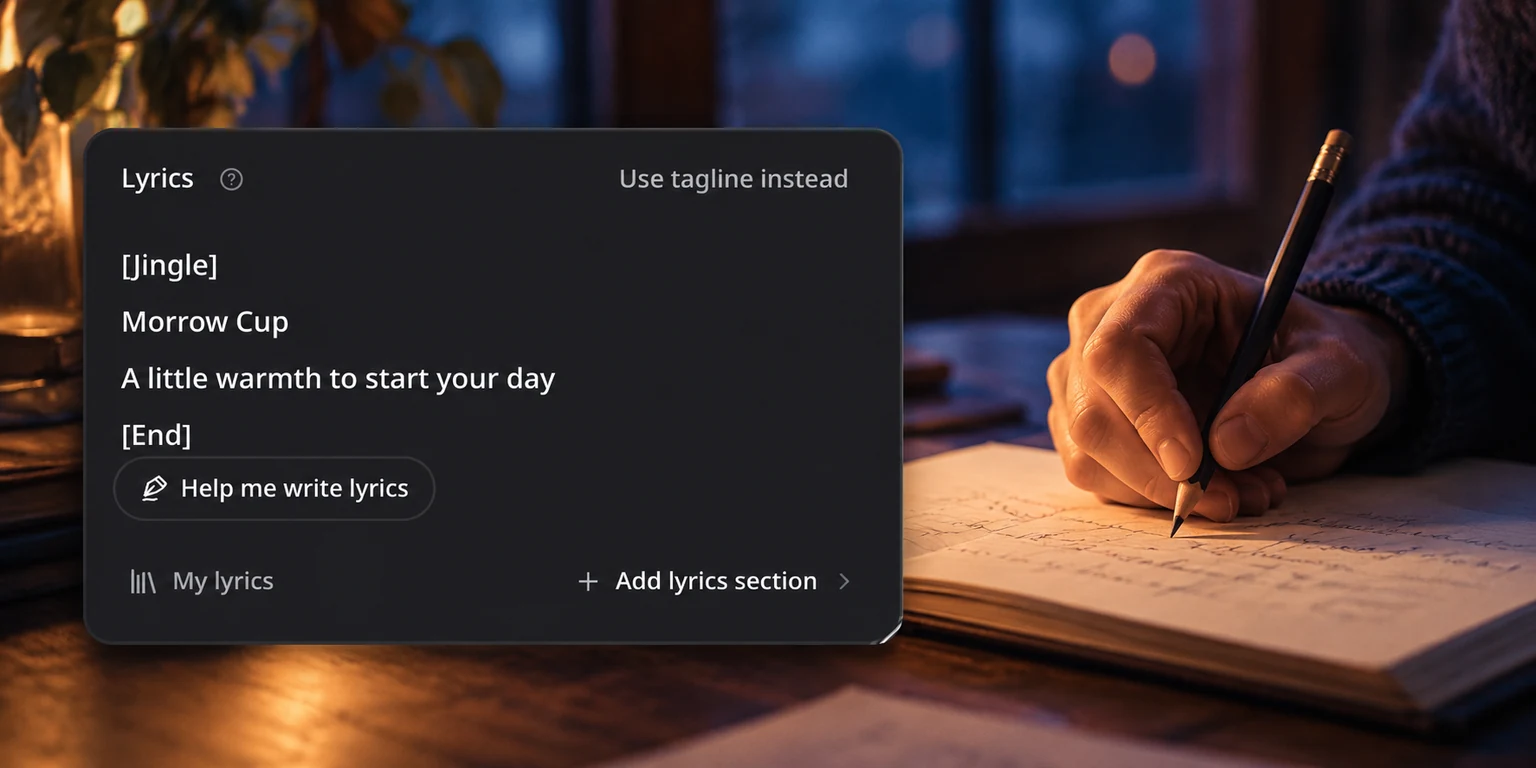
Already have a finished line or verse? Switch to your own lyrics and include the brand name where you want it sung. Move between the two writing modes while keeping the words you entered in each.
Pick a music style, mood, vocal preference, and target length. Leave a preference on Auto when you want room to explore. Add pronunciation or arrangement instructions only when you need them.
Start with one message. Listen to the result before adding more detail.
Use the exact brand or show name you want listeners to hear. Keep the message focused on a benefit, feeling, or invitation. If you need help shaping the words, open the lyrics assistant and review the text before generating music. Say the name and tagline aloud before generating. Keep pronunciation instructions separate from the sung words.
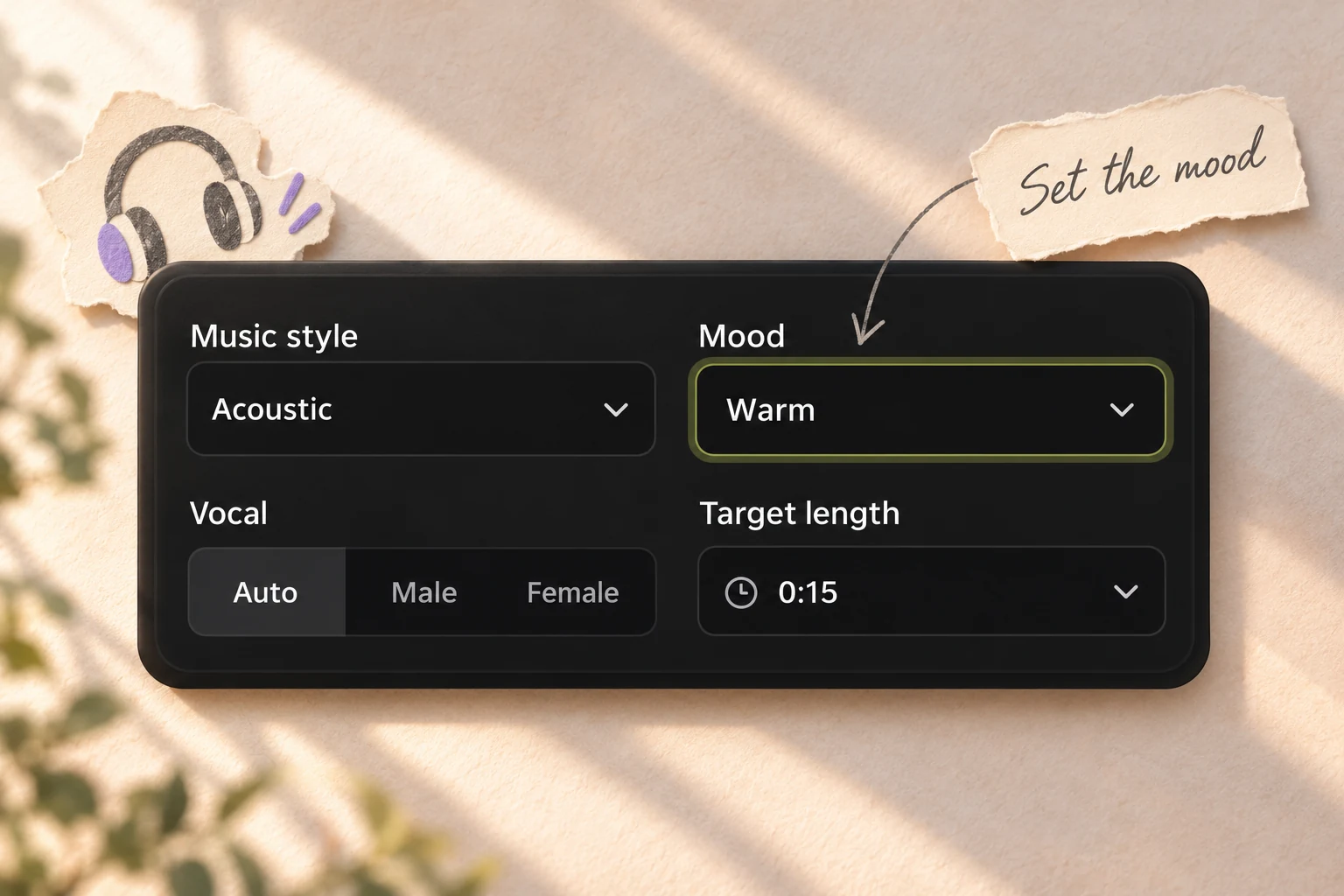
Choose a style and mood that suit the message. A café greeting might call for acoustic music and a warm mood; a launch announcement might suit pop and an upbeat feel. These are creative starting points, not rules. Use More options for the intended use or a specific instruction. The AI Jingle Generator keeps your words while you adjust preferences. Start on Auto when you do not have a musical direction in mind.
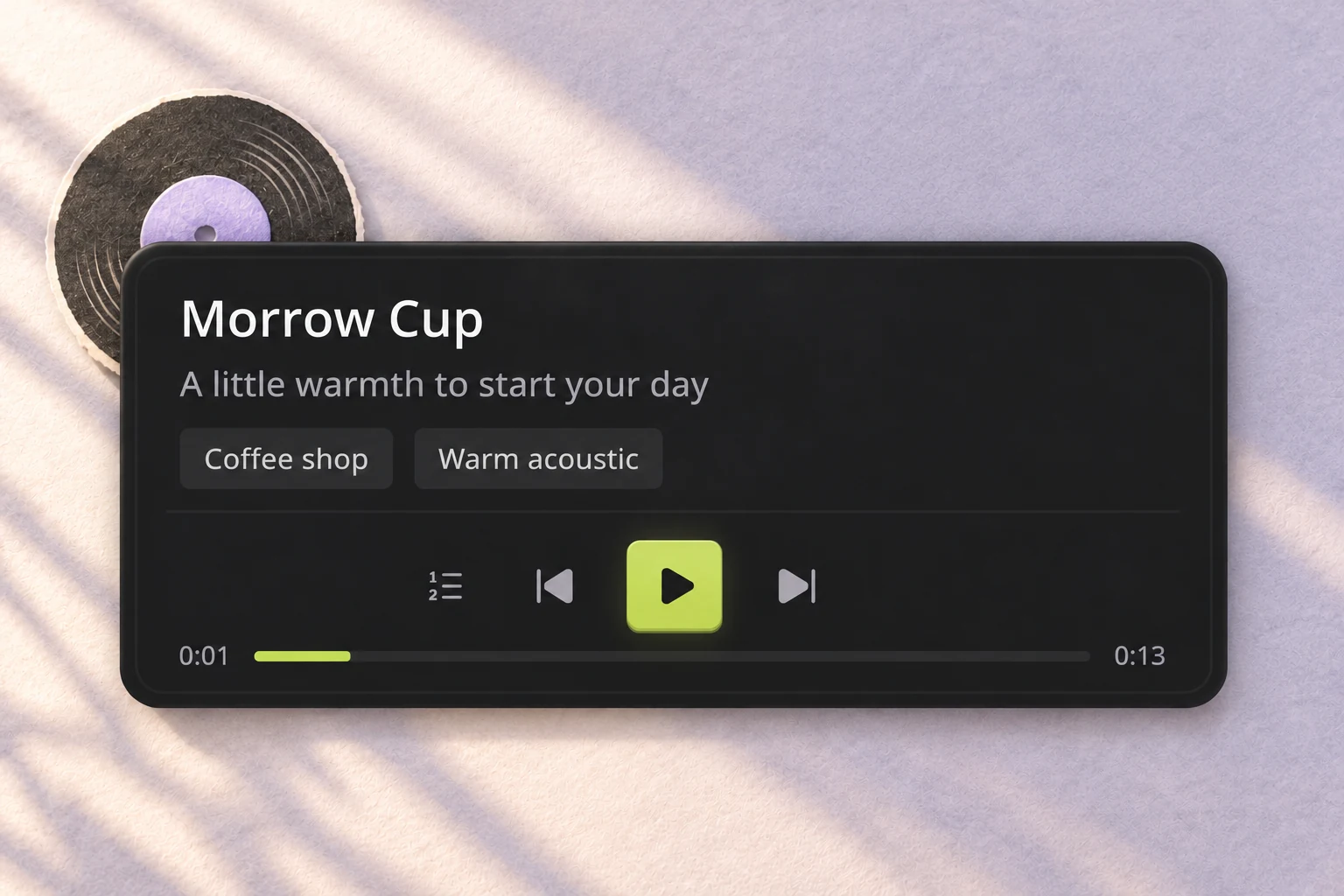
Check whether the brand name sounds clear, the words feel natural when sung, and the ending leaves space for the next part of your content. If something feels crowded, shorten the line. Change the relevant preference and generate another version to explore a different direction. Use the real examples to check how a short phrase sounds when sung. A new generation explores a new performance; it is not a precise audio edit.
Explore the AI Jingle Generator for a local business, product launch, recurring show, or campaign. Start with the name your audience should remember.
Give your business a short musical introduction built around its name and one welcoming phrase. Focus on the feeling you want a listener to take away.

Practical answers about your words, musical preferences, and the result you hear.
An AI jingle generator turns words and musical direction into a sung piece for a brand, product, or show. Here, you can start with a name and tagline or supply your own lyrics. The result helps you hear how your message works as music.
Write the actual line you want sung, such as a tagline or short invitation. Put musical preferences in the style and mood controls, and pronunciation guidance in Extra instructions. Keeping these separate makes the intended words easier to review. The AI Jingle Generator uses this text as sung content, so avoid putting a full creative brief in the same box.
Yes. Choose Use my lyrics and enter the full text you want sung, including your brand name. Those lyrics become the active content for generation. You can return to your tagline without losing the separate lyric draft. In the AI Jingle Generator, only the active writing mode supplies the words for the next song; clearing it does not silently select a hidden draft.
You can choose a target of 15 or 30 seconds, along with other lengths up to five minutes. Actual audio length may vary. For a fixed advertising slot, listen to the result and check its runtime before placing it in your edit.
Add a simple phonetic cue in Extra instructions, such as “Pronounce Morrow as MOR-oh.” Treat the cue as guidance and listen to the result to check the name. If it remains unclear, simplify nearby words and try another version. The AI Jingle Generator treats pronunciation notes as direction rather than a guarantee. Always check unfamiliar names by listening, especially before combining the audio with a finished visual edit.
No. Leave Music style on Auto if you want to explore. If you have a direction in mind, choose a style and use Mood to describe the feeling. You can change one preference at a time while keeping your words.
Start with your brand name and one short line. Read it aloud at a comfortable pace. If the generated version feels rushed, remove secondary details or choose a longer target rather than adding more instructions to the same crowded line. The AI Jingle Generator can explore a melody for a concise phrase, but extra words still need space to be sung clearly. Keep detailed offers, addresses, and long descriptions in the surrounding content.
You can revise the words, adjust the musical preferences, and generate another version. Start with the part that needs attention: the name, the message, the vocal preference, or the overall feel. A new generation explores a new result rather than guaranteeing the same recording with one small edit.
A jingle centers on a recognizable name or message. A full song may develop a story across several sections. The AI Jingle Generator accepts targets up to five minutes, but a longer setting does not mean a short tagline needs to fill all that time. Choose enough room for the words you have, and add fuller lyrics when you want a longer musical idea.
Use the existing lyrics assistant to explore wording, then read the proposed words before generating music. Tell it what the brand offers and the feeling you want to convey. Choose one line that sounds natural aloud. The AI Jingle Generator works best as a clear handoff from the words you approve to a musical interpretation, rather than as a place to hide an unfinished advertising brief.
Start with the brand name: can you hear it clearly without reading the title? Next, listen for the main phrase and whether it fits comfortably in the melody. Finally, check the opening and ending against your intended content. The three AI Jingle Generator examples above use different words and musical directions; they illustrate possibilities rather than a controlled comparison or a promise that your result will sound identical.
Yes. Open More options, select Other under Use for, and describe the intended use in the field that appears. Keep that description separate from the sung words and from pronunciation or arrangement instructions. For example, “a welcome song for our café” explains the setting; your tagline provides the lyric. The choice helps express your intent without requiring a dedicated form for every campaign or format.

Bring a brand name and one line worth remembering. Use the AI Jingle Generator to hear where it could go.