A story with something at stake
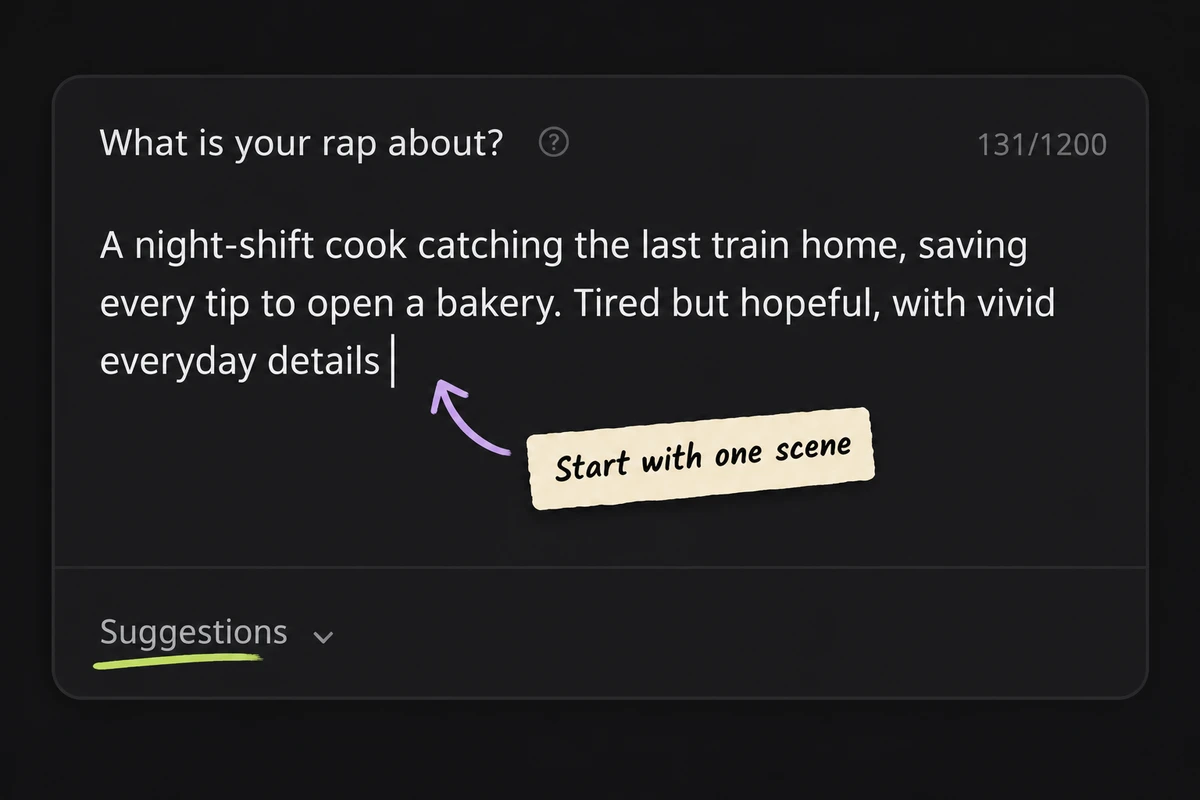
Name the person, place, and change. “I want to prove myself” becomes more personal when you add a late shift, a small promise, or the person waiting at home. Put those details in the main idea.
The AI rap generator keeps writing and music in two clear stages. Start with the words, then decide how they should sound.

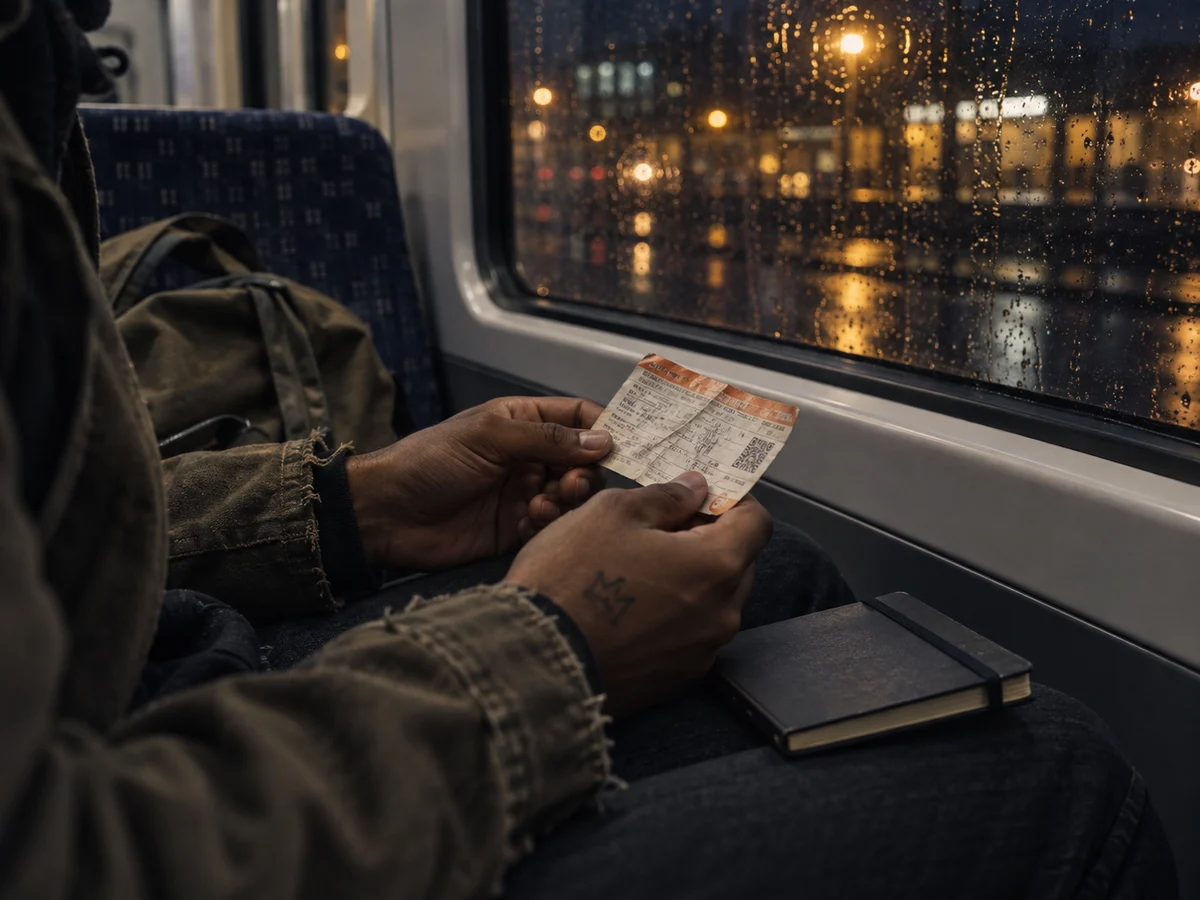
Tell the AI rap generator who is speaking, what happened, and why it matters. One specific moment is enough to begin. Already have a verse or a complete song? Use the existing-lyrics shortcut and paste your words directly into the music stage. Try a night-shift cook catching the last train home, saving tips for a bakery. Suggestions fill the idea field; they do not submit a generation request.

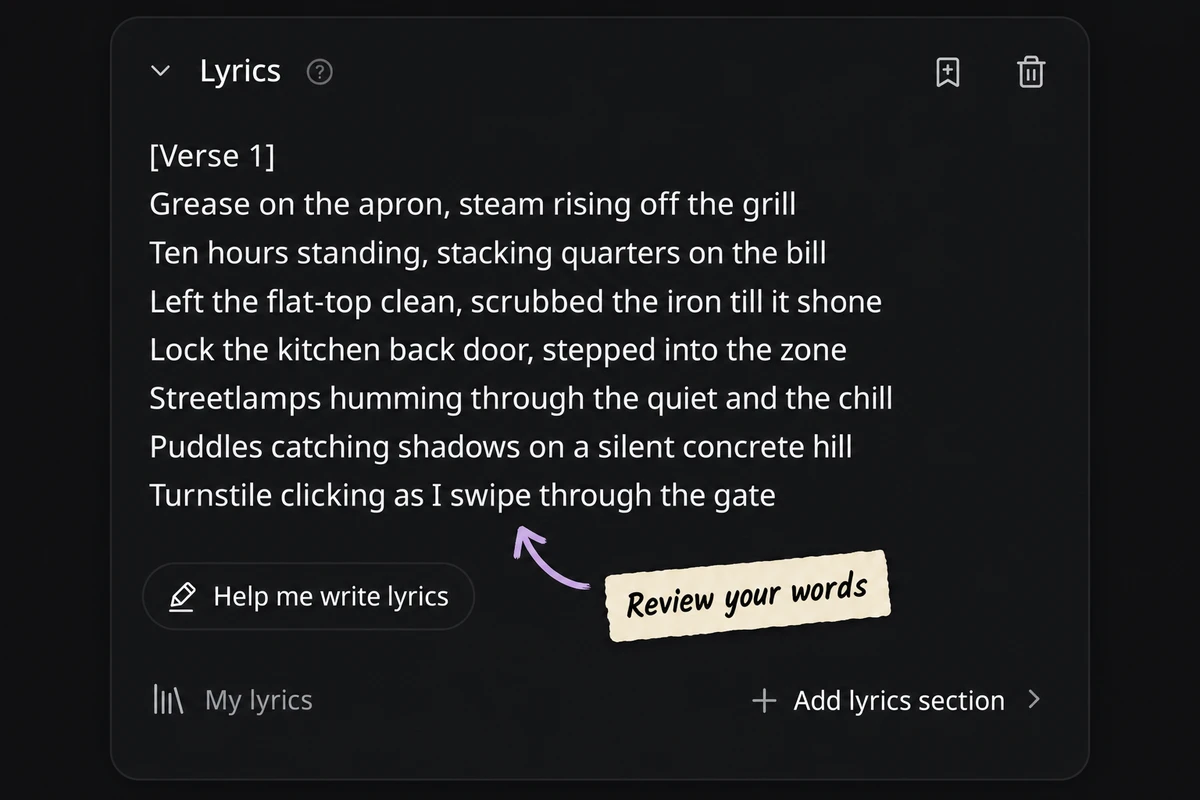
When you request lyrics, the editor opens with an in-field loading state. Read the completed draft before spending song credits. Replace generic images, check your rhyme words, and read longer lines aloud. Your edits become the lyrics submitted for music generation. Keep the details that make this your story; remove lines that do not belong. Check names, pronunciation, and the repeated hook before making music.

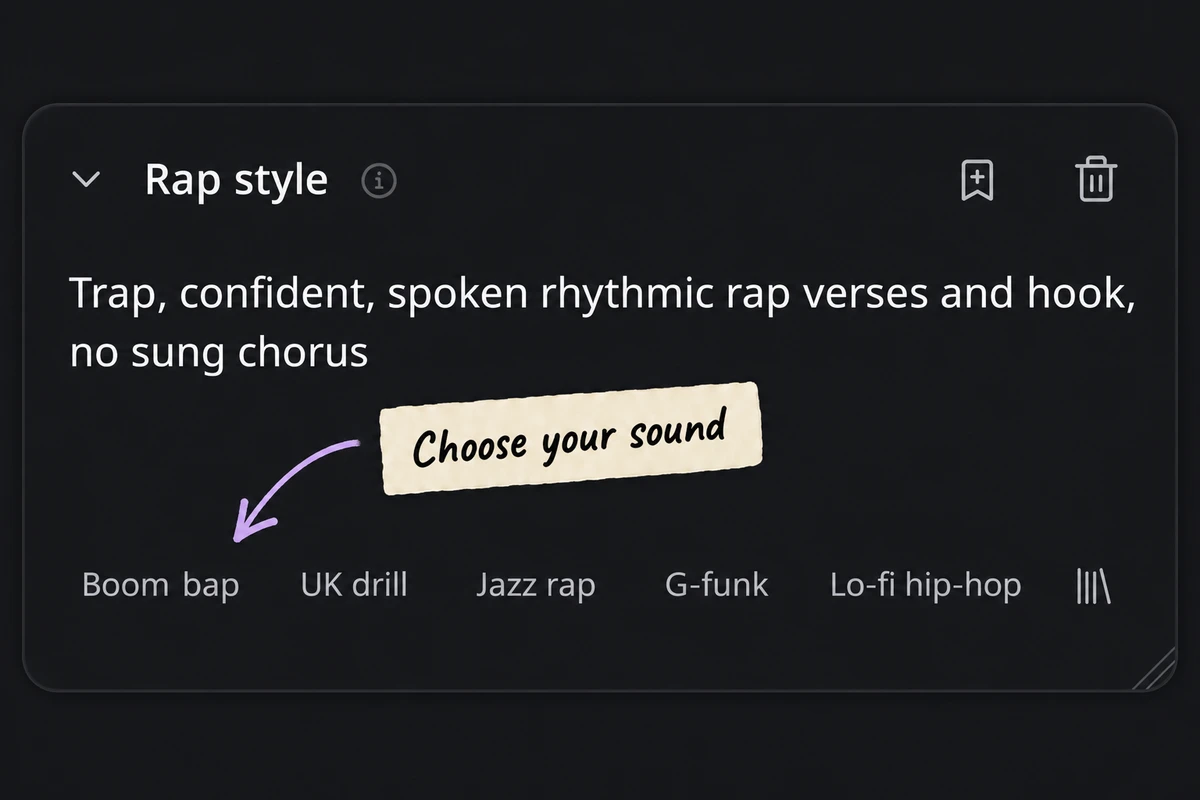
Choose a Rap style and delivery, then check the model and any advanced settings. The AI rap generator shows the song credit cost before submission. Listen to the returned versions for clear words, believable emphasis, and a hook you want to hear again. Change one musical direction at a time when comparing another version. The song list remains available while you continue creating.
Use the AI rap generator to develop a specific idea. Add writing preferences when they help you say something more clearly.
Name the person, place, and change. “I want to prove myself” becomes more personal when you add a late shift, a small promise, or the person waiting at home. Put those details in the main idea.
Give the AI rap generator words or sounds such as night / light or train / rain. These guide the writing without forcing every line into one rhyme. Keep the meaning clear when revising the result.

Use Keep this line for an original phrase you want preserved. The editor lets you check it before making music. This is different from a rhyme target: you are supplying the actual wording, not a sound to explore.

Artist inspiration can describe broad qualities you enjoy, such as vivid storytelling or internal rhymes. The AI rap generator uses that writing direction without requesting copied lyrics or a cloned singer. Choose Clean lyrics when the audience needs clean wording.
Explore direction examples for the AI rap generator. These describe musical choices; they are not audio previews or changes to your current form.
Boom bap, warm sampled textures, crisp drums, confident rhythmic verses.
A useful starting direction for grounded storytelling and a clear rhythmic verse.
Start here for a personal story. Leave enough space between phrases for the details to land.
Bring a moment, a point of view, or a reason to celebrate. The AI rap generator works best with details only you could supply.
Write about the bus ride after work, a first apartment, or a promise you kept. Give the AI rap generator a scene rather than a broad theme, then choose the lines that feel true to your experience.

The AI rap generator keeps your results beside the form, so the next version can build on decisions you have already made.
Compare the opening, word clarity, hook, and ending. A strong result should carry your meaning as well as the sound you requested.
Choose a song in your list before using its continuation actions.Play the returned songs, listen through the hook, and favorite the version you want to revisit.
Use Remix → Regenerate to return to the AI rap generator with the lyrics and music settings filled in.
Use Projects and Favorites to find your songs again. Download access and commercial use follow your account entitlements.
Practical answers about writing, sound, and what happens after you generate.
Yes. Choose “Already have lyrics? Create a song” to enter the music stage directly. Paste your verse, hook, or complete lyrics, then choose a Rap style. The AI rap generator does not automatically rewrite your pasted text. Review section labels and line breaks before submitting the song.
Explore Lyrics to SongYou can try lyric writing with 3 free successful requests shared across Lyrics AI tools on your free account. They are not separate allowances for each page. Creating songs uses music credits, with the cost displayed before submission. Sign in to use your account allowance; check Pricing for additional access.
Check plans and creditsYes. Open Writing preferences in the AI rap generator. Rhyme targets accepts words or sounds to guide the draft, while Keep this line is for wording you want preserved. Review the result: natural meaning matters more than forcing every ending to rhyme. You can edit the draft before generating music.
Yes. The AI rap generator includes Rap style recommendations such as Boom bap, Trap, UK drill, and Jazz rap. You can edit the style text to describe a different mood or arrangement. These are creative directions, not guarantees of identical instrumentation or a precise artist performance.
Use Clean lyrics to request clean wording, and choose Lyrics language when you want a specific language. Auto follows your idea. Check slang, names, and culturally specific phrases in the result. When you bring your own lyrics, changing a preference does not silently translate or clean the text you pasted.
Artist inspiration in the AI rap generator helps express broad writing preferences, such as detailed storytelling, wordplay, or internal rhymes. Add what you like about the writing instead of asking for copied lines. This field does not clone a voice, and the artist reference is not passed into the music-style text.
Yes. The AI rap generator opens the lyrics editor while writing is in progress, then fills it when the draft succeeds. Edit the words before you press the song button. If writing fails, you can retry; canceling or failing a replacement request keeps the earlier lyrics. Save important work explicitly rather than assuming unsent drafts survive a refresh.
Explore the AI Lyrics GeneratorDownload options depend on your account and the available song assets; MP3 downloads require paid access. Commercial use follows the current account terms and your rights to any words or source material you supply. Review the song’s available commercial-use record and the Terms before publishing. Using the AI rap generator does not grant permission to reuse somebody else’s lyrics.
Read the TermsOpen the AI rap generator with one scene, one message, or lyrics you already own. Shape the words first, then find their sound.