


AISongsMaker
GO PROMore credits · Commercial useAccess

Main

Create MusicLibrary

Create & Transform

Text to SongLyrics to SongAI Lyrics GeneratorAI Music ExtenderAI Song Cover

Audio Tools

Vocal RemoverStem Splitter
PricingHelp & Feedback
AISongsMakerCreate. Shape. Continue.support@aisongsmaker.org

Create

  • AI Song Maker
  • Lyrics to Song
  • Text to Song

Music Tools

  • AI Lyrics Generator
  • AI Song Cover
  • AI Music Extender
  • Stem Splitter
  • Vocal Remover

Resources

  • Pricing
  • FAQ
© 2026 AISongsMaker. All rights reserved.
Privacy PolicyTerms of ServiceRefund Policy
AISongsMaker

KEEP THE SOURCE · CREATE THE NEXT PART

What Is an AI Music Extender?

An extension creates a new musical section from a chosen point. It does not simply repeat the same bars or slow the recording down.

01 / The source

One source, a new version

Your selected song provides the musical context. Keep the source available and compare the new version against it instead of treating the extension as an overwrite.

  • Begin with an eligible saved song or permitted audio.
  • A continuation becomes a new version you can compare with its source.
Extend my song
A gatefold record representing a song and its next chapter
02 / The hand-off

A clear continuation point

Choose where the new section should begin. The music around that point gives the continuation context; an abrupt cut can make the transition harder to judge.

  • Choose the point where the next part should begin.
  • Listen around the boundary so the musical phrase has a clear hand-off.
Extend my song
A pianist writing the next passage beside an open music manuscript
03 / The next section

Continuity with room to change

Melody, rhythm, instruments and vocal delivery may develop in the new section. Listen for a connection to the source without expecting every detail to remain identical.

  • Give the new section a job: a return, a contrast or a resolved ending.
  • Guide the direction, then listen to how the melody and arrangement develop.
Extend my song
Print artwork illustrating developing musical detail

A CLEARER WAY TO KEEP CREATING

Why Extend Your Song with AI?

Explore a musical direction, then use your own listening judgment to decide what to keep.

Give the song room to reach its next section illustration
Creative purpose

Give the song room to reach its next section

Use an extension when the song needs a meaningful next part: a returning chorus, a contrasting bridge or an ending with room to resolve.

  • Build on contextUse the existing song as the musical starting point.
  • Add purposeAsk for a section that develops the song, not duration alone.
  • Keep continuityListen for a connection in rhythm, melody and vocal character.

Extend my song
Stay in control of the creative direction illustration
Listening and choice

Stay in control of the creative direction

Make one focused decision at a time: where the continuation begins, what it should do, and whether the resulting version belongs in the song.

  • Choose the hand-offSelect the continuation point with the surrounding phrase in mind.
  • Listen across the joinCheck for cut-off words, level changes or a broken rhythmic feel.
  • Compare and refineKeep the source available while you evaluate a new version.
Extend my song

STEP BY STEP

How to Extend Music With AI

Use the AI Music Extender to choose where the source hands over to a new musical section.

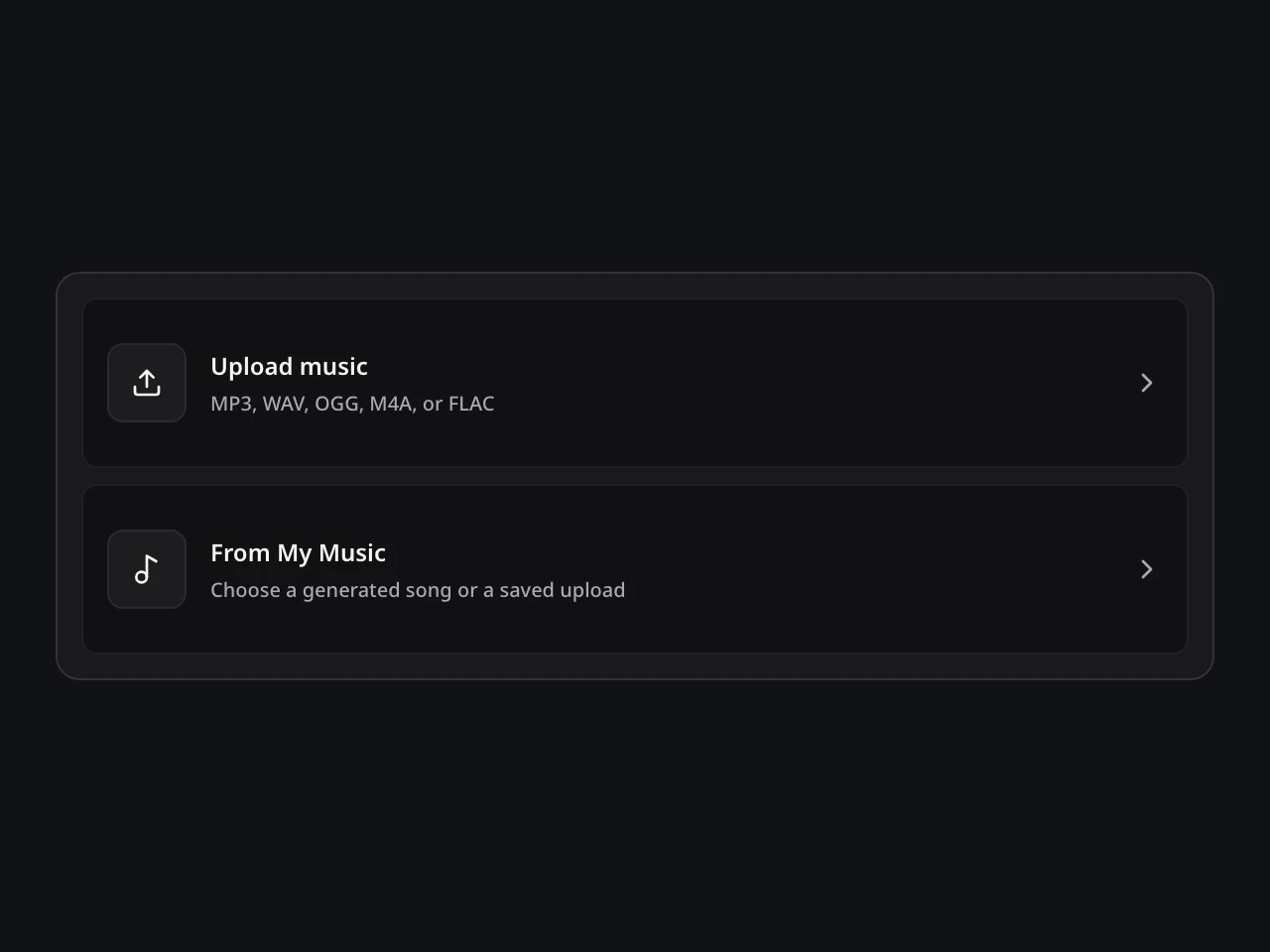
  1. Music Extender: actual source picker UI
    Interface illustration

    01Choose a source and point

    Open the AI Music Extender with an eligible saved song or permitted upload. Place the continuation marker inside the source where new music should begin.

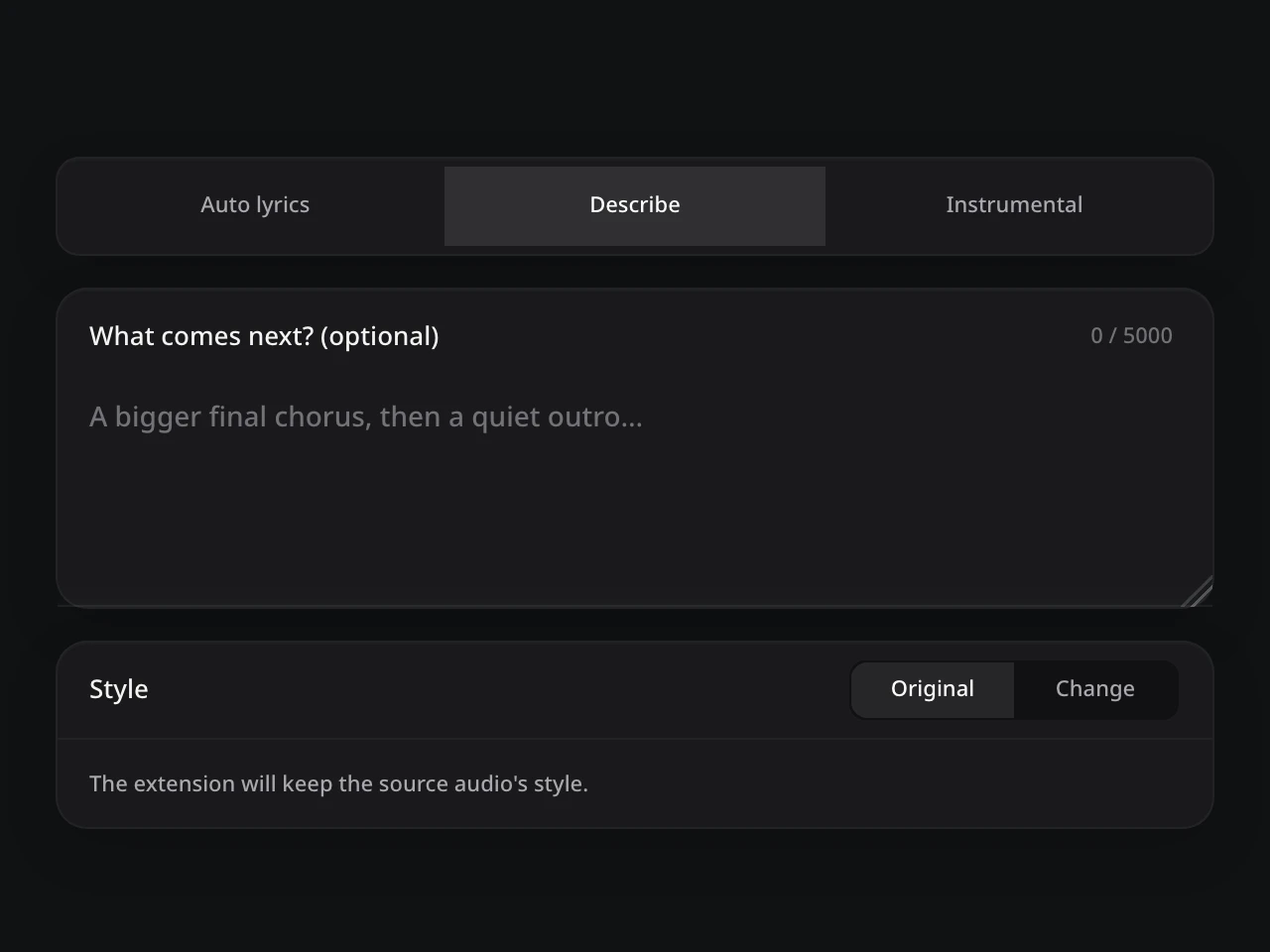
  2. Music Extender: actual direction controls UI
    Interface illustration

    02Guide the next section

    Follow the available source direction or describe a verse, chorus, bridge, or outro. Add the intended lyrics or instrumental direction when supported.

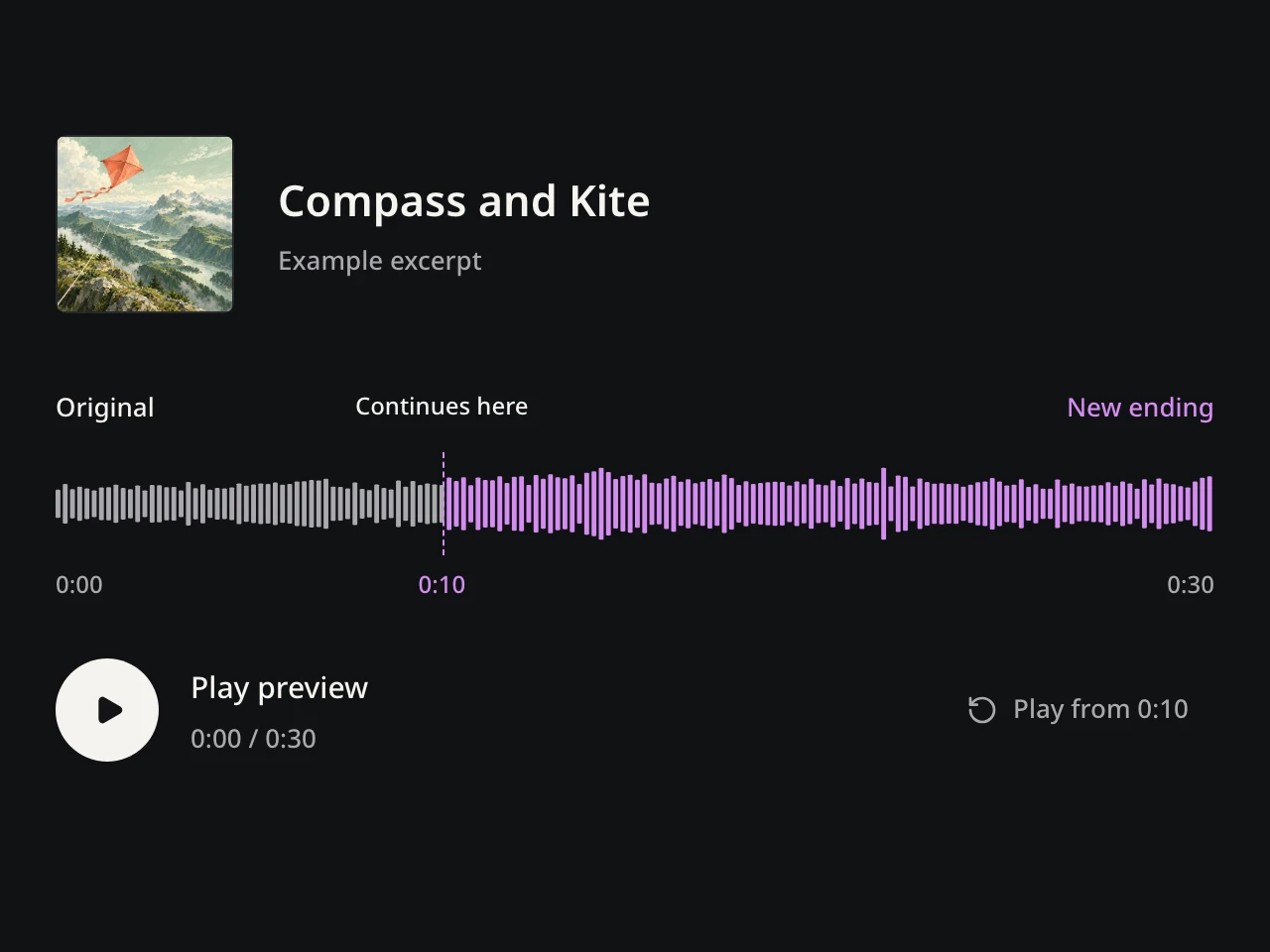
  3. Music Extender: actual public example preview UI
    Interface illustration · use the live Example above to listen

    03Compare across the transition

    Start playback before the marker and listen into the new section. If it does not fit, adjust one decision and compare another AI Music Extender result.

ONE BOUNDARY · SEVERAL POSSIBLE FUTURES

Extend a Song With a Verse, Chorus, Bridge, or Outro

Define what should stay established and what should happen next.

RETURN TO THE HOOK

Bring Back the Chorus

Use the AI Music Extender to bring back the chorus after a verse or bridge. Choose a point that preserves the setup, then describe the lift you want in the returning hook.

  • Select a valid point inside your source song; a musical boundary is a useful starting point.
  • Start playback before the marker to hear whether the new chorus connects naturally.
Back to workbench
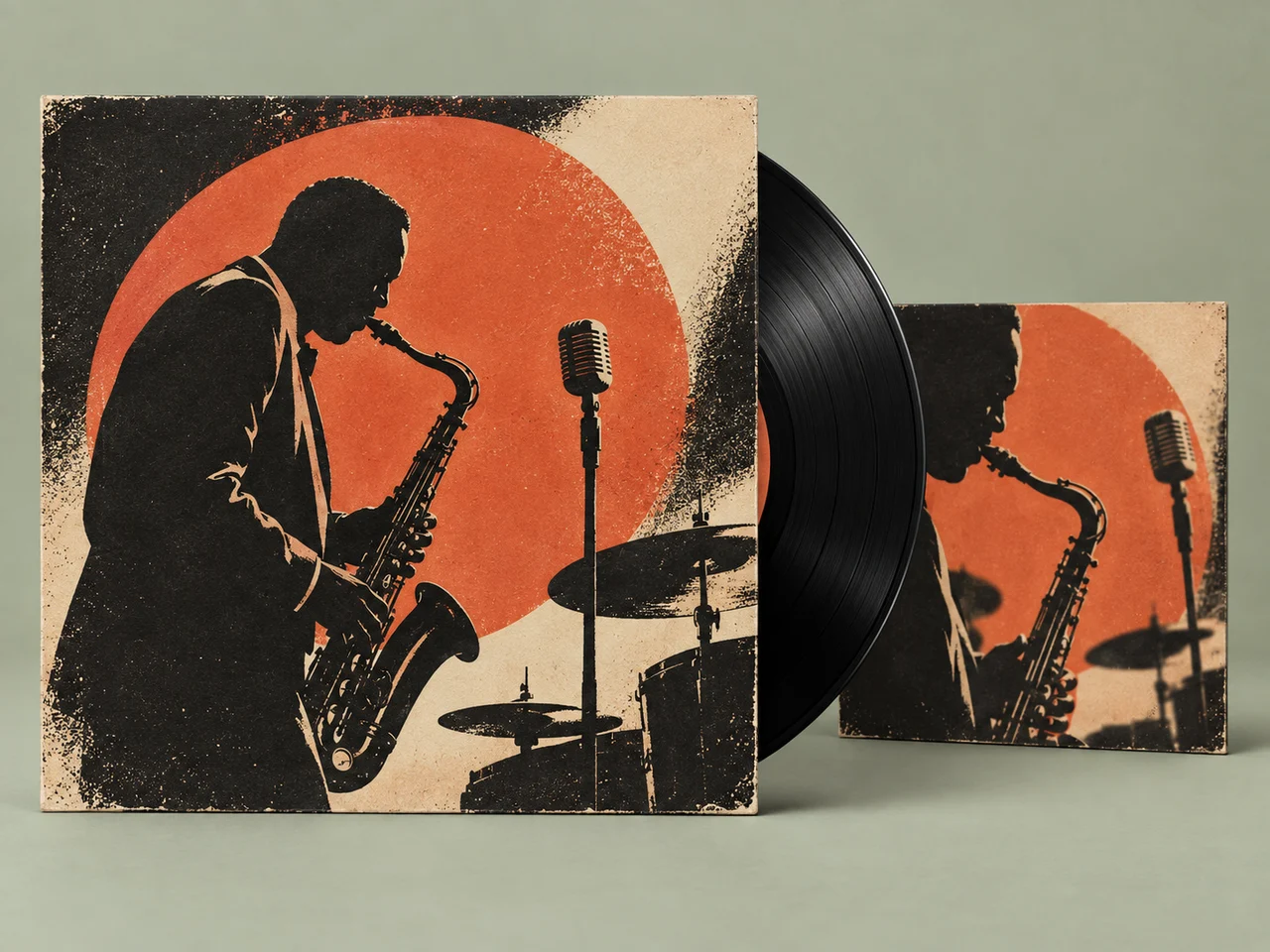
Related jazz record sleeves echo a returning musical theme
A NEW DIRECTION

Make Room for a Bridge

Give the next section a purpose, not just more duration. Ask the AI Music Extender for a contrasting bridge: lower the energy, change the arrangement, or build toward the final chorus.

  • Follow the source style for continuity, or describe a deliberate change with a custom direction.
  • Rhythm, harmony, phrasing, and production can differ between results. Compare the transition, not only the new section.
Back to workbench
Guitar, drums and keys suggest a contrasting band arrangement
LET THE SONG RESOLVE

Give the Ending Space

Make a song longer with a purposeful outro. Tell the AI Music Extender how the music should resolve: let instruments settle, repeat the hook with a new treatment, or build one final release.

  • Choose a point before the existing ending rather than describing a change to the whole track.
  • An extension generates new music; it is not a guaranteed loop, time stretch, or exact-duration edit.
Back to workbench
A quiet beach evokes a resolved outro
WORDS OR INSTRUMENTS

Decide What Carries On

Continue the story with a new verse, or leave room for the instruments. The AI Music Extender can be guided by lyrics or an instrumental direction when the selected mode supports it.

  • Write only the lyrics intended for the continuation and explain how they should enter.
  • Review the available modes in the workbench. Vocal character and the hand-off may vary, so audition each returned version.
Back to workbench
Ocean, sculpted metal and piano strings share a flowing visual movement

LISTEN ACROSS THE HAND-OFF

What to Listen for in Your Extension

Check the transition first, then decide whether the new section earns its place in the song.

A music editor listening carefully across a transition
01 / Transition

Listen across the join

Play a few seconds before and after the continuation point. Check for a cut-off word, a sudden level change or a broken rhythmic feel. If the join feels abrupt, reconsider the starting point.

A vocalist and guitarist rehearsing together
02 / Arrangement

Follow the voice and arrangement

Listen for changes in vocal character, tempo feel and instrument balance. Decide whether they support your direction or pull attention away from the song.

A concert hall and coastal horizon evoking a musical ending
03 / Whole section

Judge the whole new section

A chorus should feel like a return, a bridge should create useful contrast, and an ending should feel resolved. Keep the version that serves that purpose; revise the direction when it does not.

AI MUSIC EXTENDER QUESTIONS

AI Music Extender Questions

Answers about sources, continuation points, transitions, instrumentals, access, and rights.

To extend a song with AI, open the AI Music Extender, choose a source, and place the marker where the new section should begin. Follow the available source parameters or guide what comes next, then compare the results across the boundary.

MUSIC
AISONGSMAKER
AM
Describe an IdeaLyrics to SongOwn AudioInstrumentalPopRockCountryJazzExtend a SongCover & RestyleVocals & InstrumentalSplit Stems

THE SONG DOES NOT HAVE TO END THERE

Give Your Song The Next Section It Needs

Choose the continuation point, guide what follows, and compare connected versions until the song has the right next part.

Extend This Song
AISongsMaker
…

Source audio

What comes next? (optional)
0 / 5000
Style

The extension will keep the source audio's style.

Uses this audio as a reference · original stays unchanged

AI Music Extender: Give the Song Its Next Section

Choose a source, place the continuation point, and guide the verse, chorus, bridge, or ending that follows.

Compass and Kite

Example excerpt

This 30-second excerpt crosses the continuation point at 0:10. The marker is within this preview, not the original song timeline.

OriginalContinues hereNew ending
0:000:100:30
Play preview

0:00 / 0:30

CreatorC