Change the singing voice
Use AI Song Cover Generator to apply a singing voice preset to an existing vocal track.
The AI Music Genre Changer starts with a recording. Choose a song, give Restyle a clear musical direction, then compare the versions by ear.
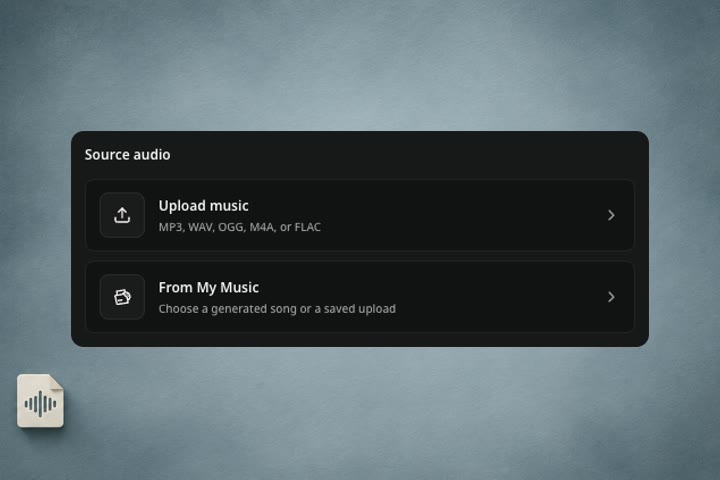
Upload a recording you created or have permission to adapt, or pick an eligible saved song from My Music. Start with a version where the hook, lead vocal, or main instrumental line is easy to hear.
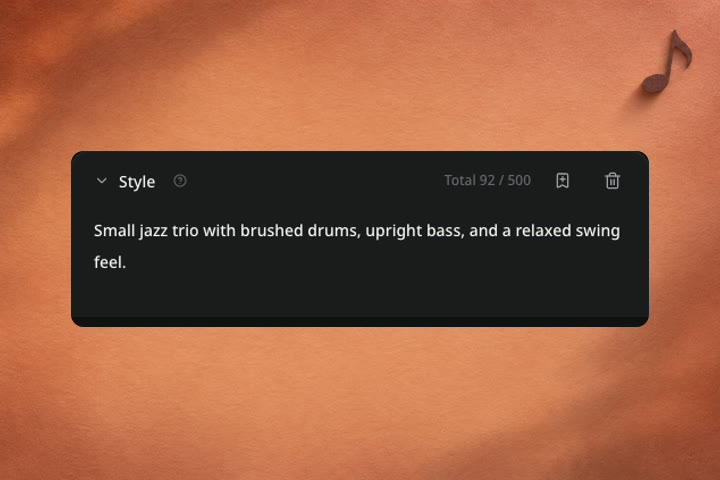
Name the genre, then give the arrangement one or two concrete cues. For a jazz take, try “small jazz trio, brushed drums, warm upright bass.” Choose Lyrics, Describe, or Instrumental to direct the song content.
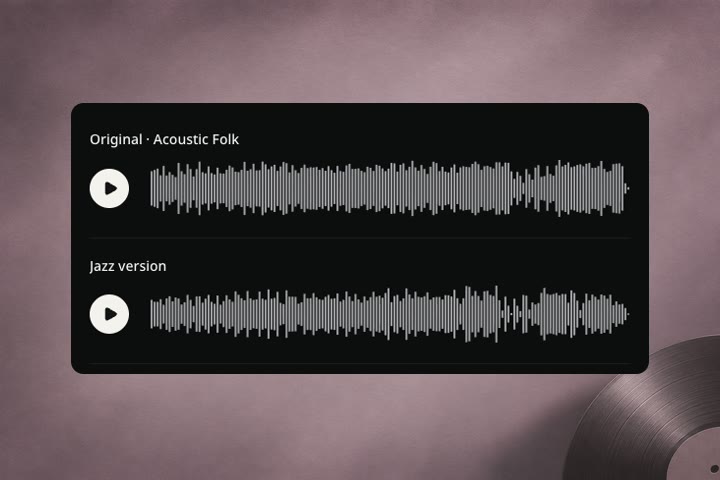
Play your source and the new version. Listen for a familiar phrase, how the instruments answer it, and how the energy moves into the chorus. Save the version that best fits what you’re making.
Start from the result you want. The following prompts are ideas you can adapt to your own track.
Small jazz trio with brushed drums, upright bass, and a relaxed swing feel.
Give an existing song a different musical setting.
Compare the pulse and the way the instruments answer the lead.
Choose the tool based on what you want to hear change.
Start with a source song and generate a new interpretation of its genre, mood, or arrangement. Use Style to describe the musical change and choose how to supply the lyrics.
Use AI Song Cover Generator to apply a singing voice preset to an existing vocal track.
Hear how arrangement choices change a song and learn what to listen for when comparing it with the original.
What to expect from the recording you choose and the new version you hear.
The AI Music Genre Changer uses a recording as the starting point for a newly generated performance. Describe a style such as jazz, dream pop, or stripped-back acoustic and guide it with instruments, mood, or energy. Your original stays available so you can compare and choose.
Restyle uses the source as a musical reference. Hooks or melodic ideas can carry through, and the arrangement, phrasing, tempo feel, or section lengths can change. Hear the original and the Jazz and Dream Pop examples to get a sense of the range before using your song.
Choose Lyrics and review the words you want the new version to sing. Describe lets you give a direction for new lyrics. Choose Instrumental to create a version without singing or lyrics, then put the lead instrument and arrangement instructions in Style.
Upload a supported recording you own or have permission to adapt, or choose an eligible finished song from My Music. A clear recording with a recognizable hook or lead part gives you something useful to listen for after restyling.
A standard Restyle run uses 12 credits on eligible paid plans. If your account has an available editing trial, the workbench shows that option. The public music restyle examples are free to hear.

Bring a recording to the AI Music Genre Changer and try one change you can hear clearly.
