

Listen before you choose
Compare the opening, groove, and ending. A quieter version may fit your footage better than the hardest-hitting take.
Your earlier results remain available while you choose.Give the AI Phonk Generator a direction you can describe in everyday words. Explore these prompt ideas, then bring the details you like to the composer. These examples explain a sound; they do not change your form automatically.
Drift phonk with a pitched cowbell hook, heavy bass, and tight drums. Start with the motif and bring it back after a quieter break.
A repeating cowbell phrase gives a fast-cut sequence something recognizable to return to.
In the AI Phonk Generator, name the lead sound and where you want it to appear. Listen for a hook that stays clear over the drums.
Start with one scene and one musical idea. The AI Phonk Generator keeps the first request simple, so you can spend more time comparing what you hear.
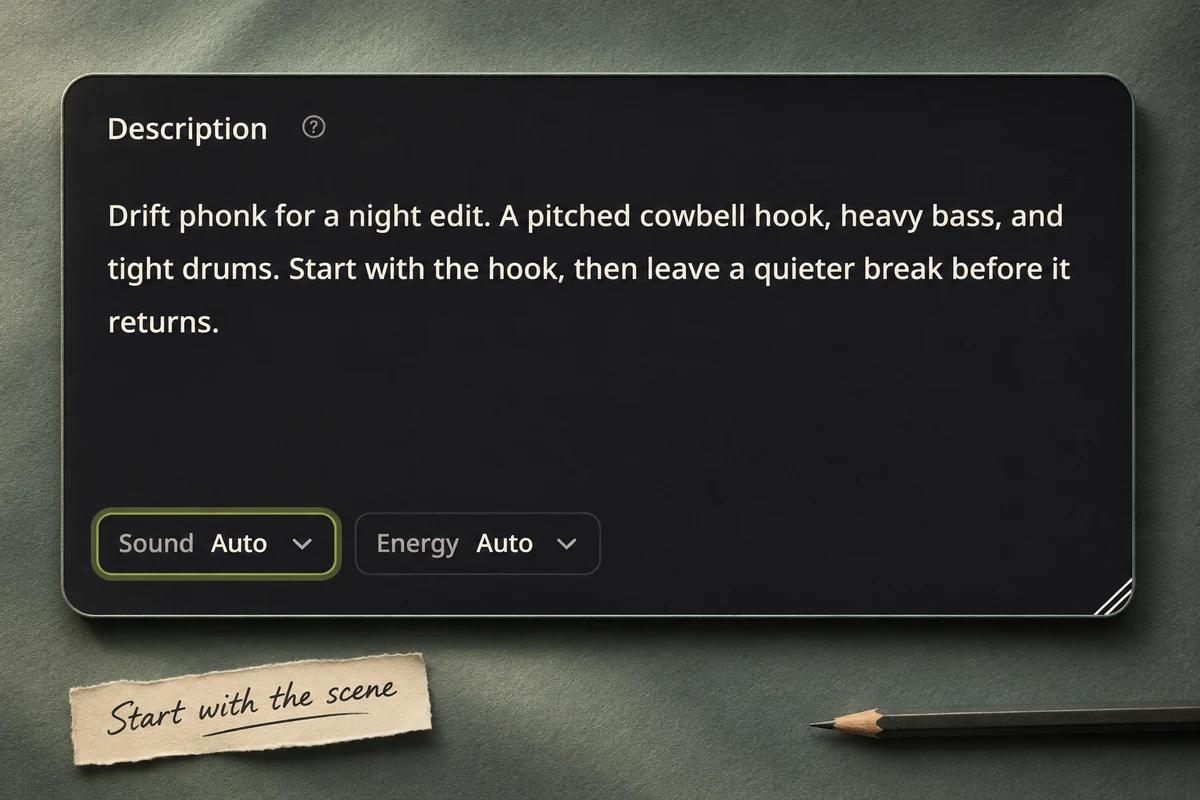
Tell the AI Phonk Generator what the music is for, how it should feel, and which sound should stand out. Try a night-drive edit, gaming highlight, or late-night montage starter. It fills the description without submitting. Name a hook, bass character, or opening idea. A few clear details are easier to refine than a long list of competing directions.
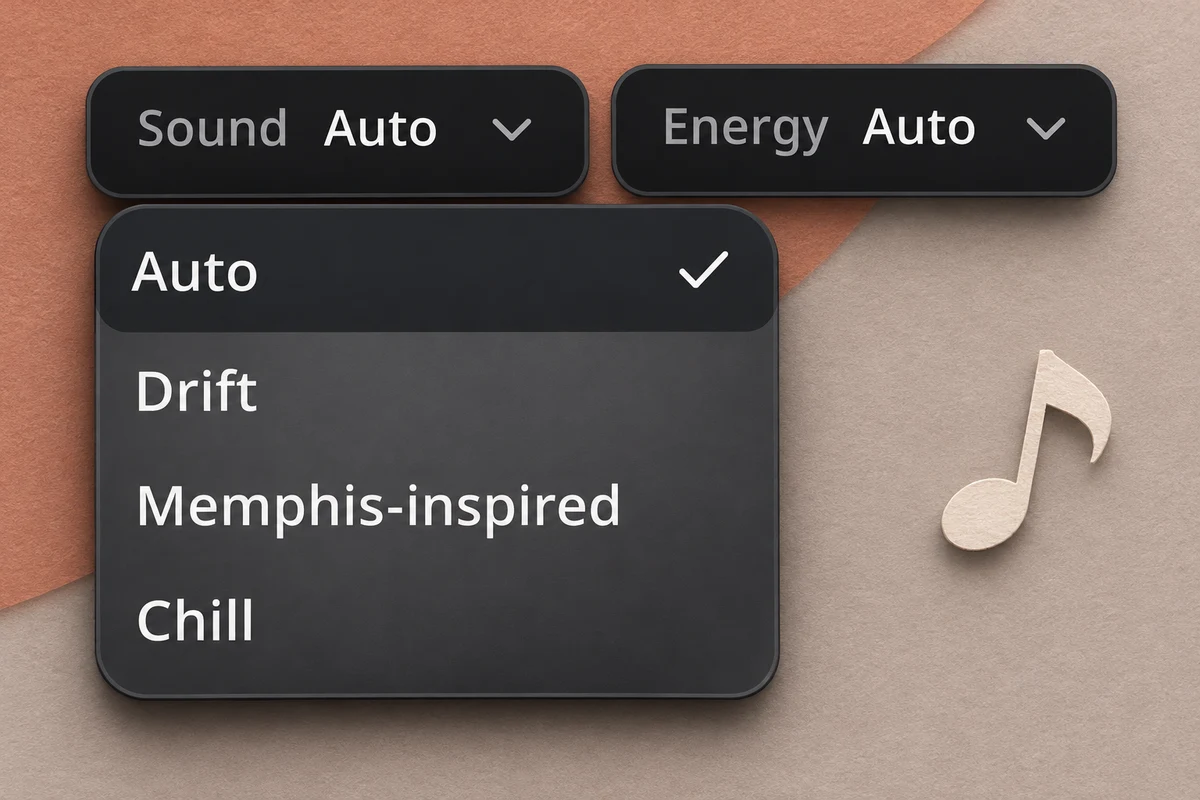
Keep Auto to follow your description, or choose a Sound and Energy. Leave Instrumental on for a beat without written vocals. Drift, Memphis-inspired, and Chill are musical directions, not separate generation models. Turn Instrumental off to add your lyrics. Switching back keeps the lyric draft in the current form.
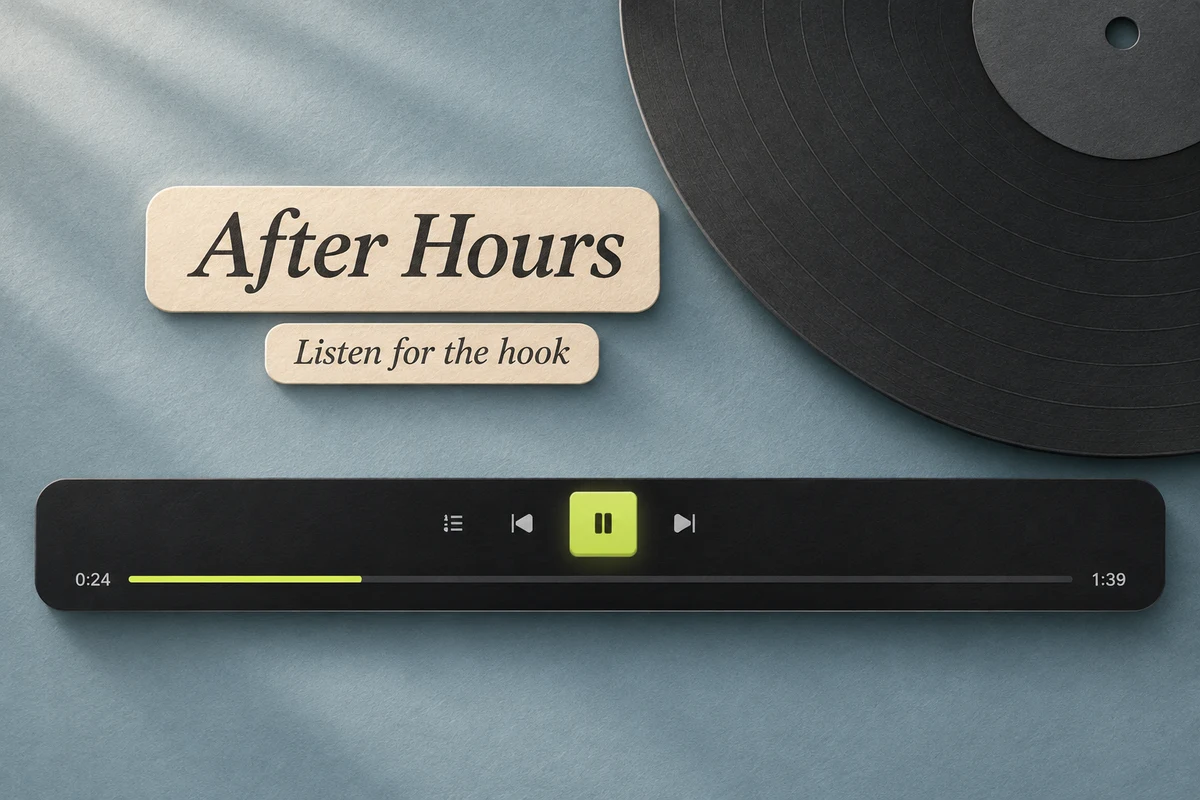
Check the displayed credit cost, generate, and listen. The AI Phonk Generator can interpret the same brief in different ways. Compare the opening, bass, repeated motif, and transition before choosing a favorite. Use the version that supports your footage. Keep your first result while trying a more focused description.
Start from the rhythm of the footage. The AI Phonk Generator gives you music to evaluate against your edit; you choose the timing and the section that works.
For passing lights, tunnels, and long stretches of road, try a recurring motif with a clear return. Ask for a quieter passage when your visual sequence needs a breath, then listen for a natural place to bring the momentum back.

Use the AI Phonk Generator as the beginning of a listening-and-refining loop. Choose a result, decide what needs to change, and keep the version that already works.
Is the opening too slow, the motif too busy, or the energy too high? Name that detail in your next brief. Keeping the rest steady makes the difference easier to hear.
Select a track to see the continuation actions available for that result.Compare the opening, groove, and ending. A quieter version may fit your footage better than the hardest-hitting take.
Your earlier results remain available while you choose.Return to the AI Phonk Generator and change one detail. Ask for a shorter opening, a simpler melody, or more space around the drums.
A new generation creates another interpretation.Favorite the track and organize it in a Project. Check your account access before downloading audio for an edit.
Download formats and usage rights follow the applicable plan and terms.Practical answers about inputs, musical directions, credits, and using your finished track.
The AI Phonk Generator turns a written musical brief into an audio track. Describe a scene, instruments, and the energy you want, then compare the returned versions. You can start with an instrumental or turn Instrumental off for a song with words. The examples above are real generated recordings, with original artwork made for this page.
Yes. Instrumental is on by default in the AI Phonk Generator. Keep it enabled for a beat without written vocals, and mention any sounds you want to avoid in your description. Listen to the finished recording before using it: a request is musical guidance, and the presence of vocal-like sounds still needs an audio check.
Yes. Turn Instrumental off and open Lyrics to add your words. Leave Lyrics empty if you want words generated from the description. Turning Instrumental back on keeps your draft in the current form but leaves it out of the instrumental request. This does not promise automatic saving after you leave or reload the page.
Choose Drift for a brief centered on a forceful rhythmic hook, Memphis-inspired for dusty texture and a looser groove, or Chill for a softer pulse with more space. Auto follows what you write. These choices steer the AI Phonk Generator through descriptive instructions; listen to the actual output rather than treating a label as a guaranteed subgenre match.
You can describe the rhythmic feel and instruments you want in the brief. This page does not offer a separately verified Brazilian phonk mode. Start with Auto, write the direction in your own words, and judge the returned audio. The three sample directions on this page do not establish reliable coverage of every style called phonk.
This composer does not set an exact duration or synchronize music to uploaded footage. You can ask for a concise opening or a quieter passage, then choose a useful section from the result. Make precise cuts and synchronize visuals in your video editor. Use the AI Phonk Generator for the music idea and compare the finished timing by listening.
Eligible new accounts receive 30 song credits, valid for 30 days. A song generation currently costs 12 credits; review the cost before submitting. Existing credits and account conditions determine what you can generate. MP3 downloading requires paid access. Check the pricing page for current download formats and plan benefits.
Check plans and creditsCheck the usage rights attached to your account, the track, and any material you supply before publishing a video. Download access and commercial-use terms are separate things to verify. The AI Phonk Generator does not clear third-party lyrics or recordings for you. For an original instrumental, start with your own description and keep a record of the version you choose.

Bring the scene, the pulse, and one sound you want to remember. Start with the AI Phonk Generator, compare the versions, and keep shaping the take that fits.
