How to Change Song Genre with AI and Judge the Result
Learn how to change song genre with AI, guide the instruments and vocal direction, compare new arrangements, and hear what carries over from your source.
In this article
You know the song's idea, but not yet the arrangement you want. Would a closer acoustic version suit the lyric? Would a hazier, fuller sound make the chorus feel different? A cover lets you explore those questions from an existing recording.
To change song genre with AI, choose your source, describe a new musical direction, and compare the generated interpretation with the original. The AI Song Cover Generator uses the recording as context for a new performance. Changes can include instruments, groove, phrasing, voice, and structure.
Your goal: find an arrangement that fits your purpose and hear which familiar musical ideas carry through.
Decide why you want a different genre
Start with a use, not a long list of styles. You might want a quieter demo that puts the lyric forward, a wider arrangement for a chorus, or a more relaxed version for a scene.
Name one thing you want to change and one thing you want to recognize afterward. For example: “less dense accompaniment; a chorus I can still follow.” This gives you a listening test instead of a vague request for a better song.
Changing genre creates a new interpretation. If you need the original vocal or backing file to stay exactly the same, a mixing workflow that retains those recordings is the more suitable choice.
Choose one clear direction
Describe one main style and the musical details that support it. You do not need production terminology to say “soft guitar, little percussion, and an intimate vocal.”
| Direction | What you are asking to explore | What to check afterward |
|---|---|---|
| Acoustic | A lighter, closer arrangement | Whether the voice has space and the song still develops |
| Jazz | A different instrumental and rhythmic setting | Whether phrasing and groove still serve the song |
| Dream Pop | A more spacious, textured performance | Whether the vocal remains understandable in the atmosphere |
These are creative directions, not guaranteed presets or quality ratings. A source already labeled Acoustic Folk can still produce a different acoustic interpretation; that is not evidence of a conversion from pop to acoustic.
Describe the change in plain words
Give the instruments, energy, and voice a consistent purpose. Two concise examples are:
Acoustic direction: fingerpicked guitar, restrained percussion, and a close, gentle vocal.
Dream-pop direction: spacious guitars, soft synth textures, and a floating vocal with clear words.
These are illustrative instructions. They are not the saved prompts for the audio below.
If keeping the words matters, use the Lyrics mode and review them. Describe mode can introduce a new lyrical idea. Instrumental mode creates a new version without singing. For the full source-selection and mode walkthrough, read working from your own recording.
Compare new arrangements of the same source
Use one source for your comparison, so you can focus on the change in interpretation. Keep the source, content choice, and intended lyrics consistent when you want to investigate style; changing them together introduces more differences.
Our saved example uses “The spare key lives inside a cup”. The source is AI-generated Acoustic Folk. The Acoustic and Dream Pop tracks below are saved Cover results derived from that source. They are not a controlled experiment produced for this article, and we have not established that every generation setting was identical.
Original: the musical starting point
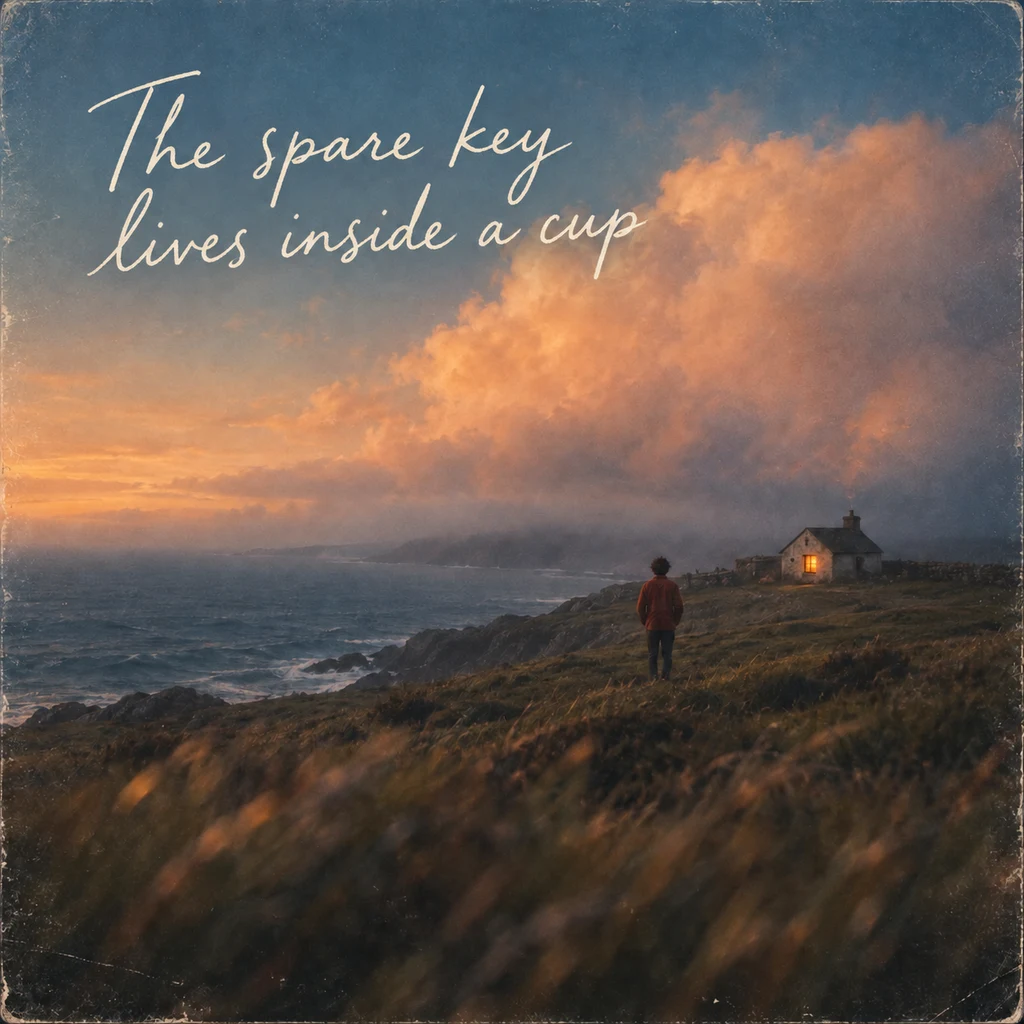
Acoustic: another acoustic interpretation

Dream Pop: a different arrangement direction
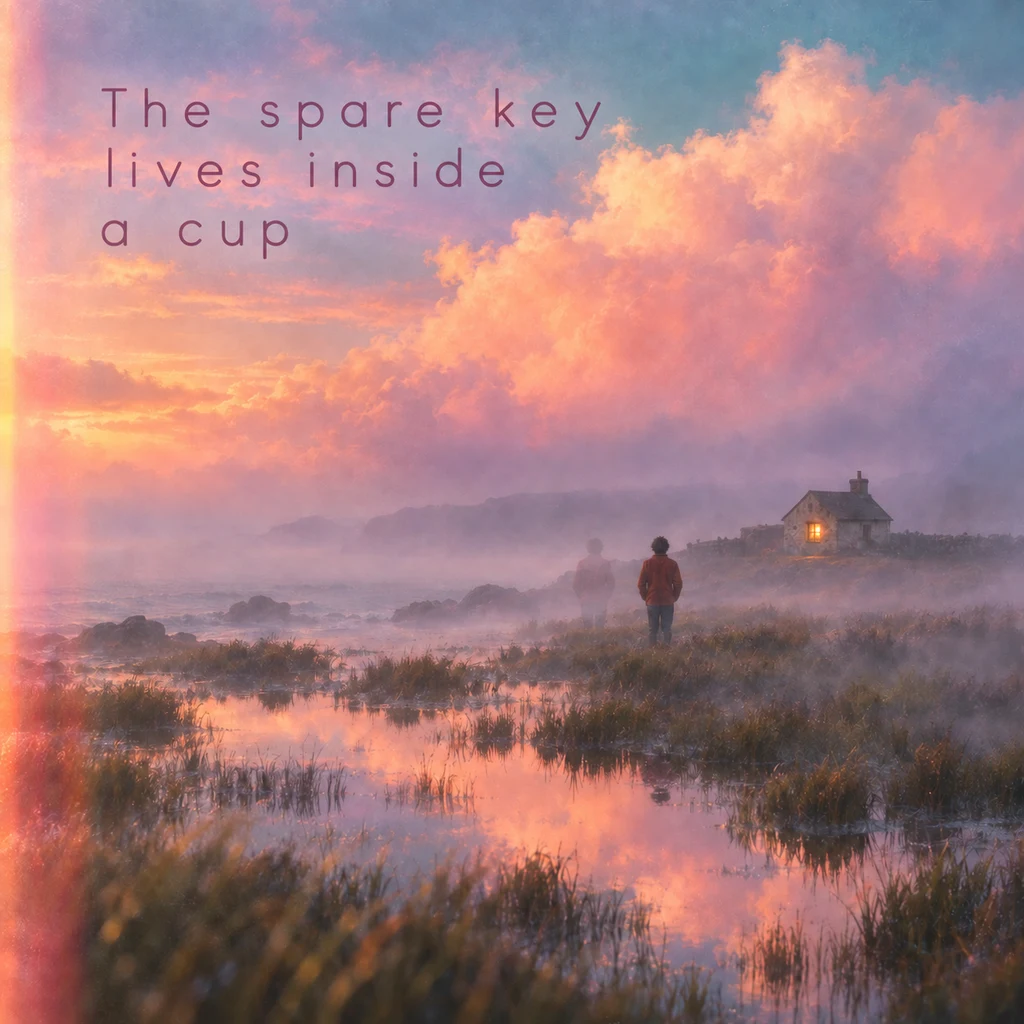
All three are full recordings. Listen to the phrase or chorus that matters to you rather than jumping to the same second in each file. Different lengths or structures can move the comparable musical moment.
Judge what changed and what carries through
Make a small set of notes before deciding. The table below gives you questions, not a prewritten verdict on the recordings.
| Listen for | Question for your own result |
|---|---|
| Melody and phrases | Can I follow the musical idea I wanted to recognize? |
| Rhythm and energy | Does the new groove fit the lyric and intended use? |
| Instruments | Does the arrangement support the important phrase? |
| Voice and words | Is the performance clear, and are the words I need present? |
| Structure and ending | Does the version develop and end in a useful way? |
A familiar tune in a new setting may still involve changes to notes, timing, lyrics, and structure. Avoid equating “the source file is retained” with “the output is identical except for genre.”
Choose using the purpose you wrote at the start. The most dramatic transformation is not automatically the version you want to keep.
Refine one difference at a time
If the result feels too far from the source, first simplify conflicting directions. If it is too close, ask for a more concrete change in instrumentation or delivery. Change one part of the brief so your next listening comparison has a clear question.
Where the selected Cover mode exposes Source Influence, treat it as guidance for the source relationship. Availability can vary by mode; a slider does not establish a guaranteed percentage of preserved music.
An unclear word in one passage may call for a lyric section edit. To decide between a new interpretation, a continuation, and another generation, use the song comparison guide. Once you choose a version, download the file you need.
Questions about changing a song's genre
Can AI change genre while keeping the melody?
It can use the source to guide a new interpretation, but exact melody preservation is not guaranteed. Listen to the musical phrases you want to retain and keep the source recording.
Do I need a polished full song?
An eligible recording with a clear musical idea can be useful. Check the live upload limits and source eligibility; a rough demo still needs listening and evaluation.
Can I keep the same lyrics?
Supply and review the desired words in Lyrics mode. Keeping the text as input does not guarantee every line will be performed exactly as intended.
Is this the same as remixing audio in an editor?
Cover generates a new performance. Editing or mixing existing tracks lets you retain those actual recordings while changing their placement, effects, or balance.
Why did the length or structure change?
A new interpretation can use different introductions, phrasing, or endings. Compare musical moments and decide whether the resulting structure works for you.
Which genre should I choose first?
Choose one direction tied to your goal. A quieter arrangement or a different instrumental texture is easier to judge than several conflicting styles in the same instruction.
You might also like
How to Make a New Song from Your Own Audio
Start with a voice memo, melody, or rough recording. Choose Cover for a new interpretation or Extend to continue the recording, then listen to the result.
How to Compare AI Song Versions and Choose What to Change Next
Listen for specific differences, keep your favorite version, and choose between Regenerate, Cover, Extend, or Fix a section before creating again.
How to Download Your AI Song and Choose the Right File
Find the files for a completed song, choose MP3 or WAV for your next step, and understand when vocals, instrumental, or a package are available.