How to Make a Karaoke Version of a Song
Turn a song into a backing track for singing. Compare a real original and instrumental, choose the right source route, and check your result before downloading.
Practical guides to making and continuing your songs.
Turn a song into a backing track for singing. Compare a real original and instrumental, choose the right source route, and check your result before downloading.

Turn shared memories and inside jokes into birthday rap lyrics, then make a personal song your friend can actually hear.
Learn how to add instrumental to vocals with AI, prepare your recording, guide the backing style, and compare the generated version with your original vocal.
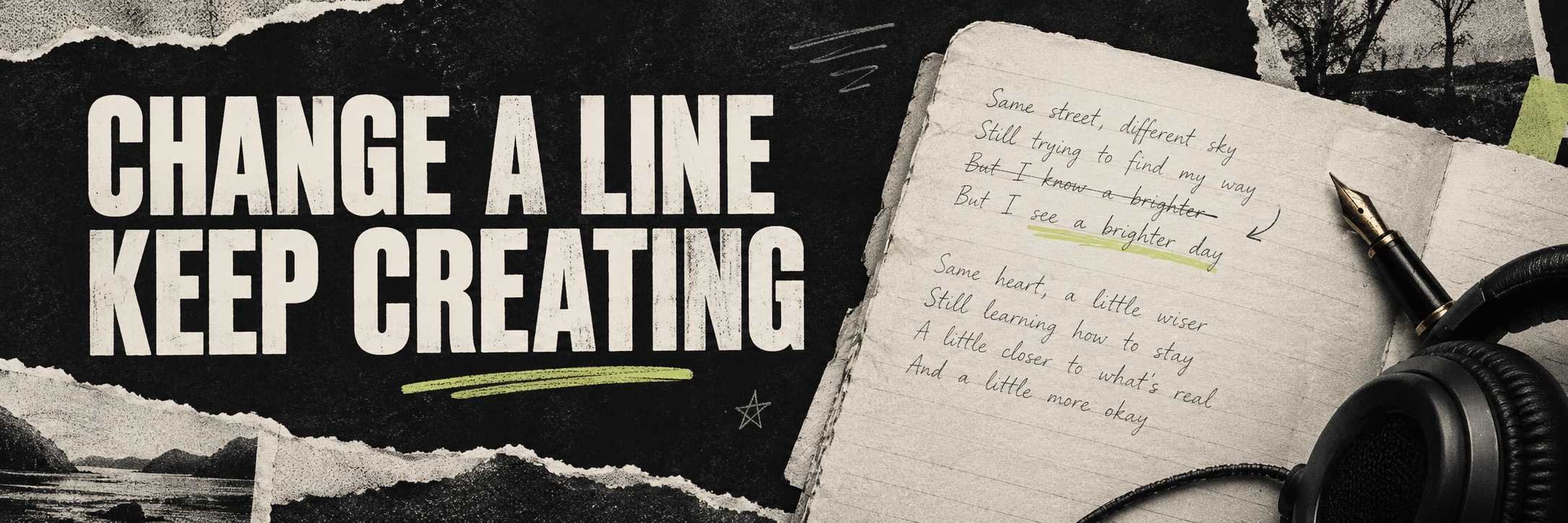
Learn how to change lyrics in a song with AI, choose between a section edit and a new version, and check the words, vocal delivery, and transitions afterward.
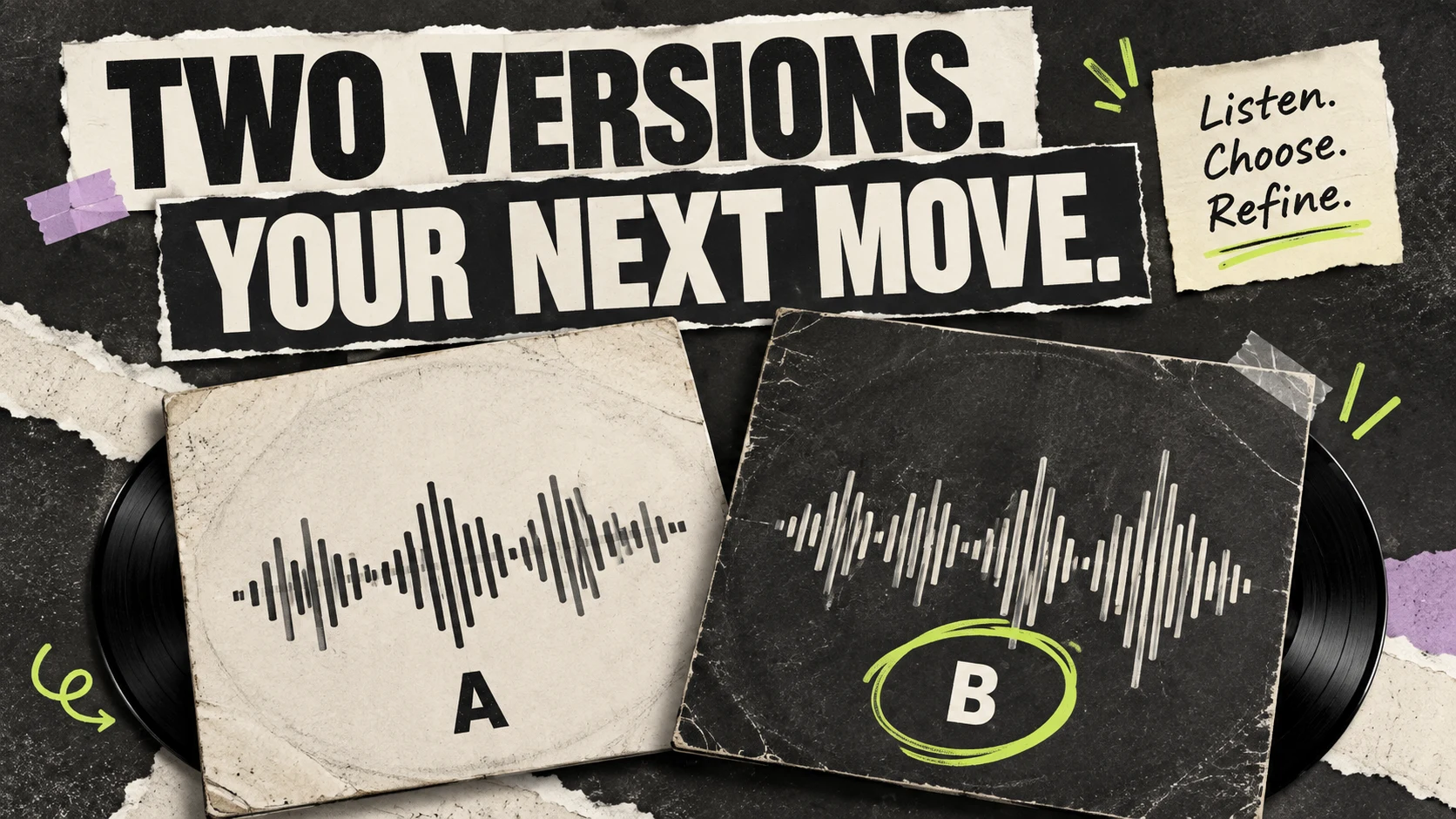
Listen for specific differences, keep your favorite version, and choose between Regenerate, Cover, Extend, or Fix a section before creating again.
Find the files for a completed song, choose MP3 or WAV for your next step, and understand when vocals, instrumental, or a package are available.
Turn a simple idea into your first song. Follow the steps to write a prompt, generate music, compare versions, and keep your favorite.
Give your words a musical direction. Learn where to paste your lyrics, how to describe the sound, and what to listen for in the result.
Start with a voice memo, melody, or rough recording. Choose Cover for a new interpretation or Extend to continue the recording, then listen to the result.
FAQ
From your first idea to your next version, find practical answers to making music with AI.
Yes. These AI music tutorials use plain language, step-by-step instructions, and AISongsMaker examples. Begin with the first-song guide if you have an idea but no production experience.
Make your first songChoose the lyrics guide when you have written words. For a voice memo or rough recording, use the own-audio guide. Each explains the input, the next action, and what to listen for in the result.
Choose a clear style and mood, then add a few details about instruments and vocals. Keep the initial direction focused. After listening, change one detail and compare the next version with your first result.
Listen to the same passage in each version. Compare the words, vocal delivery, arrangement, and transitions. Keep the version that best fits your idea, then decide which specific change is worth making.
Read the comparison guideYes. Use the lyrics-editing tutorial to revise words in a song, or the accompaniment tutorial to build a new arrangement around a vocal recording. Each explains the input and how to assess the result.
MP3 is convenient for everyday listening and sharing. WAV is useful when you need an uncompressed file for further editing. Available files depend on the completed task and your plan; the download guide explains the choices.
Read the download guide
Bring a few words, your lyrics, or your own recording. Give your idea a first version.
Start making music