How to Make a Jingle for Your Business That Says One Thing Clearly
Turn a brand name and one clear line into a sung jingle. Prepare the words, choose a target length, and review pronunciation, timing, and the ending.

In this article
A small business jingle has a small job: let someone hear your name and one reason to remember it. Trying to fit your menu, opening hours, website, and entire story into the same melody makes that job harder.
To make a jingle for your business, choose one message, write the words you actually want sung, give the music a direction, and listen to the complete result before using it. This guide focuses on a sung brand hook. A spoken radio announcement or a voice-over with background music is a different brief.
Start with one message
Finish this sentence: “After hearing this, I want someone to remember ___.” For a café, that might be a warm start to the day. For a small product, it might be one useful benefit. A podcast may only need its name and the promise of the show.
Read the line aloud at a comfortable pace. If you need to rush or take an awkward breath, remove a claim before adding another musical instruction. You can put opening hours and an address in the accompanying video or post instead.
Here is the wording from the saved café example below:
Morrow Cup, Morrow Cup
A little warmth to start your day
The name repeats, but the message stays singular. This is an existing fictional-brand example, not a claim about a real café's advertising results.
Separate the words from the performance
In the AI Jingle Generator, put the name in Brand or show name and the actual line in Words to sing. Use Use my lyrics when you already have a fuller lyric to supply. Review the text rather than assuming the name field alone will produce the exact delivery you imagine.
Keep requests such as “warm acoustic guitar” out of the sung words. Choose a music style, mood, and vocal preference in their controls. Start with one direction that suits the placement: an intimate café clip needs a different energy from a bright product reveal. Leaving a choice on Auto is also an option.
If the name has an unusual pronunciation, add guidance under More options → Extra instructions. Listen to the output carefully; a written hint is a request, not a pronunciation guarantee.
Treat length as a target
Choose a target that fits the intended placement, then check the actual file. More words, held notes, an introduction, and the final musical resolution all use time. A selected 15-second target does not promise a file exactly 15 seconds long.
| Saved example | Target | Actual file |
|---|---|---|
| Morrow Cup | 15 s | 13.2 s |
| Pocket Meadow | 30 s | 29.232 s |
| Small Spark Stories | 15 s | 14.424 s |
These are three saved, full, uncut English examples with different briefs. They are not a controlled test of duration accuracy, and this article did not generate new music.
Listen for a different job in each example
Morrow Cup: name and one benefit
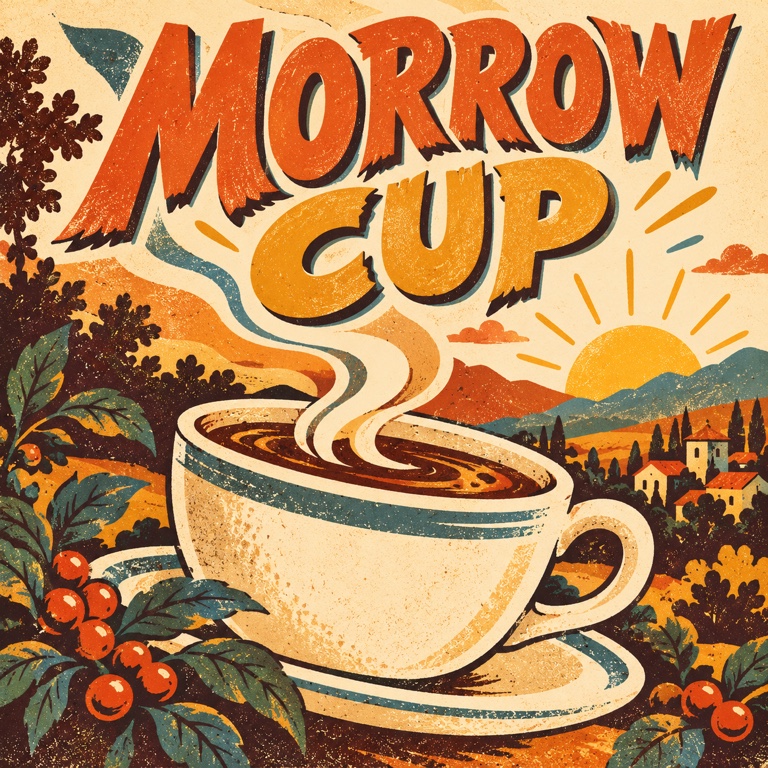
The café brief asks for warm acoustic music and an immediate vocal entry. Listen for whether you can identify the name without reading the page, then hear the final word and the musical ending. A memorable rhythm is less useful if the brand name becomes unclear.
Pocket Meadow: a little more room for the message
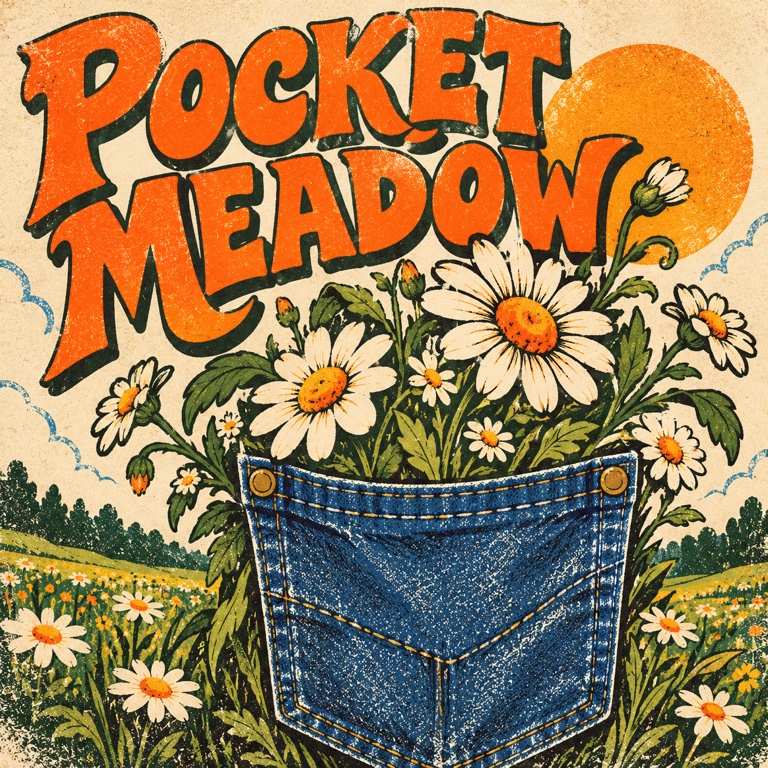
This fictional indoor-planter example ends with “Make a little room for green.” Its longer target leaves room for more words. That does not make a longer jingle automatically better: keep only the lines that help someone understand the product's one message.
Small Spark Stories: introduce a show
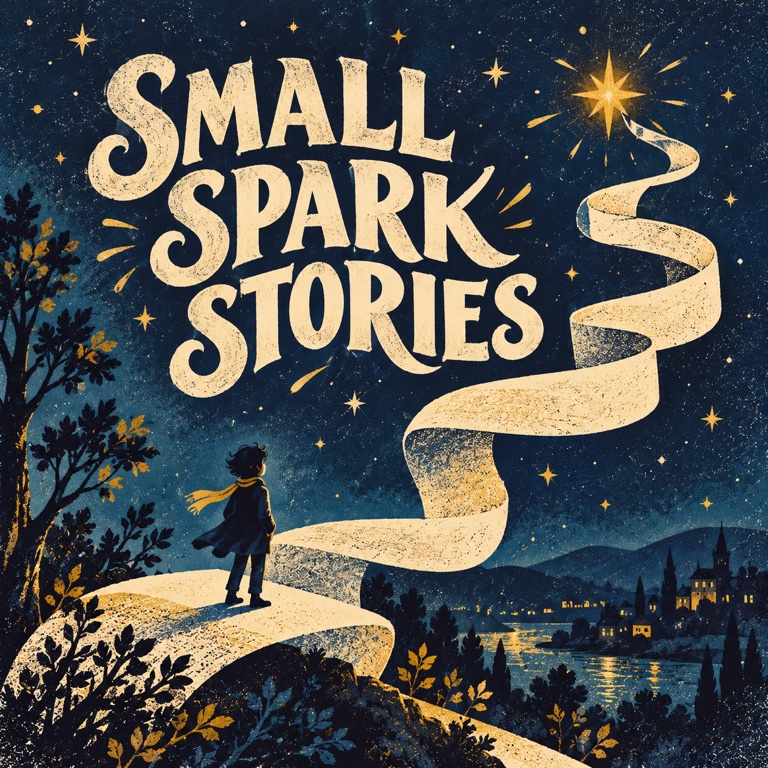
The podcast example pairs its name with “Big ideas begin with a small spark.” Check how soon the name arrives and whether the ending could lead naturally into the spoken show. You still need to place and review the file in your actual edit.
Check the result in its intended place
Before generating, review the current access requirement and displayed credit cost. After a result completes, listen from beginning to end, then try it at the volume and alongside the speech or visuals you intend to use.
- Can a listener repeat the brand name after one play?
- Are the important words intelligible without the written lyric?
- Does the complete file fit the available slot, including its ending?
- Is the music supporting the message rather than competing with other speech?
If the words are crowded, shorten the lyric first. If the mood is wrong, change the musical direction. Change one thing per attempt so you know what you are judging; do not assume a new generation will preserve every detail of the last version.
For a broader method of choosing between versions, see how to compare and improve your AI song. Once you have a version worth keeping, follow the download guide and check the terms that apply to your account and intended use before publishing it.
Common questions
Do I need a full song lyric?
No. A short sung hook can start with a name and one clear line. Add words only when they help the listener understand the message.
Can I use these English recordings as translated examples?
The players remain the original English recordings in every language edition. A translated article explains the method; it does not demonstrate a newly generated localized performance. Prepare your own wording in the language your audience uses and check how it is actually sung.
What if the result is too long?
Reduce the wording or request a more compact delivery, then inspect the next complete result. If you edit the file to fit a fixed slot, listen again for a cut-off word or an abrupt musical ending.
Start with the name and one line in the Jingle Generator. Your first decision is what the listener should remember.
You might also like
How to Compare AI Song Versions and Choose What to Change Next
Listen for specific differences, keep your favorite version, and choose between Regenerate, Cover, Extend, or Fix a section before creating again.
How to Download Your AI Song and Choose the Right File
Find the files for a completed song, choose MP3 or WAV for your next step, and understand when vocals, instrumental, or a package are available.
Suno MCP: When to Use Chat or the Music Workspace
Understand Suno MCP access, credits and setup. Compare chat with a music workspace, plan two arrangement directions, and review results before generating again.