

AISongsMaker
GO PROMore credits · Commercial useAccess

Main

Create MusicLibrary

Create & Transform

Text to SongLyrics to SongAI Lyrics GeneratorAI Music ExtenderAI Song CoverAdd VocalsAdd Instrumental

Audio Tools

Vocal RemoverStem Splitter
PricingHelp & Feedback
HomeLibraryPricingCreatorCProfile
AISongsMakerCreate. Shape. Continue.support@aisongsmaker.org

Create

  • AI Music Creator
  • AI Song Maker
  • Lyrics to Song
  • Text to Song

Music Tools

  • AI Lyrics Generator
  • AI Song Cover
  • AI Music Extender
  • Stem Splitter
  • Vocal Remover

Resources

  • Pricing
  • FAQ
© 2026 AISongsMaker. All rights reserved.
Privacy PolicyTerms of ServiceRefund Policy
AISongsMaker

KEEP THE IDEA · CHANGE THE IMPACT

What Is an AI Song Cover Generator?

Use an existing song as musical context for a new interpretation. A cover can reshape the performance and arrangement; it is not a note-for-note copy or a simple voice filter.

01 / The source

A recognizable starting point

The source gives the new performance its musical context. Keep the original available so you can judge which familiar ideas carry through and which details have changed.

  • Start with a song you own or have permission to transform.
  • Keep the original as a reference while you explore a new interpretation.
Create my cover
Music packaging representing an original song
02 / The performance

A different performance

Guide vocal character, mood and energy as part of the whole song. A warmer, more intimate direction can create a different feeling from a bright, powerful performance.

  • Describe warmth, brightness, intimacy or energy in plain language.
  • Judge the voice together with the arrangement, not in isolation.
Create my cover
Portrait illustrating vocal expression
03 / The arrangement

A new musical setting

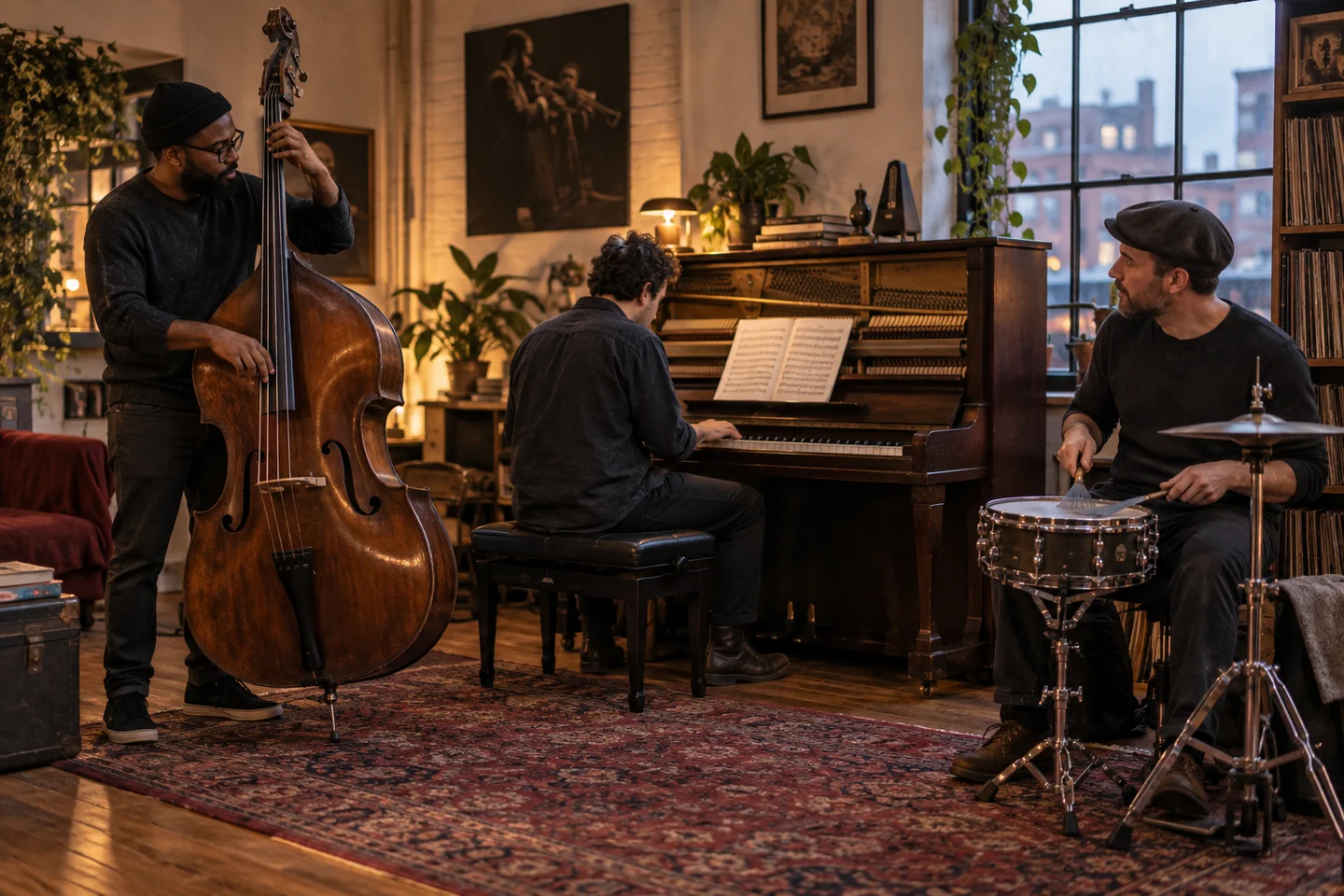
Describe the genre, instruments and production you want to hear together. The resulting cover may change the arrangement, phrasing or structure as it interprets that direction.

  • Connect genre, instruments and mood in one clear direction.
  • Use the live Example above to hear actual Jazz, Dream Pop and Acoustic versions.
Create my cover
A bassist, pianist and drummer shaping an arrangement together

A CLEARER WAY TO KEEP CREATING

Why Create an AI Song Cover?

Explore a musical direction, then use your own listening judgment to decide what to keep.

Explore a new sound with a clear starting point illustration
Creative purpose

Explore a new sound with a clear starting point

A source song gives your experiment context. Explore a different musical treatment without starting from a blank prompt.

  • Keep a referenceReturn to the original hook and emotional intent.
  • Direct the changeDescribe the voice, genre and instruments together.
  • Choose deliberatelyKeep the interpretation that serves the song.
Create my cover
Compare complete performances before choosing illustration
Listening and choice

Compare complete performances before choosing

A strong first impression is only the beginning. Listen for an arrangement that holds together from opening to ending.

  • Hear the whole songCheck vocal clarity, transitions and the ending.
  • Compare sectionsVersions may have different lengths and structures.
  • Refine the directionChange the most important instruction when the result misses your intent.
Create my cover

STEP BY STEP

How to Make AI Cover Songs

The AI Song Cover Generator uses an existing track as musical context for a new interpretation.

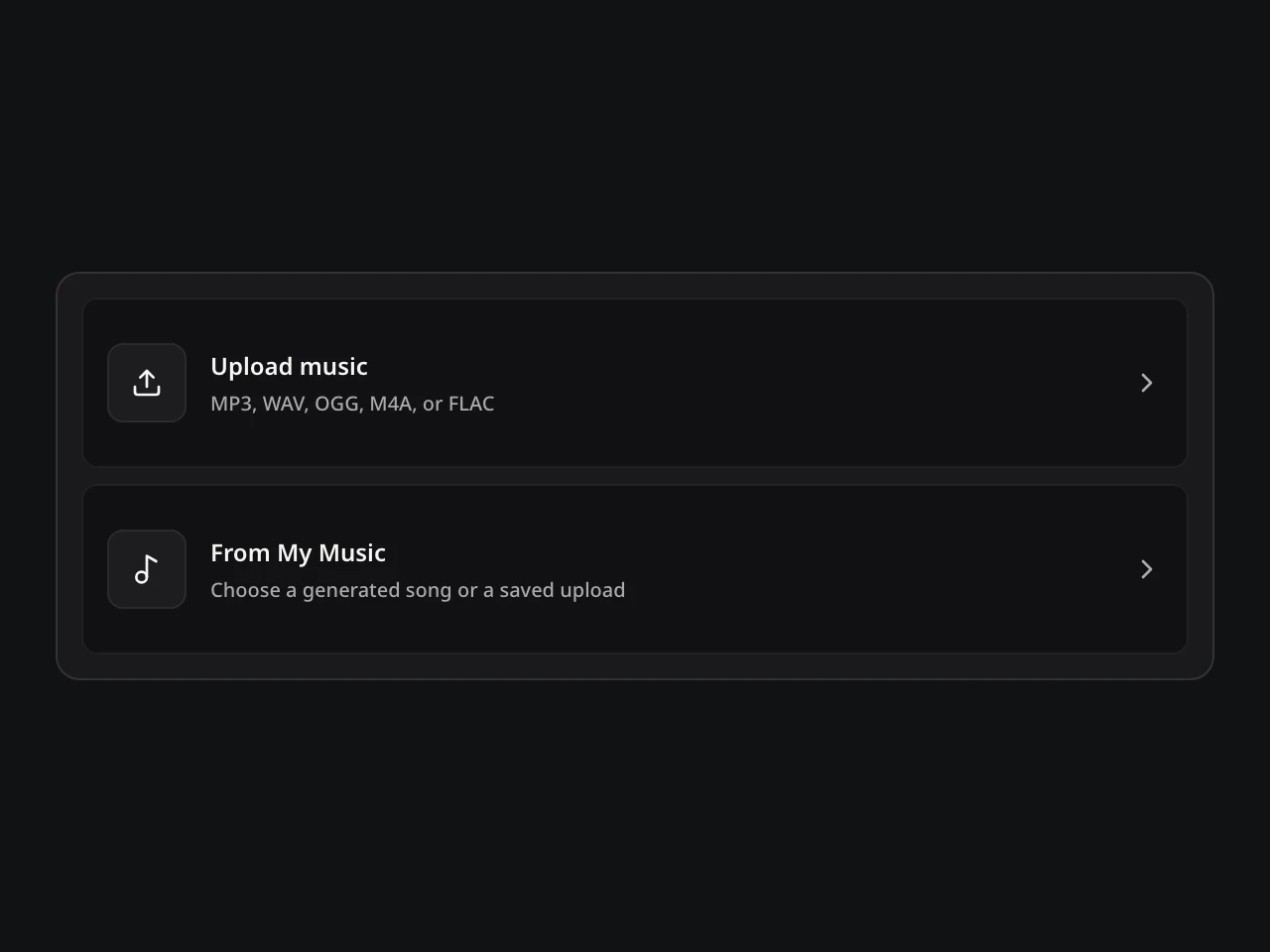
  1. Song Cover: actual source picker UI
    Interface illustration

    01Choose permitted source audio

    Open the AI Song Cover Generator with an eligible saved song or audio you have permission to transform. Keep the original available for comparison.

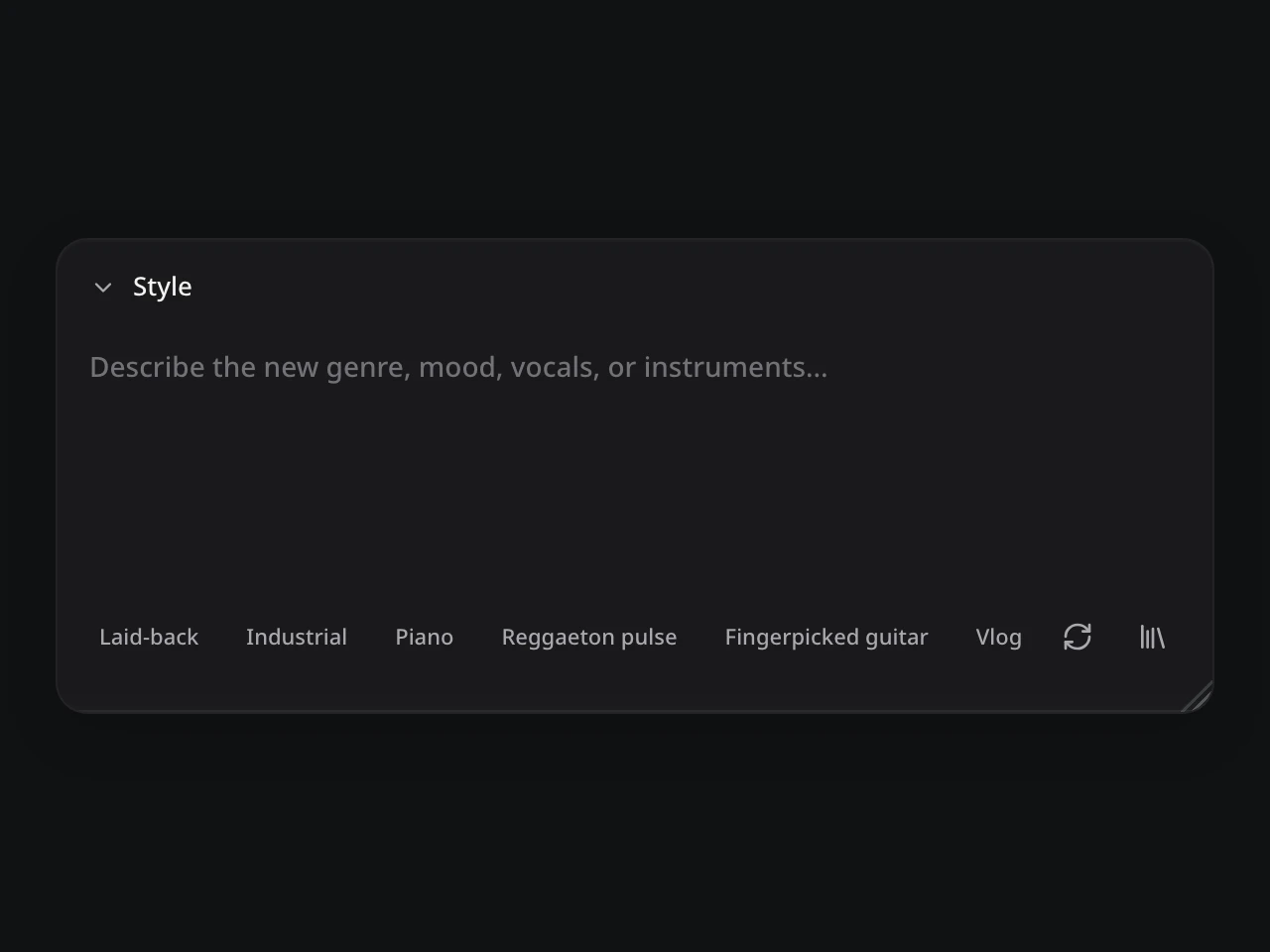
  2. Song Cover: actual direction controls UI
    Interface illustration

    02Describe the new treatment

    Guide genre, mood, energy, arrangement, or voice character. Select the available lyrics, prompt, or instrumental mode for the version you want.

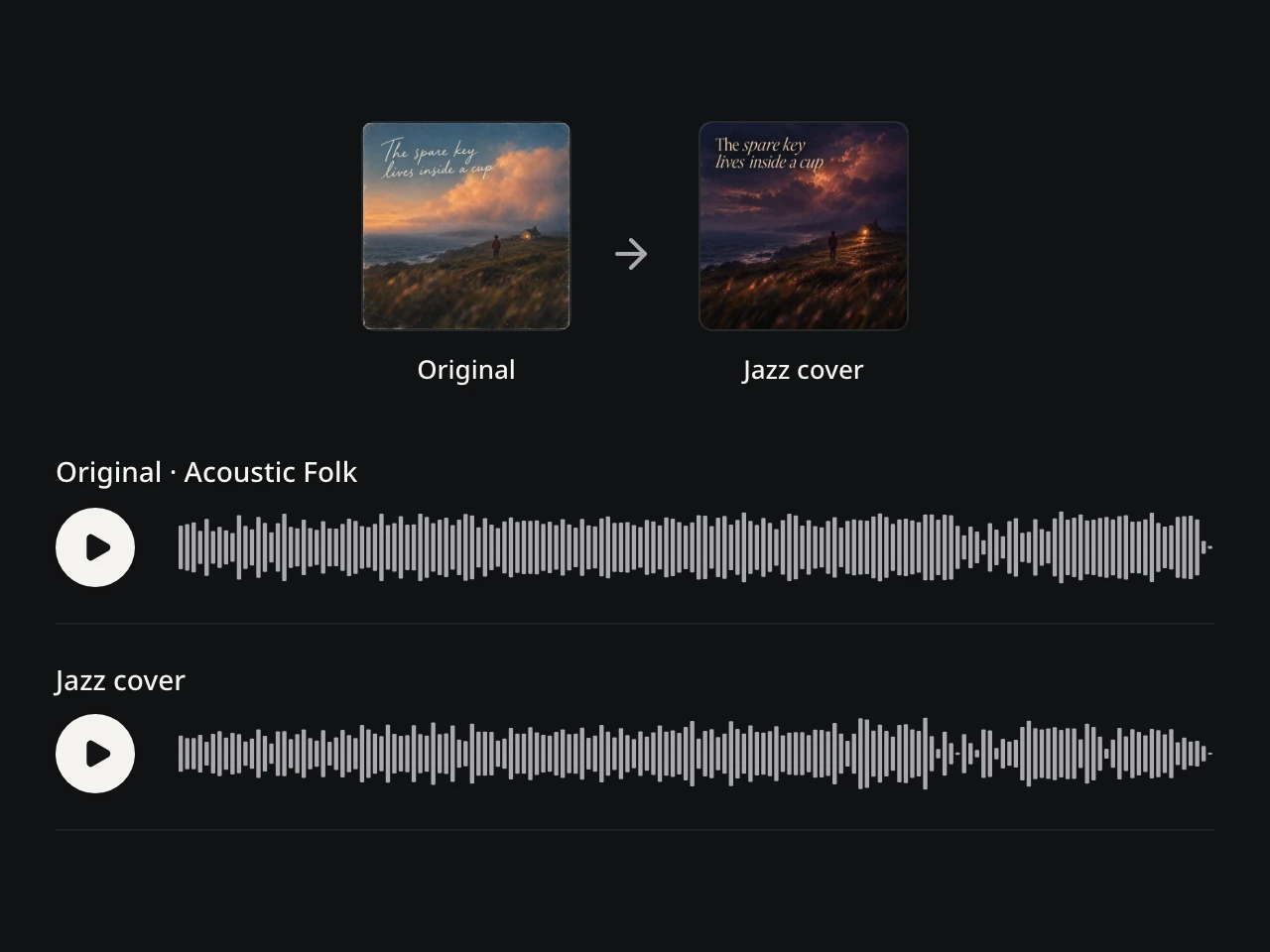
  3. Song Cover: actual public example preview UI
    Interface illustration · use the live Example above to compare

    03Compare the cover and source

    Listen in short passes for a recognizable musical relationship and a coherent new direction. Keep the AI Song Cover Generator version that serves the song.

DIRECT THE DIFFERENCE

Change Song Voice and Style With AI

Give the AI Song Cover Generator one coherent direction: decide what the version performs, shape its sound, and compare how much of the source comes through.

CHOICE 1 OF 4

Cover Mode

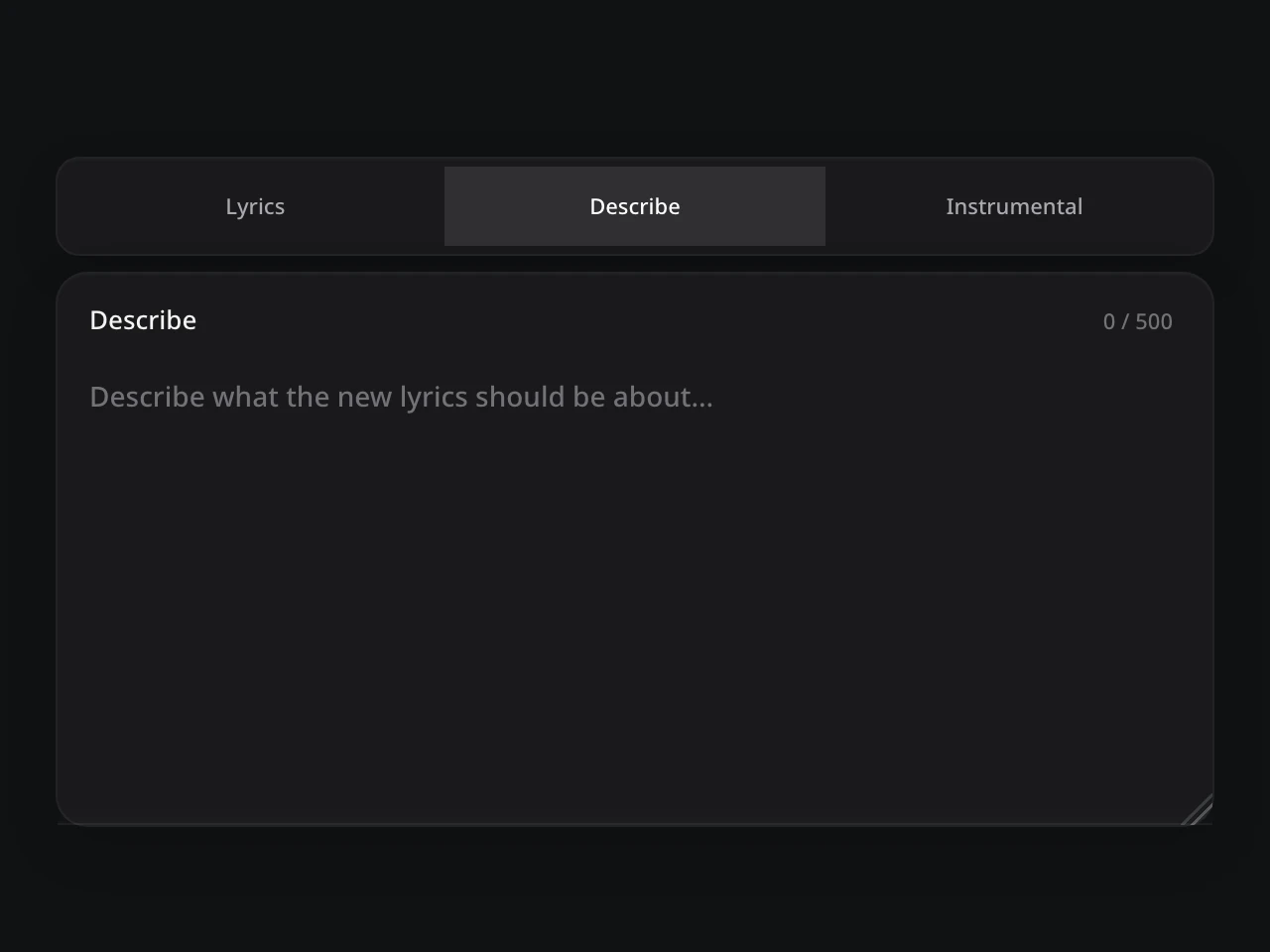
Start with what your AI song cover should perform. Use a description for a new lyrical idea, supply the words you want sung in Lyrics mode, or let an instrumental arrangement carry the melody.

  • Describe — explain the subject and feeling of the new words.
  • Lyrics — provide the permitted lyrics you want performed.
  • Instrumental — explore the song without a lead vocal.
Back to workbench
Actual Cover modes
CHOICE 2 OF 4

Style Direction

Change song style with a clear musical scene. Pair a genre with a mood and a few instruments so the AI Song Cover Generator has a focused arrangement to explore.

  • Soul — warm keys, a relaxed groove, and room for the voice.
  • Electronic — soft synths, a steady pulse, and a brighter chorus.
  • Cinematic — spacious textures and a gradual, dramatic build.
Back to workbench
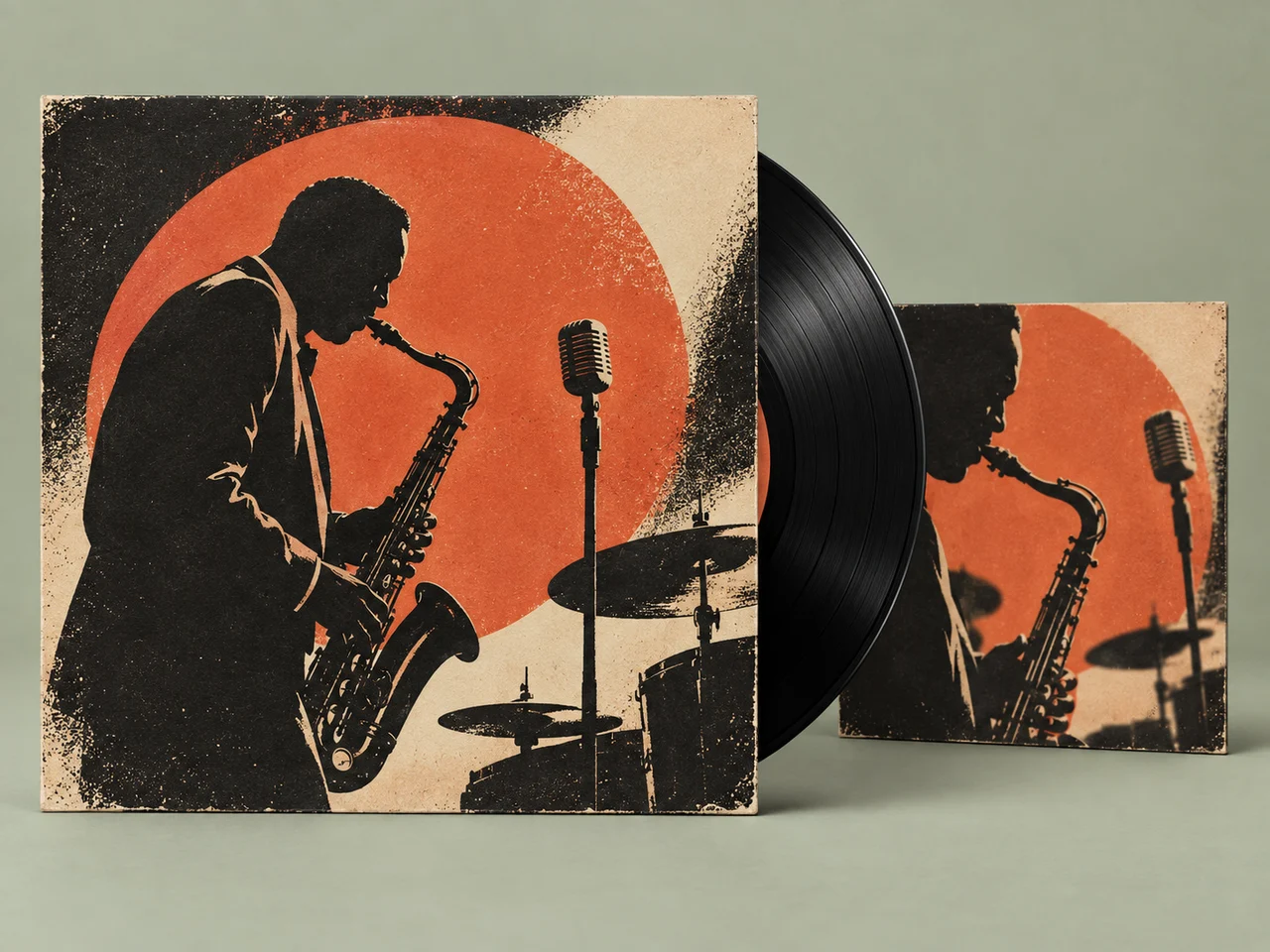
Jazz record artwork illustrating a musical style
CHOICE 3 OF 4

Voice Type

Describe how the new voice should feel within the song. Choose a vocal character that supports the arrangement, then listen for phrasing, clarity, and emotional fit across the AI voice cover.

  • Warm — intimate delivery for a quieter, personal interpretation.
  • Bright — a clear, forward voice for an energetic hook.
  • Textured — an expressive edge that adds weight to key phrases.
Back to workbench
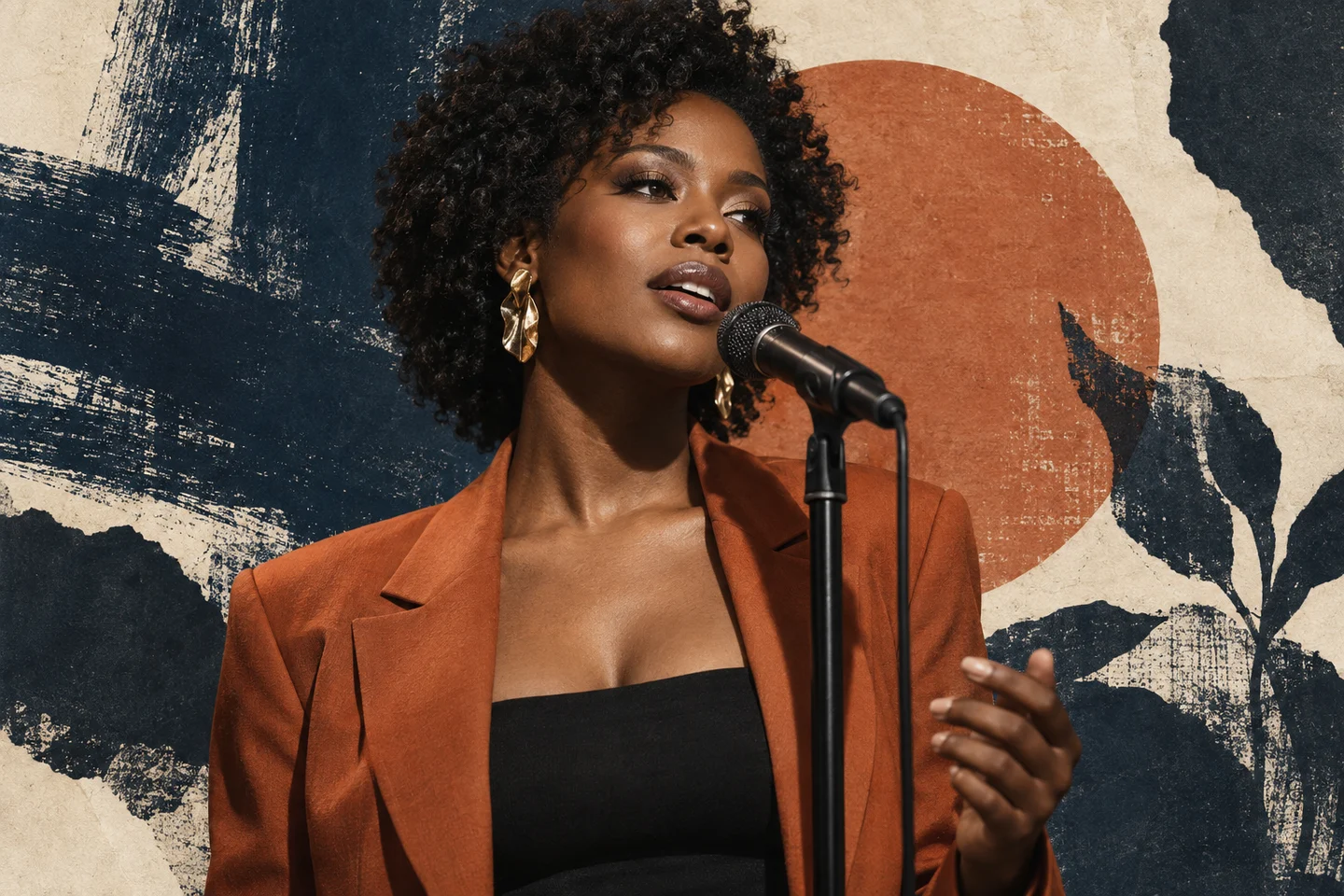
A vocalist in a rust jacket singing into a microphone in an editorial paper collage
CHOICE 4 OF 4

Source Influence

Use Source Influence, where available, to guide the balance between familiarity and change. An AI song cover is a new interpretation, so judge the musical relationship by listening rather than expecting an exact copy.

  • Closer — prioritize a recognizable connection to the source.
  • Balanced — explore a new treatment while listening for the central hook.
  • Freer — invite a stronger departure and compare what still connects.
Back to workbench
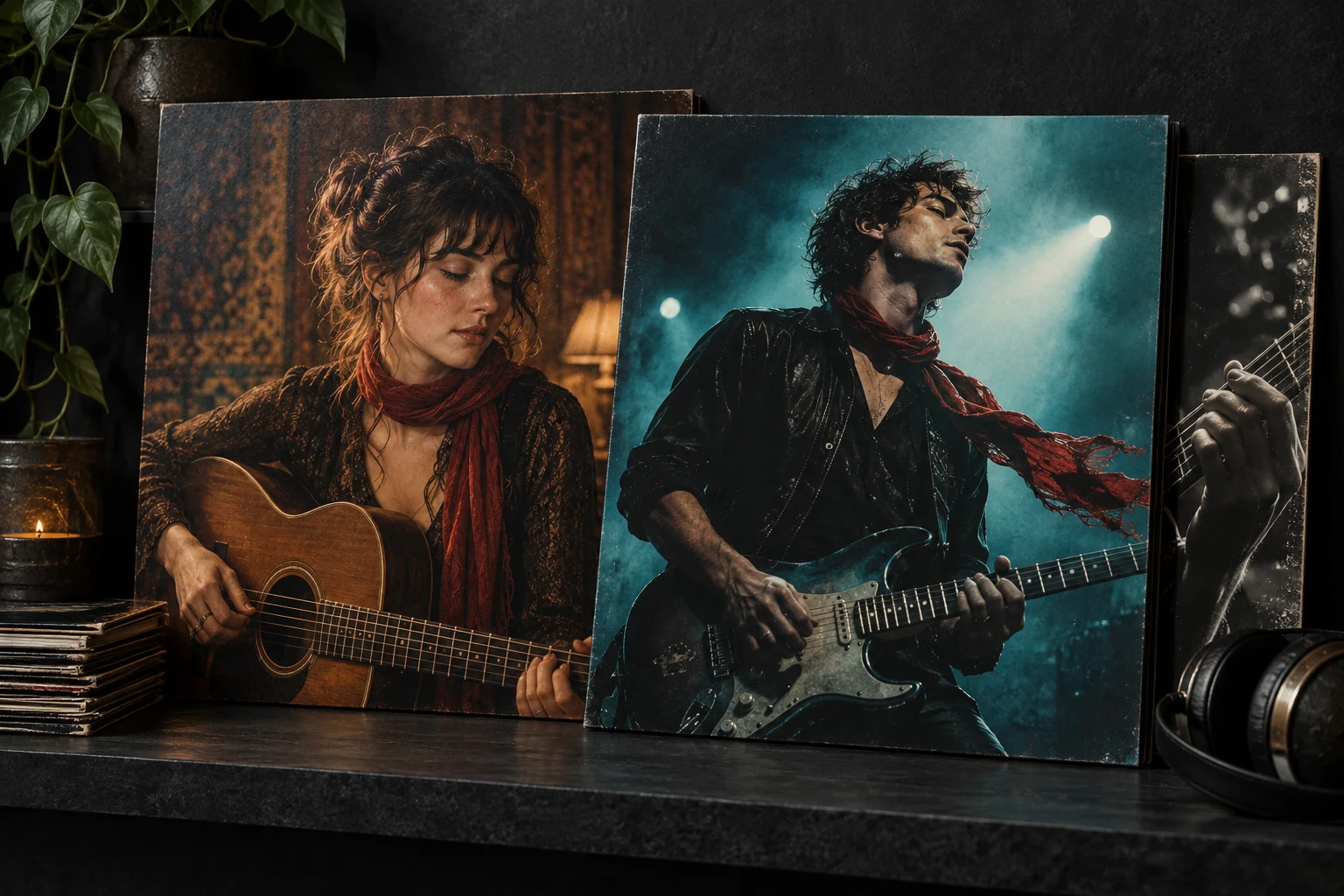
Acoustic and electric cover portraits connected by a red scarf motif

LISTEN FOR INTENTION

How to Choose the Cover That Fits Your Song

Compare musical moments rather than matching timestamps: different interpretations can have different lengths and structures.

Recognize the song

Listen to the opening and main hook in each version. Decide whether the relationship to the original is still clear enough for your purpose, even when phrasing and instrumentation change.

01

Hear one coherent direction

Check whether the voice, instruments and energy work together. If the result feels divided between styles, simplify the direction and identify the one change that matters most.

02

Check the complete performance

Listen beyond the first few seconds. Check vocal clarity, transitions and the ending before choosing a version. Keep the original available while you decide which interpretation to continue.

AI COVER QUESTIONS

AI Song Cover Generator Questions

How the source, new voice, style controls, permissions, and access work.

An AI Song Cover Generator creates a new musical interpretation of an existing track. Choose a permitted source, describe another voice or style, select supported lyrics or instrumental settings, and compare the generated cover with the original.

Open the AI Song Cover Generator, select an eligible song from My Songs or add permitted audio, and describe the new genre, mood, energy, arrangement, or vocal character. Choose the appropriate lyrics, prompt, or instrumental mode, create the results, and compare them with the source.

Yes. You can change the genre of a song with AI while guiding Voice Type, mood, energy, instruments, and arrangement. The AI Song Cover Generator interprets those choices as one complete performance direction rather than changing the voice in isolation.

The AI Song Cover Generator is designed to retain a core melodic relationship to the source, but results are generative. It does not guarantee exact preservation of every note, lyric, rhythm, key, tempo, voice, structure, or production detail.

Yes, when the selected source and model support those modes. Supply lyrics you may use when exact lyric input is available, or choose Instrumental to focus the AI Song Cover Generator on genre, mood, arrangement, and atmosphere without generated singing.

Yes. AI Cover Song Generator, AI Music Cover Generator, Song Cover Generator, and AI Cover Generator can describe closely related music-restyling workflows. AISongsMaker uses AI Song Cover Generator as the primary name because it clearly identifies the complete-song task.

Use the AI Song Cover Generator only with audio you own or have permission to transform for your intended purpose. Possessing a file or having streaming access does not automatically grant adaptation, distribution, voice, lyric, sample, or commercial rights.

The AI Song Cover Generator works online in your browser. Available free credits may cover a meaningful core generation where shown; the workbench displays the current cost, model access, and limits before you create. Free access does not automatically include commercial rights.

Royalty-free commercial use of a qualifying AI Song Cover Generator result is available only under an eligible paid plan and the current AISongsMaker terms. You must also hold the necessary rights to the source audio, lyrics, samples, voices, names, and other submitted material. Review current plans and commercial-use terms before release.

Review current plans and commercial-use terms

Keep the selected version in My Songs when that relationship is supported. You can continue it with the AI Music Extender, separate available parts with Stem Splitter, download it in a currently supported format, or return to the same source and try another direction.

continue it with the AI Music Extender

ONE SONG · A BOLDER NEW INTERPRETATION

Give Your Song Its Best New Voice and Style

Choose the transformation, compare every result with the source, and keep the version that makes the song feel newly possible.

Create My AI Cover
AISongsMaker
…

AI Song Cover

Source audio

Describe
0 / 500
Selected and recommended styles

Uses this audio as a reference · original stays unchanged

AI Song Cover Generator: Change the Voice and Style

Choose a permitted source, direct the new voice and musical world, then compare the result with the original.

Original
Jazz cover
Original · Acoustic Folk
Jazz cover