Every Submitted Word Stays
Lyrics to Song uses your submitted words as the lyric source instead of rewriting or polishing them behind the scenes.
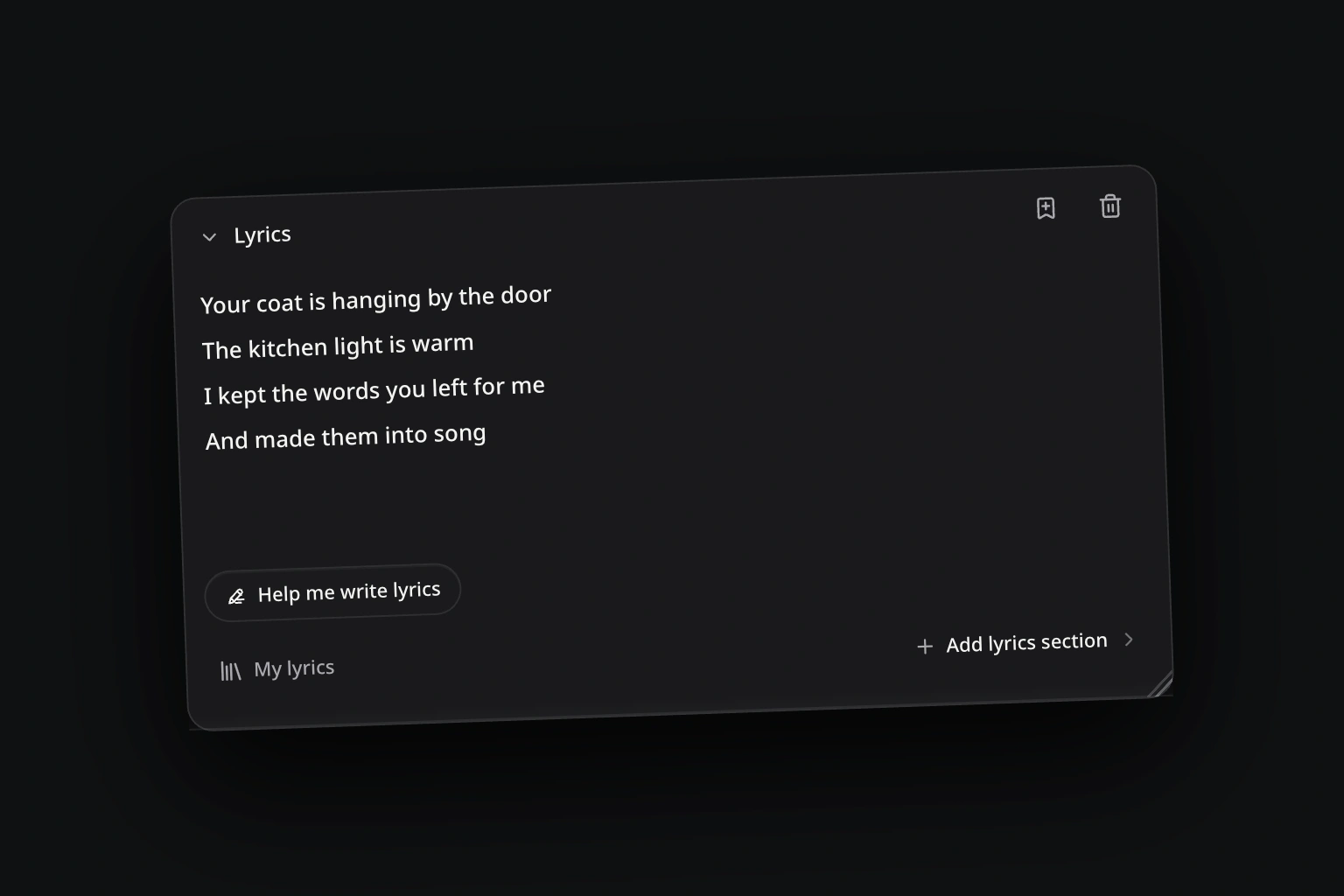
FIXED WORDS · FLEXIBLE SOUND
A Lyrics to Song Generator turns written lyrics into a vocal song with music. AISongsMaker keeps the submitted words intact while Genre, Mood, Energy, and Voice Type guide the melody, arrangement, atmosphere, and performance.
Lyrics to Song uses your submitted words as the lyric source instead of rewriting or polishing them behind the scenes.
Use supported markers such as [Verse], [Chorus], [Bridge], and [Outro] to show how the writing is organized.
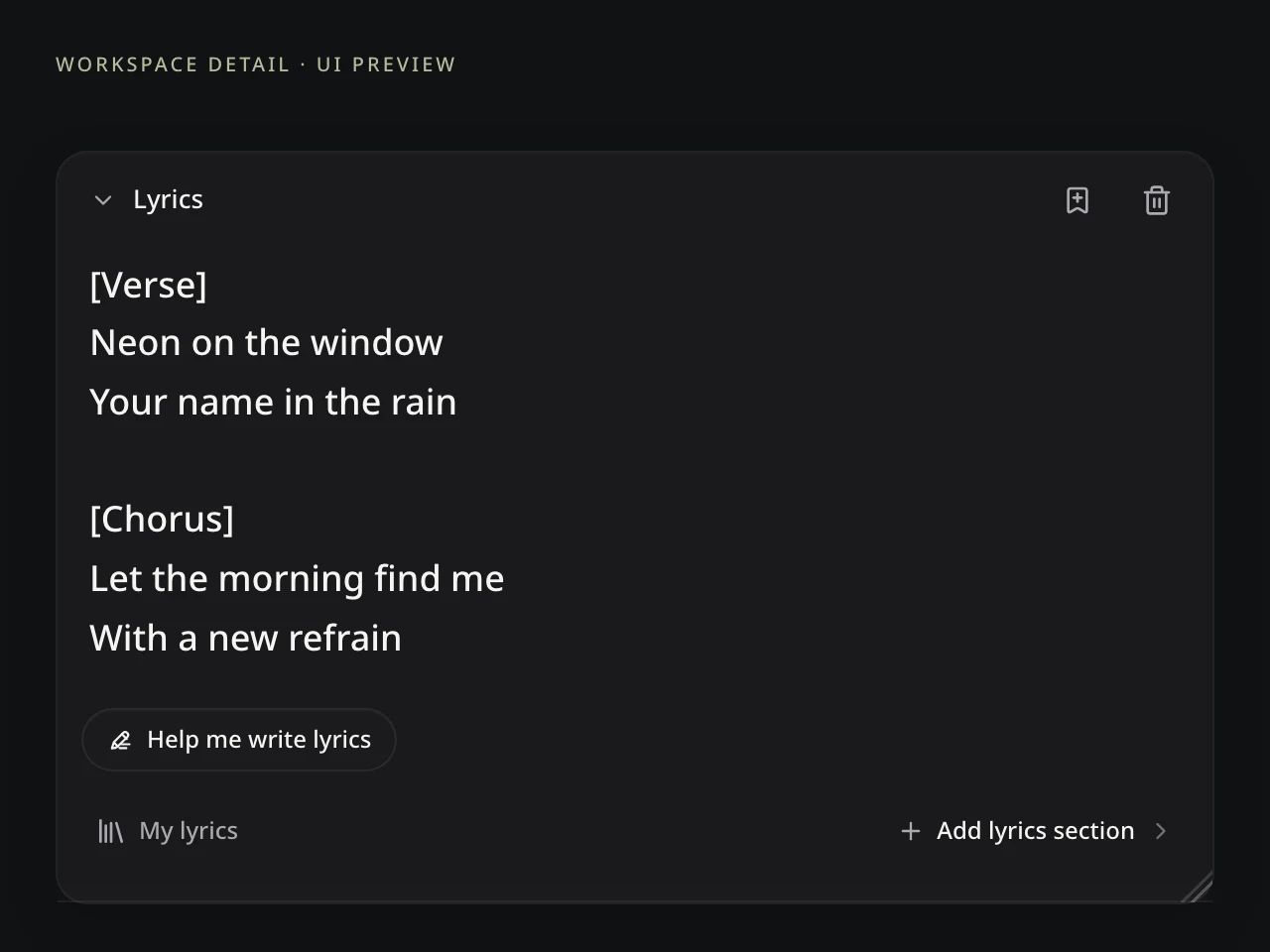
The same lyrics can sit inside acoustic, electronic, rock, R&B, cinematic, or other supported musical directions.

A calm, hopeful, melancholic, romantic, confident, or energetic direction changes how the song moves and lands emotionally.
Choose an available Voice Type that fits the words and musical direction without implying a celebrity or unauthorized voice clone.
Use Lyrics to Song to compare musical interpretations without changing the source text between results.

SAME LYRICS · DIFFERENT MUSICAL LIVES
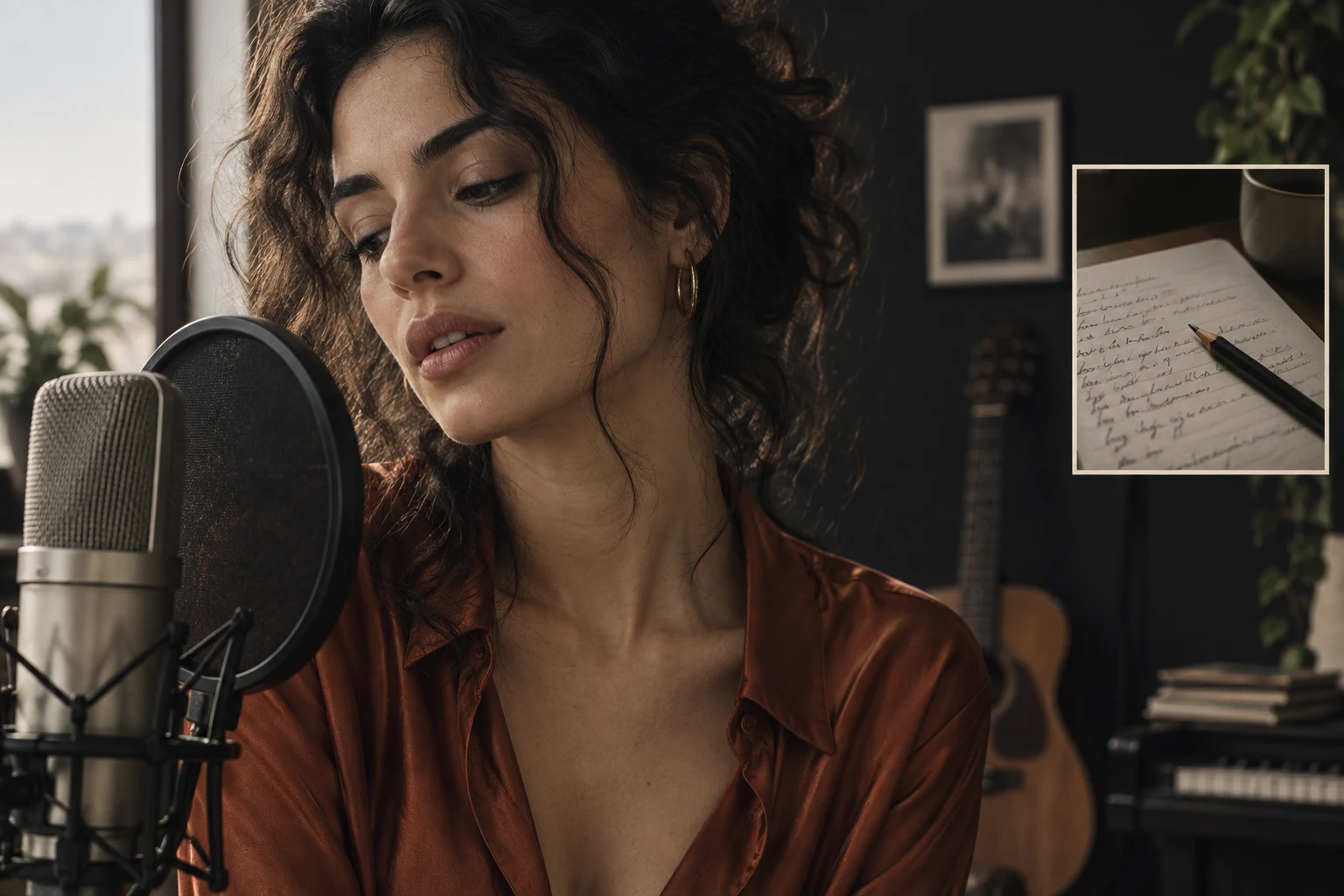
Use your lyrics as the starting point for a close vocal delivery or an acoustic arrangement. These illustrations show musical directions, not paired audio results.


DIRECT THE MUSIC · KEEP THE LYRICS
Change one musical direction, hear the effect, and keep the lyric source constant.
Use Lyrics to Song to explore a musical setting for your words. Describe the genre in Style, then listen for an arrangement that supports the story and gives the chorus room to stand out.
STEP BY STEP
Lyrics to Song starts with the words you already have—not a description to rewrite into new lyrics.
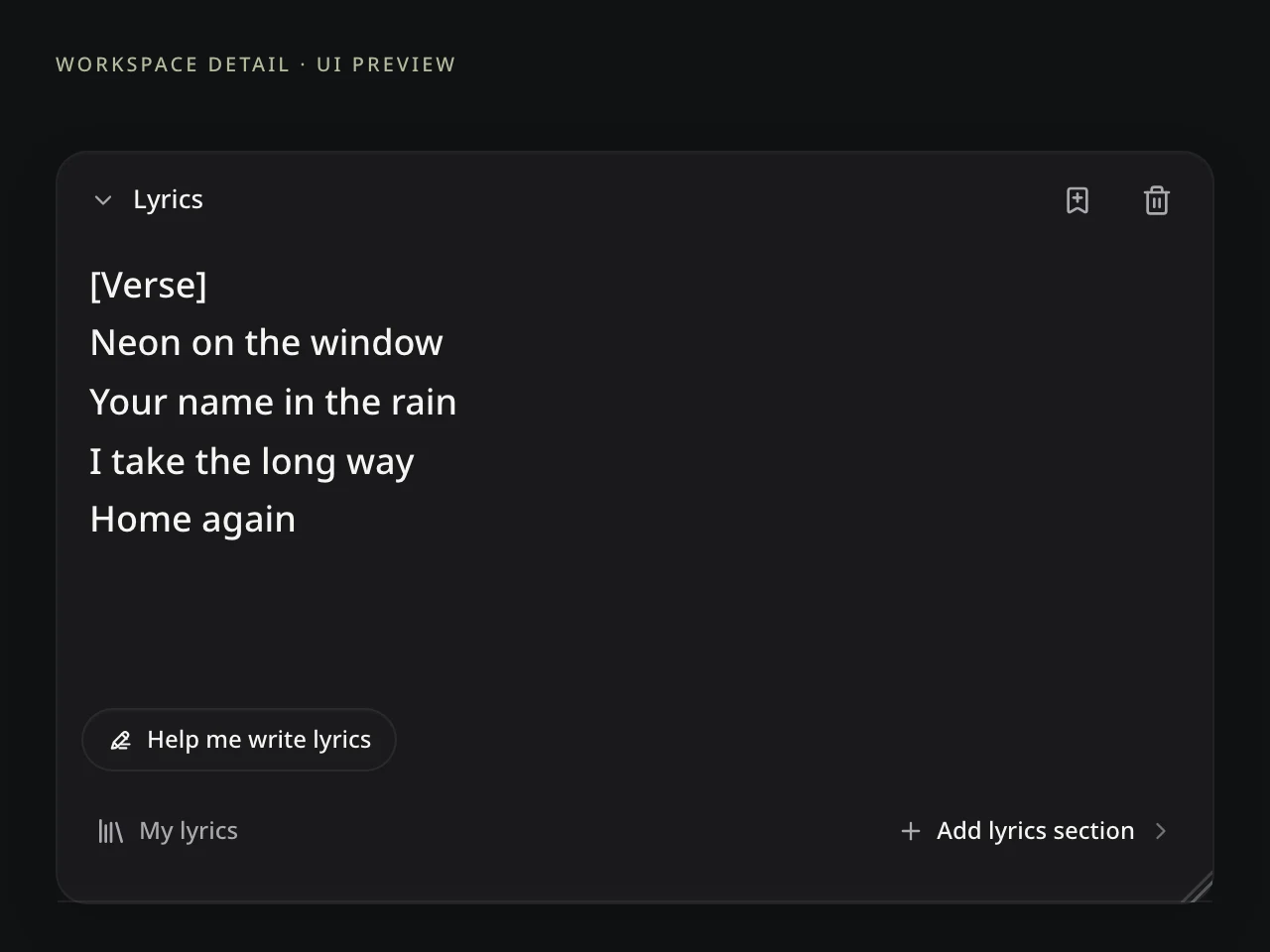
Add a complete lyric, verse, hook, poem, or rough draft to Lyrics to Song. Use supported section labels to make the intended form clear.
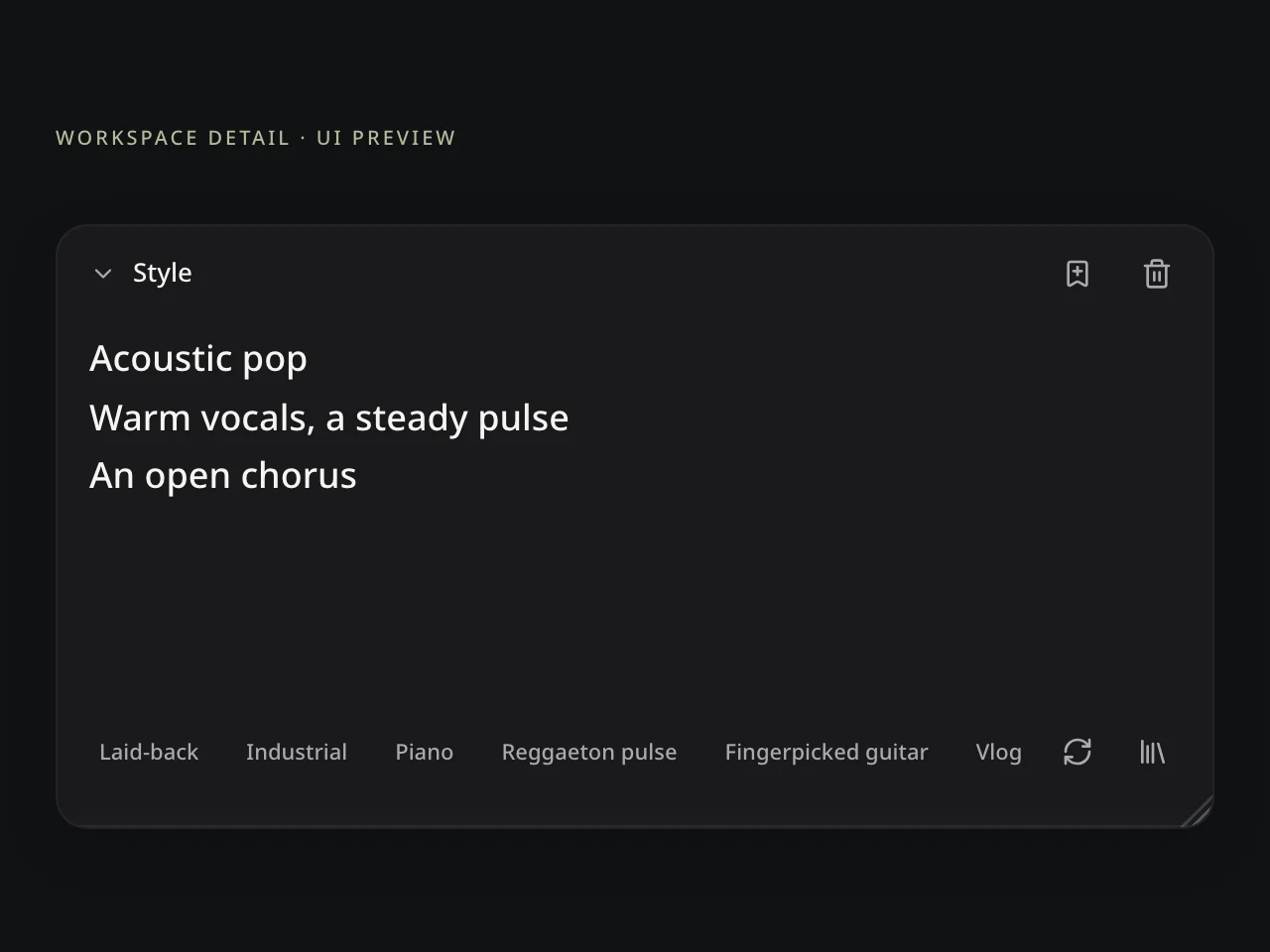
Guide the genre, mood, energy, and available voice character. Keep the submitted lyrics fixed while exploring the music around them.
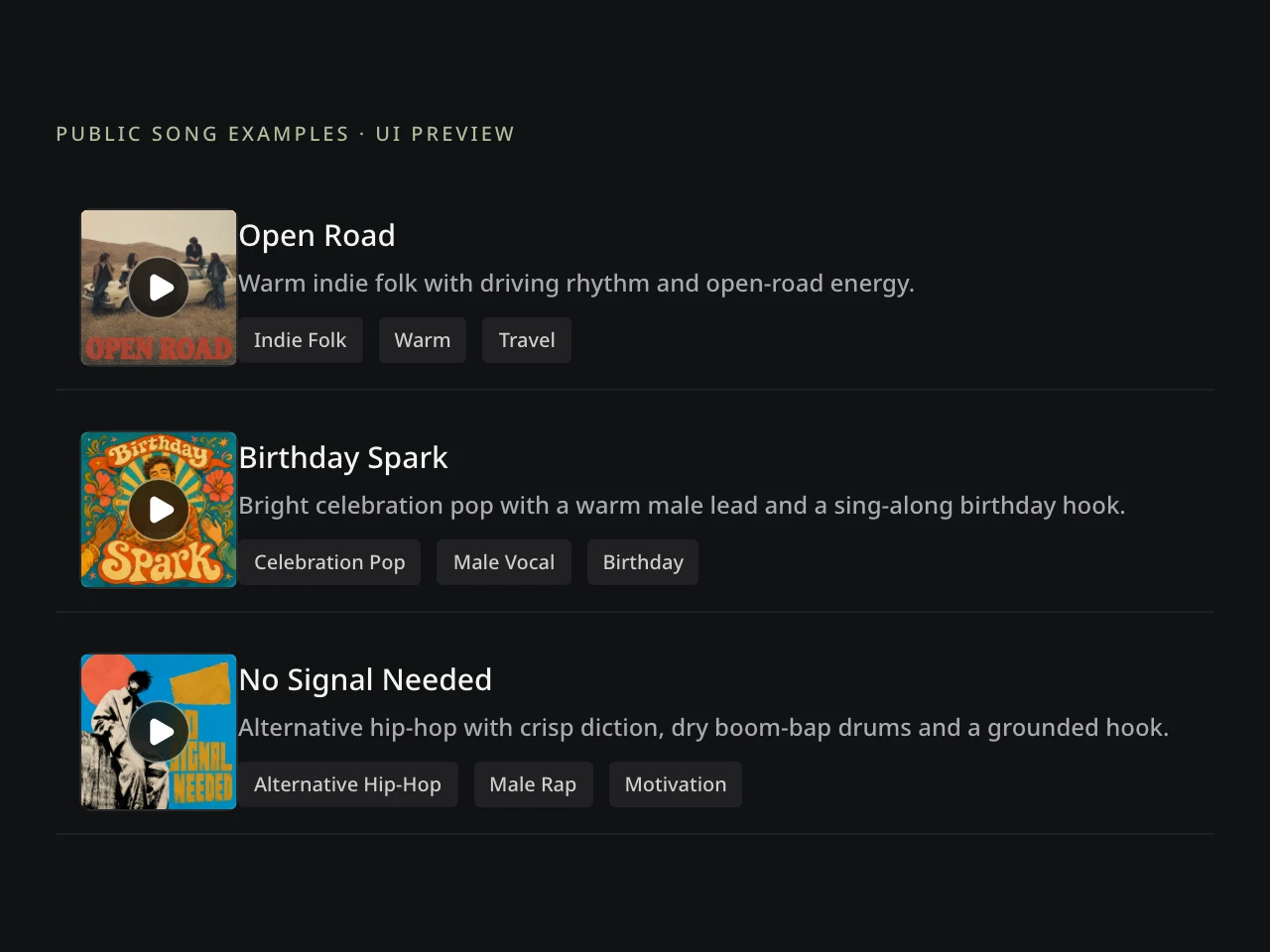
Compare Lyrics to Song results for pronunciation, phrasing, emphasis, and arrangement. Review how the words are sung before choosing a version.
WRITE FOR THE PERFORMANCE
Structure, line shape, and language still influence how fixed words are phrased and performed.
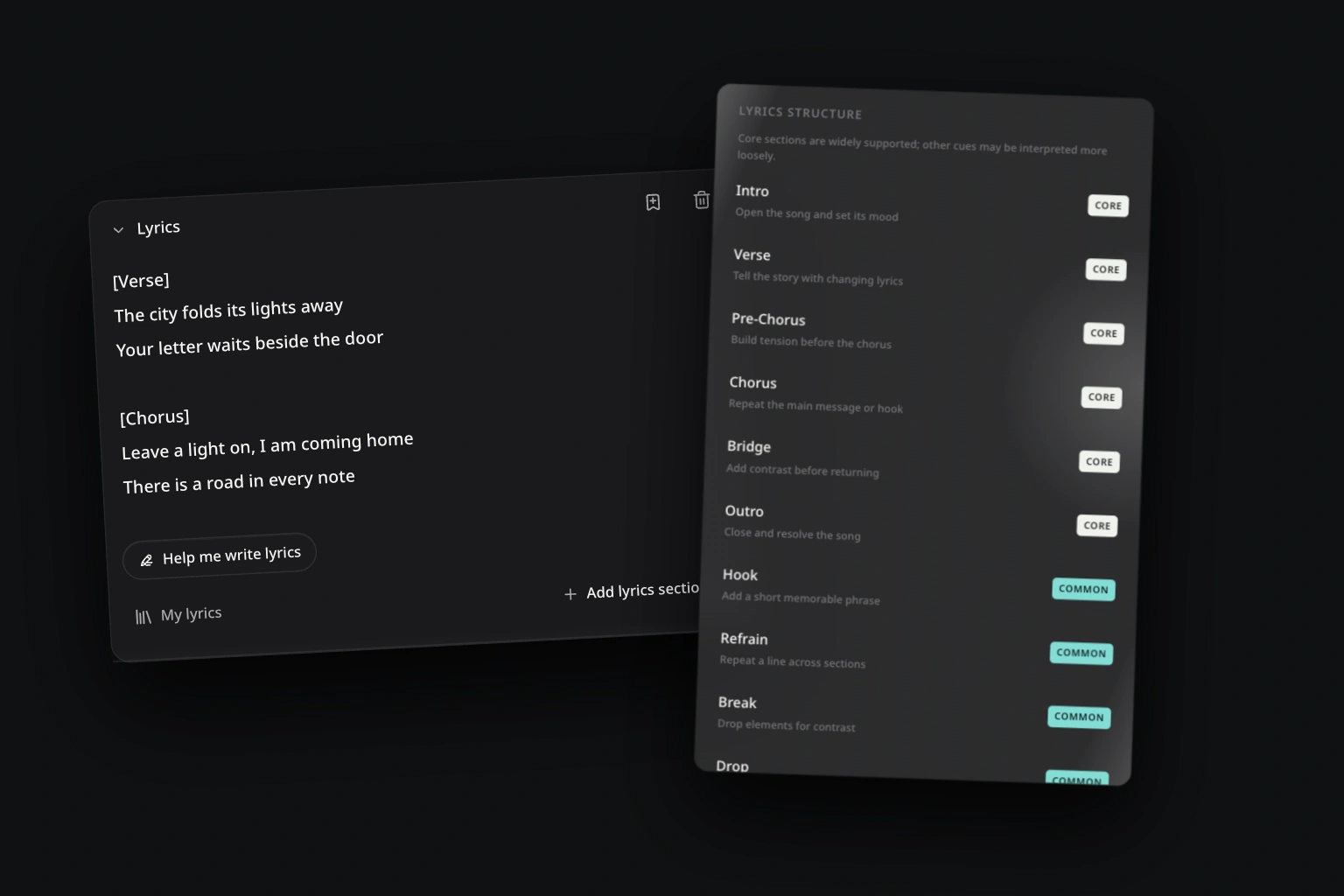
Section labels give each passage clearer structural context.
Long lines, dense punctuation, unusual spellings, and rapid language changes can affect phrasing.

Judge which result gives the hook, emotion, pacing, and section changes their best musical life.
THE SONG CAN KEEP MOVING
Carry the selected performance into the next supported task.
Songwriters can test a hook, poets can explore a musical reading, and personal creators can hear a message performed. Compare several directions before committing to the complete song.
Open a tool, then choose the song or result you want to use.Add another verse, chorus, bridge, or ending.
Restyle the selected song without losing the source relationship.
Separate available parts for another authorized workflow.
LYRICS TO SONG QUESTIONS
Answers about lyric fidelity, structure, languages, musical controls, access, and rights.
A Lyrics to Song Generator turns written lyrics into a vocal song with music. AISongsMaker keeps the submitted words intact while Genre, Mood, Energy, and Voice Type guide the melody, arrangement, atmosphere, and performance.
No. Lyrics mode keeps the submitted text intact. Musical interpretation can still affect pronunciation, phrasing, emphasis, timing, and repetition, so compare the completed versions by listening.
No. Start with complete lyrics, a hook, verse, chorus, poem, personal message, or rough draft. A smaller section is useful when you want to test the music before finishing the full structure.
Yes. Supported section labels such as [Verse], [Chorus], [Bridge], and [Outro] help communicate the intended song structure. Plain text and partial drafts are also supported.
You can submit lyrics in any language. The text stays intact, while pronunciation, phrasing, and vocal performance can vary with the language, lyrics, Voice Type, model, and generated result.
Yes. Lyrics to Song provides separate Genre, Mood, Energy, and Voice Type controls. They guide the musical direction and vocal character without guaranteeing an exact artist, celebrity, or real person's voice.
You can start with free Credits and complete an eligible core generation workflow. Current generation cost, model access, limits, result actions, and download entitlements appear in the product before you create.
Qualifying outputs created under an eligible paid plan can include royalty-free commercial-use rights, subject to the current license terms. Free-plan songs do not include commercial-use rights. Review the current plan and terms before publishing, monetizing, or using a song for a client.

YOUR WORDS · READY FOR MUSIC
Bring your words, shape the sound, and create complete versions you can compare and keep building.