Say What the Song Is About
Start with the memory, relationship, character, place, question, celebration, or conflict at the center. Text to Song needs a clear subject before it can decide what the lyrics and music should reveal.
GIVE THE IDEA SOMETHING TO HOLD ONTO
A Text to Song Generator creates a song from a prompt, story, scene, topic, mood, message, or occasion. This text-to-music workflow can produce a complete vocal song or instrumental direction for comparison.
Start with the memory, relationship, character, place, question, celebration, or conflict at the center. Text to Song needs a clear subject before it can decide what the lyrics and music should reveal.
Identify the narrator and, when it matters, who they are addressing. A first-person confession, shared memory, or outside observer gives the Text to Song Generator a different lyrical frame.
Explain how the emotion changes instead of naming only one mood. Text to Song can read “uncertain verse, relieved chorus” more specifically than a loose request for something emotional.
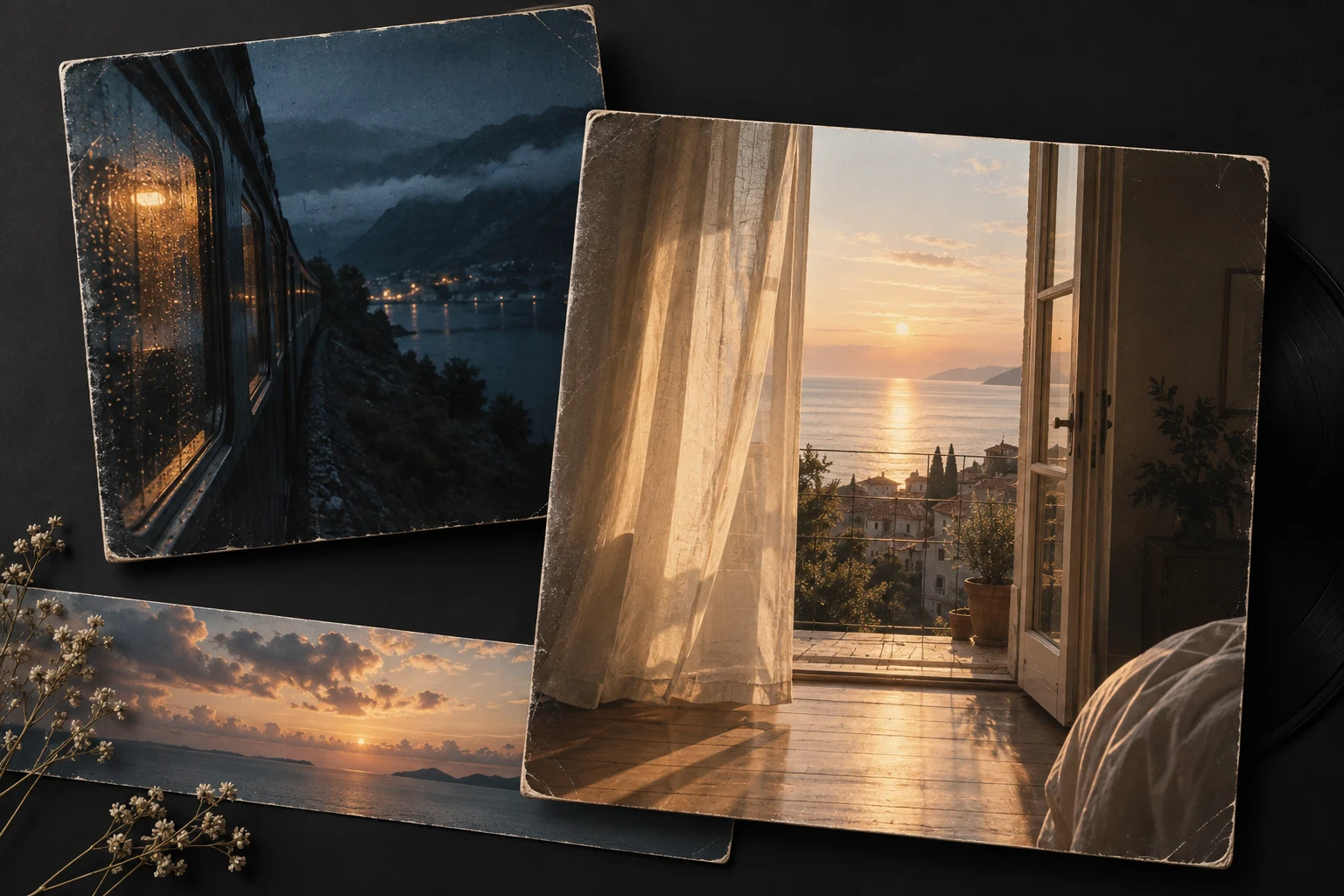
Include a concrete detail such as an empty train platform, wet city lights, a saved voicemail, or candles after midnight. A small image can give the generated lyrics and arrangement a stronger center.

Add the promise, question, phrase, or turning point that should anchor the song. Treat it as direction unless the current mode explicitly says the words will be sung exactly.
A personal song, creator theme, story moment, or instrumental scene may need a different pace and arrangement. This context helps the Text to Song workflow turn the same text-to-music brief into a more purposeful result.

KEEP THE STORY CLEAR · SHAPE THE SOUND
Let the prompt explain what the song means. Use clear controls to choose how that idea should sound, move, and perform.
SAME IDEA · DIFFERENT MUSICAL READINGS
An idea can suggest an intimate vocal or a driving instrumental arrangement. These illustrations show directions to explore in the workbench.
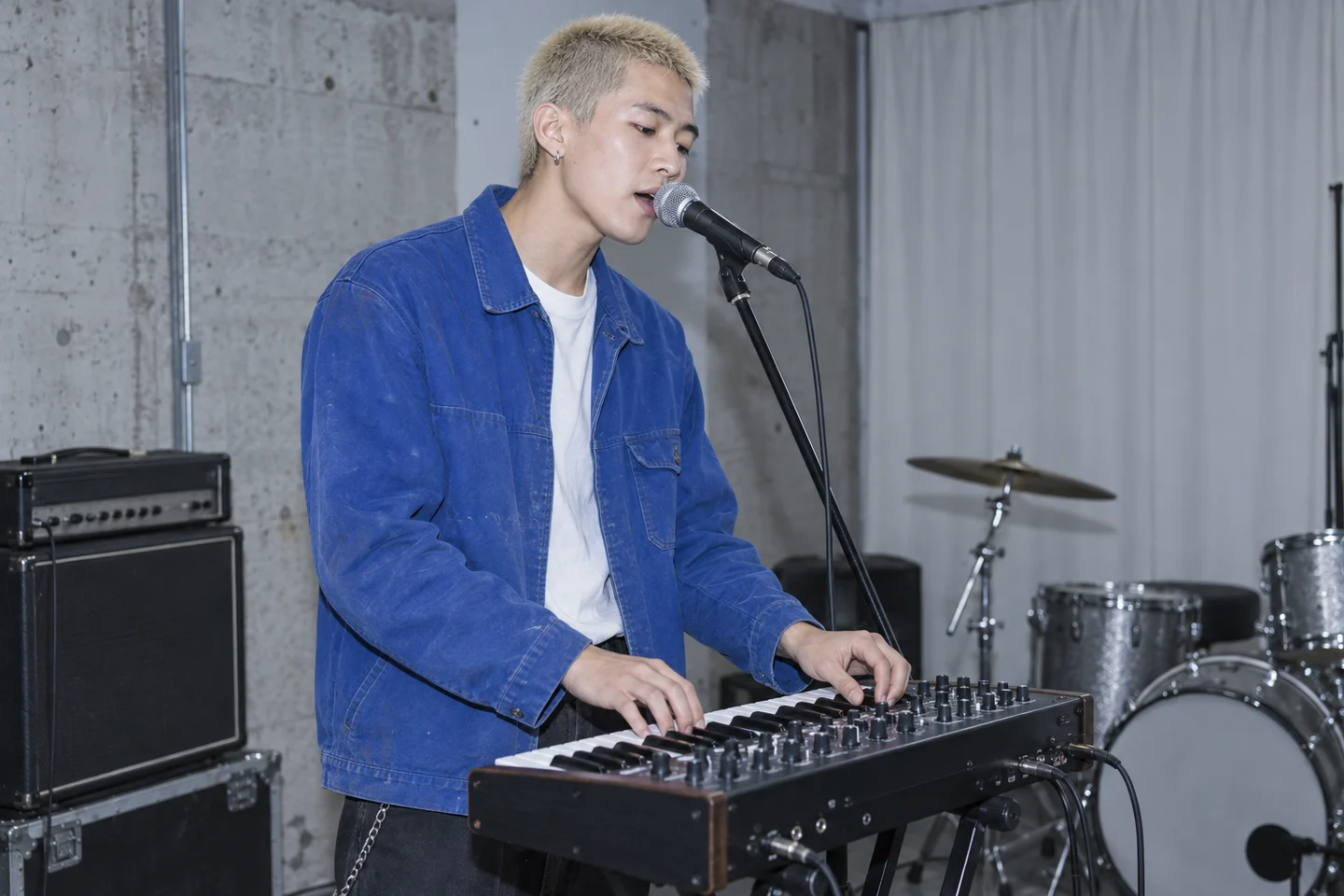
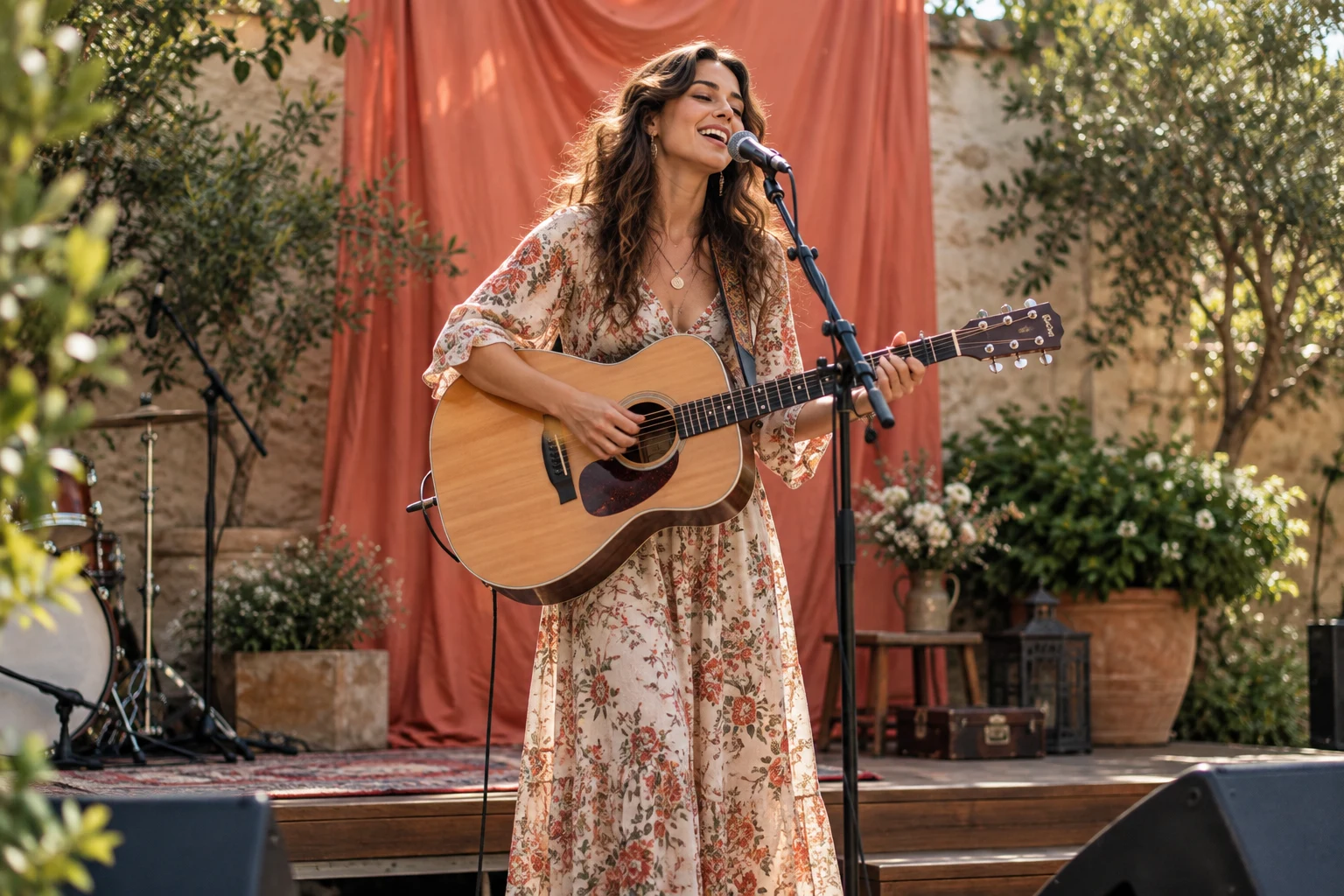
Warm guitars keep the city memory close while the chorus turns departure into release.
Open workbench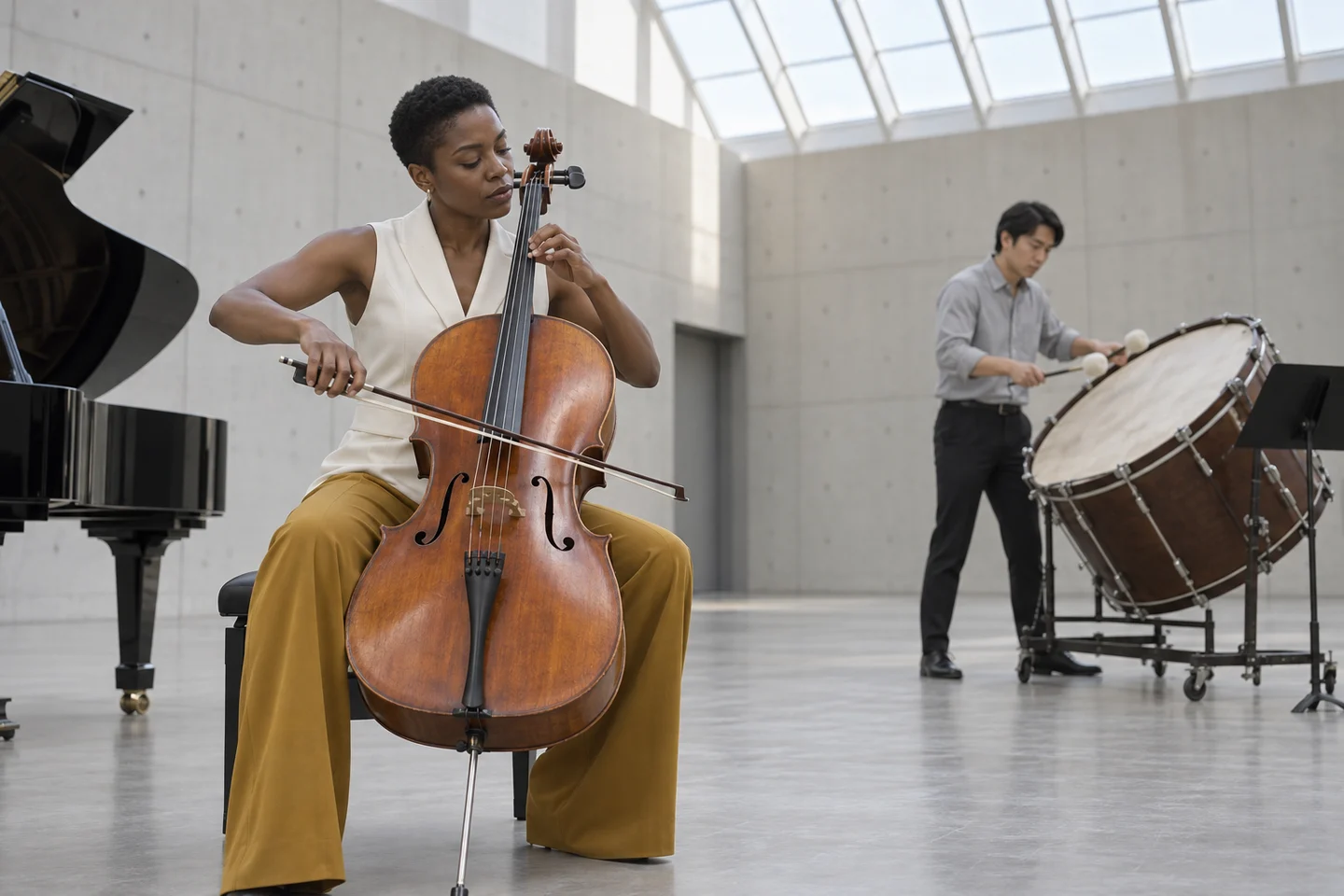
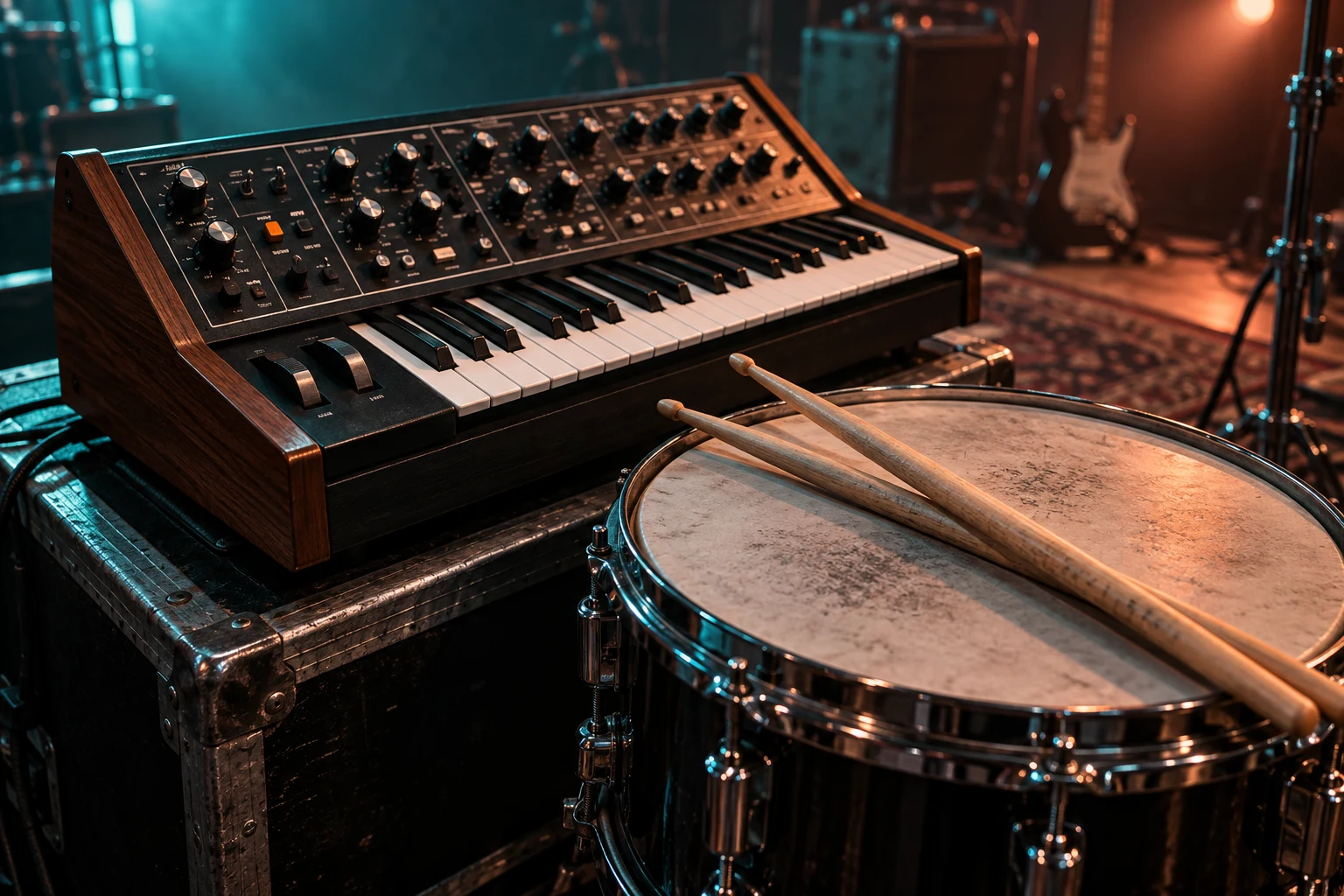
Pulsing synths translate the midnight setting into motion without relying on sung lyrics.
Open workbenchSTEP BY STEP
Start with a written idea in Text to Song, then judge the music against what you wanted to express.
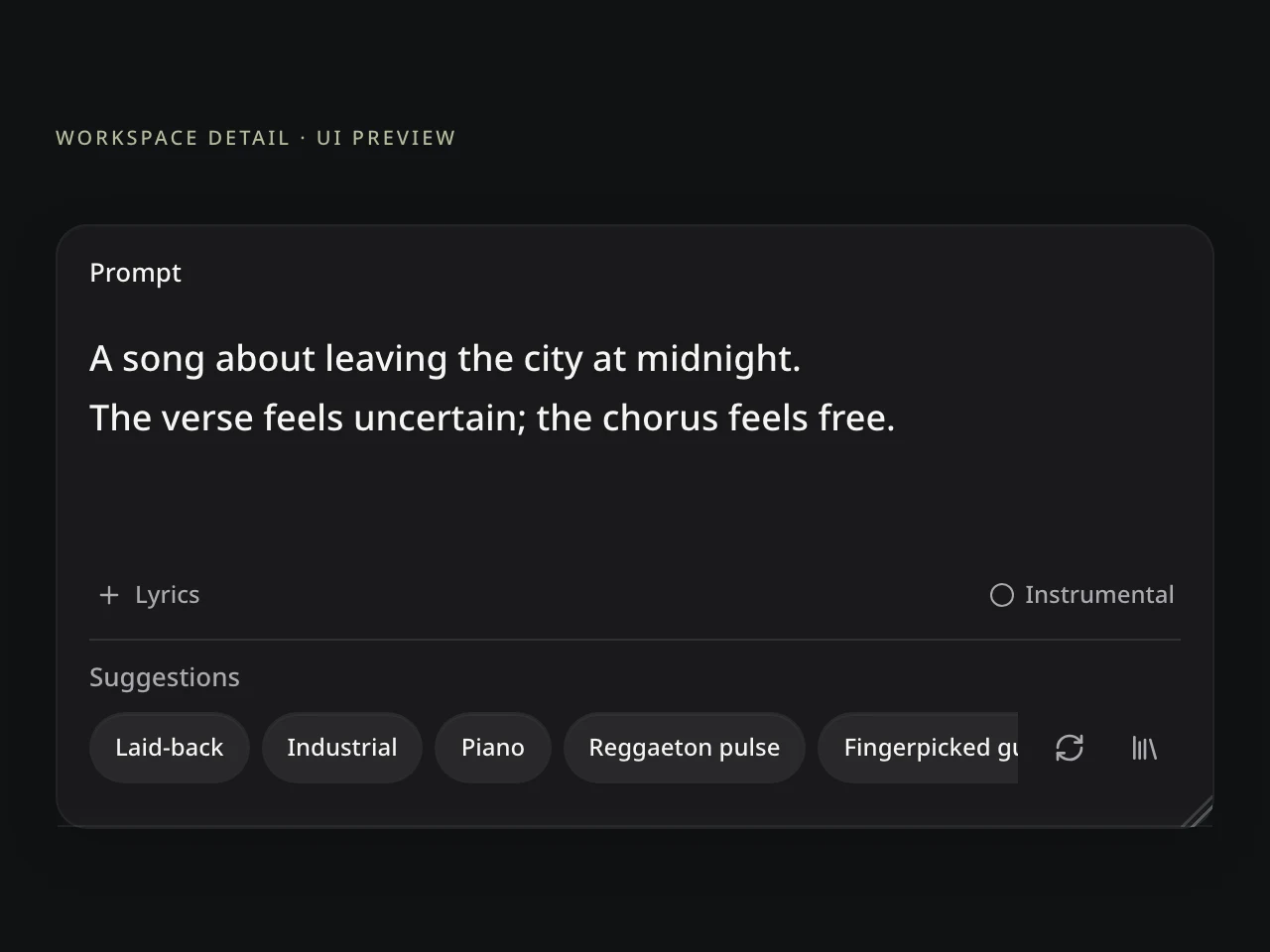
Give Text to Song a subject, speaker, setting, and emotional movement. Include one concrete detail or original phrase that matters.
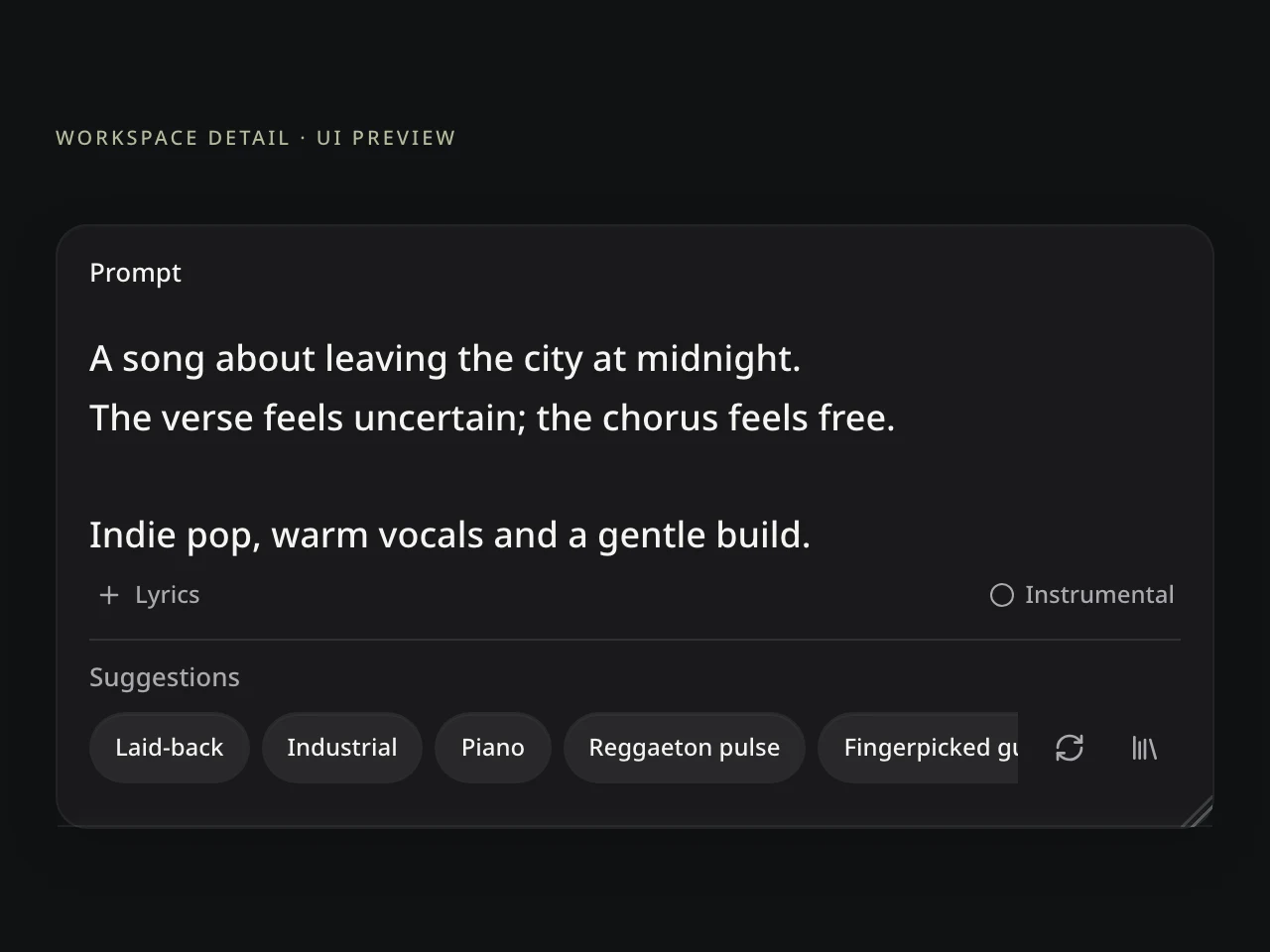
Choose the available style and vocal or instrumental direction. Describe the mood and energy without turning the prompt into a production manual.
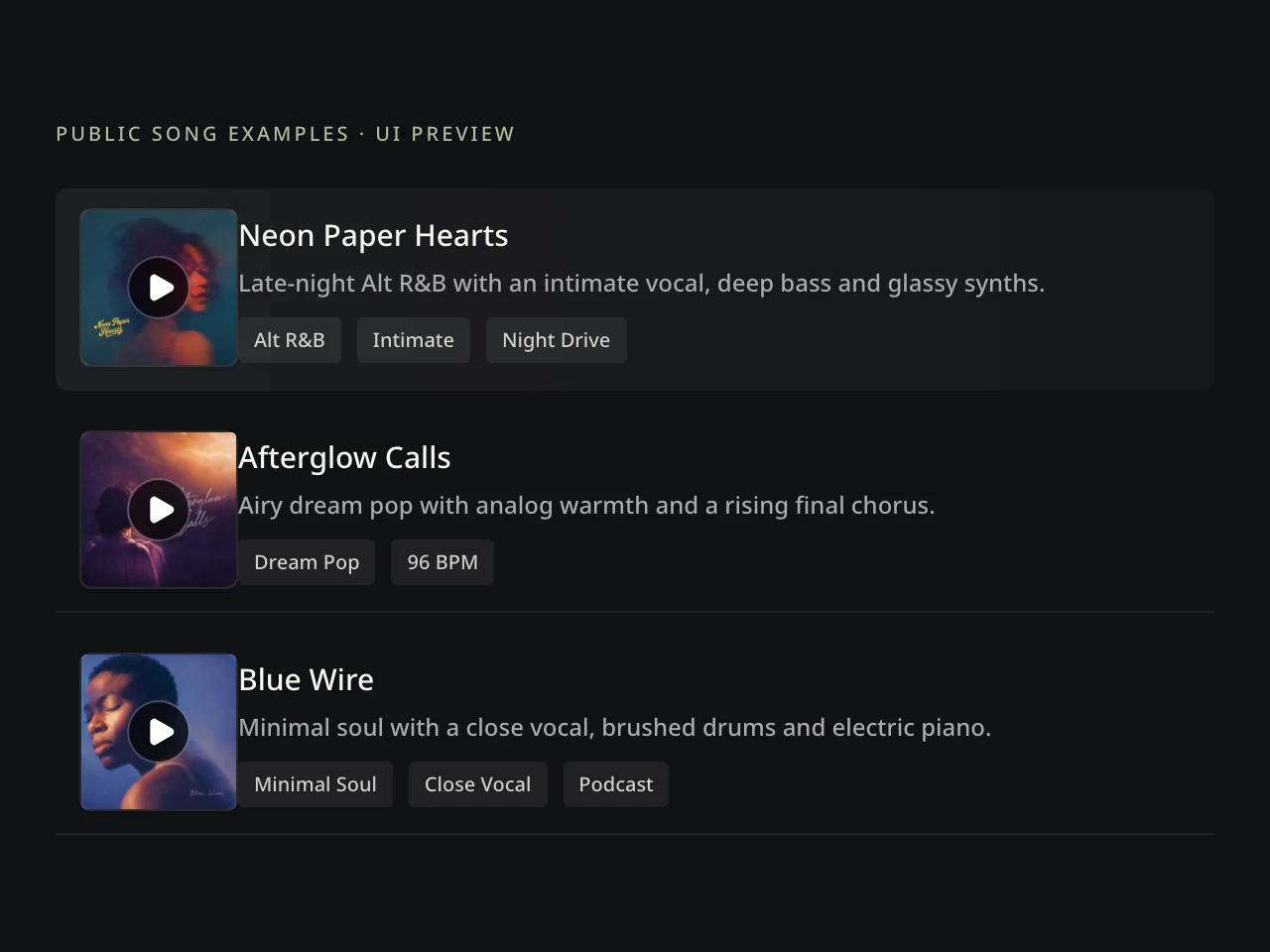
Listen for the promise of the idea. If a detail is missing, revise that signal and compare another Text to Song interpretation.
LISTEN FOR THE IDEA, NOT JUST THE POLISH
The strongest result is the version that turns the important meaning into a convincing musical decision.
Ask whether the subject, emotional movement, and must-have message remain easy to feel.
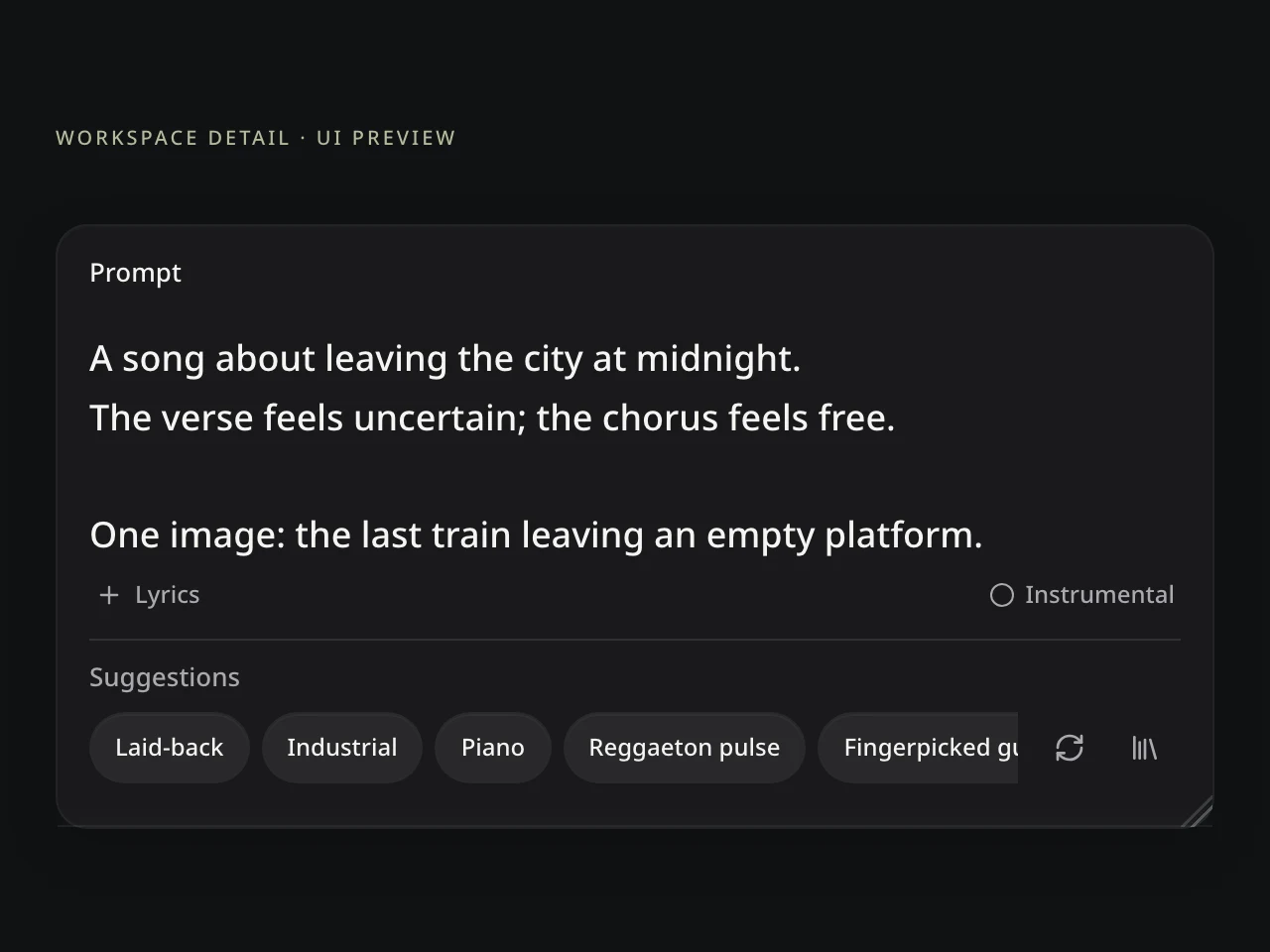
When a version sounds good but misses the idea, change the smallest missing instruction.
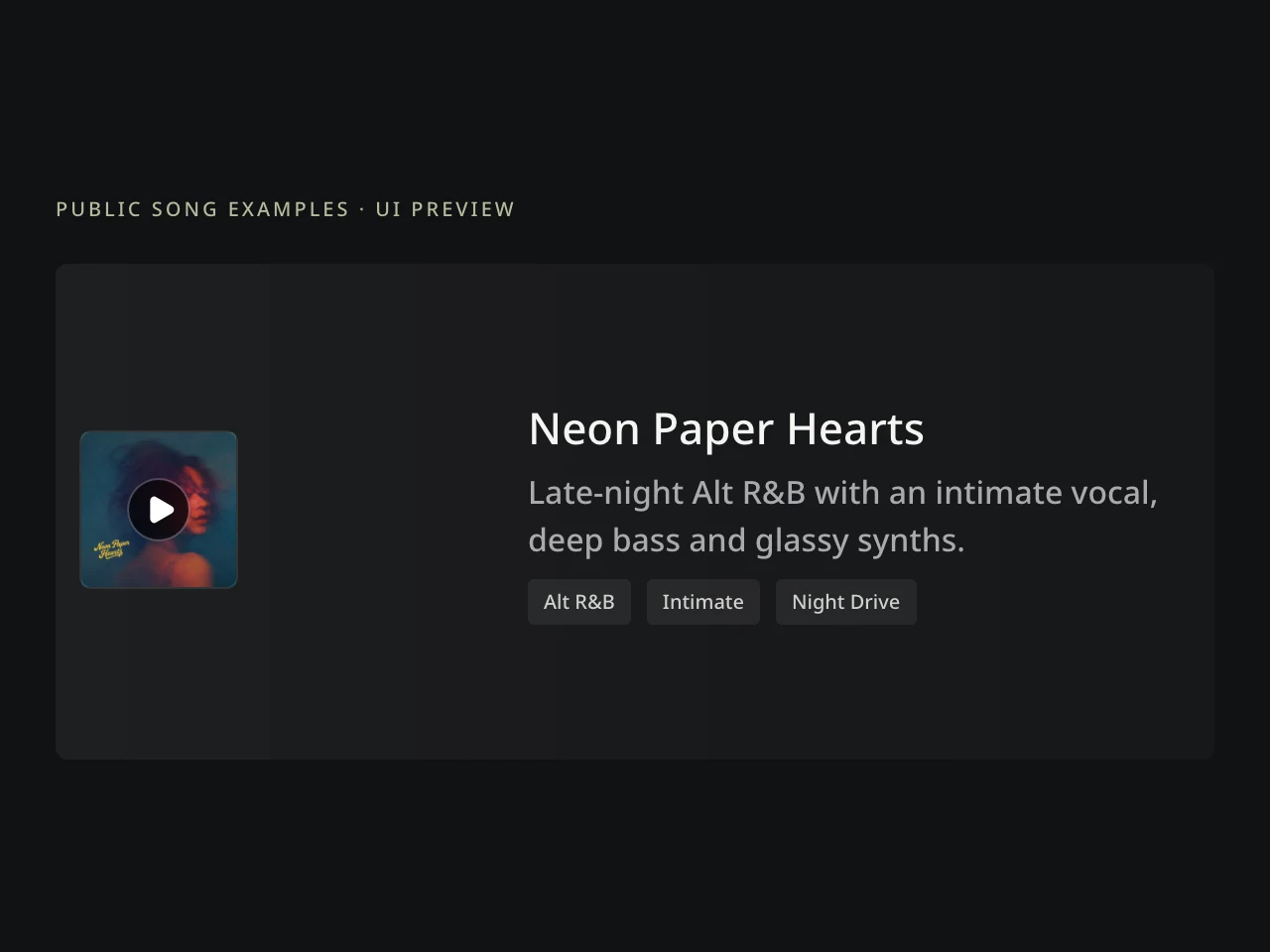
Choose the lyrics, voice, arrangement, and energy that give the idea the clearest future.
THE SONG CAN KEEP MOVING
Improve the selected result instead of restarting the whole project.
Personal songwriters can turn a memory into a song; creators can shape a theme; storytellers can develop an instrumental scene. Choose the next tool only when the result needs it.
Open a tool, then choose the song or result you want to use.Develop another verse, chorus, bridge, or ending.
Shape and edit the words before turning them into music.
Separate available vocal and instrumental parts.
TEXT-TO-SONG QUESTIONS
What to write, how controls affect the result, and when another workflow fits better.
A Text to Song Generator creates a song from a prompt, story, scene, topic, mood, message, or occasion. This text-to-music workflow can produce a complete vocal song or instrumental direction for comparison.
Open Text to Song and describe the subject, speaker, setting, and emotional movement in plain language. Choose Genre, Mood, Energy, Voice Type, and Vocals or Instrumental, then create and compare the versions. This is a direct way to create music from text without writing a production brief.
Include what the song is about, who is speaking, how the feeling should change, and one or two concrete details. Add a must-have message or original phrase when it matters, while leaving Genre, Mood, Energy, Voice Type, and Song Type in their own controls.
No. Text to Song is designed for an idea that does not yet have complete lyrics. In the vocal workflow, the system can develop lyrics around the prompt rather than singing the description word for word.
Use Lyrics to Song when every submitted word must remain intact. Text to Song interprets an idea and may generate or organize words around it, while the Lyrics to Song workflow treats your supplied lyrics as the fixed creative input.
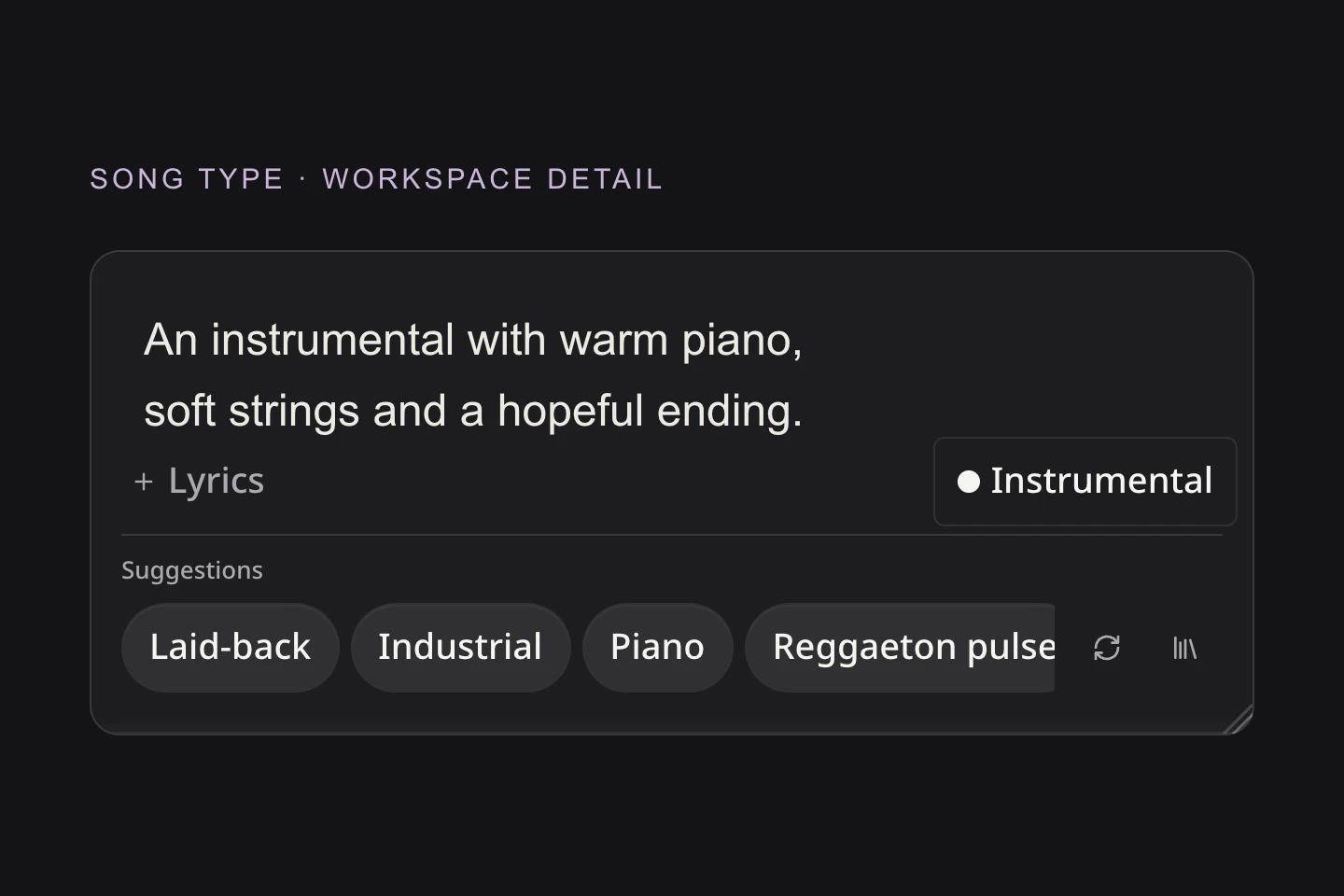
Lyrics to SongYes, when Instrumental is available as the selected Song Type. Describe the scene, pace, emotion, and intended use so Text to Song can translate the idea into a text-to-music arrangement without generated singing.
Genre sets the musical foundation, Mood shapes the atmosphere, Energy guides intensity and movement, and Voice Type guides vocal presentation. Together, they help the AI Song Generator From Text interpret how the idea should sound without crowding the prompt with production tags.
Yes. Text to Song can create variations from the same idea. Compare which subject details, emotional cues, lyric choices, vocal character, and arrangement each result emphasizes, then keep the version that best serves your goal.
The Text to Song Generator works online in your browser. Available free credits may cover a meaningful core generation where shown; current cost, models, limits, formats, and download access appear in the workbench. Free access does not automatically include commercial rights.
Royalty-free commercial use is available only for qualifying creations under an eligible paid plan and the current AISongsMaker terms. You remain responsible for the prompt, submitted phrases, names, references, samples, and other material used. Review current plans and commercial-use terms before release.
Review current plans and commercial-use termsKeep the preferred Text to Song version in My Songs when supported. You can continue it with the AI Music Extender, explore another style with the AI Song Cover Generator, separate available parts with Stem Splitter, or revise the prompt and compare another interpretation.
continue it with the AI Music Extender
YOUR IDEA IS ENOUGH TO BEGIN
Describe what the music should mean, shape how it should sound, and keep building from the version that understands the idea best.